
YouTube thumbnails from the best frame in your video
Pick the frame that tells the story, add a title people can read on a phone and your channel logo, and export a 16:9 thumbnail ready to upload.
What YouTube asks for
From YouTube's own help page on video thumbnails.
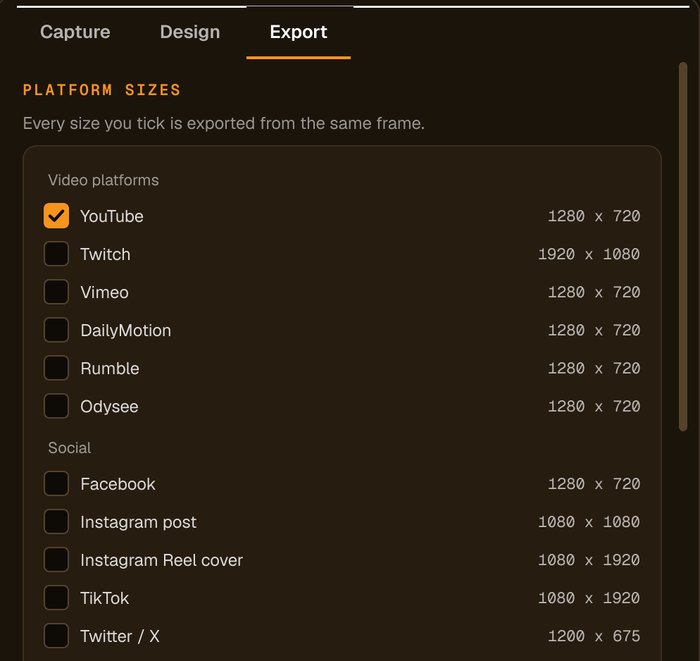
16:9. YouTube recommends 3840 × 2160 and needs at least 640 pixels wide. The preset makes 1280 × 720; add a custom size for larger (the 2 MB option applies to the YouTube preset).
JPG or PNG. Up to 50 MB when uploading from a computer, 2 MB from the mobile app. The app can keep YouTube files under 2 MB.
Your account must be verified. YouTube may limit custom thumbnails for some channels.
YouTube Studio > Content > choose the video > Thumbnail > Upload file.
Sources: YouTube Help: add video thumbnails. Platforms change their rules, so check before you upload.
How to make a YouTube thumbnail from your video
Add your videos
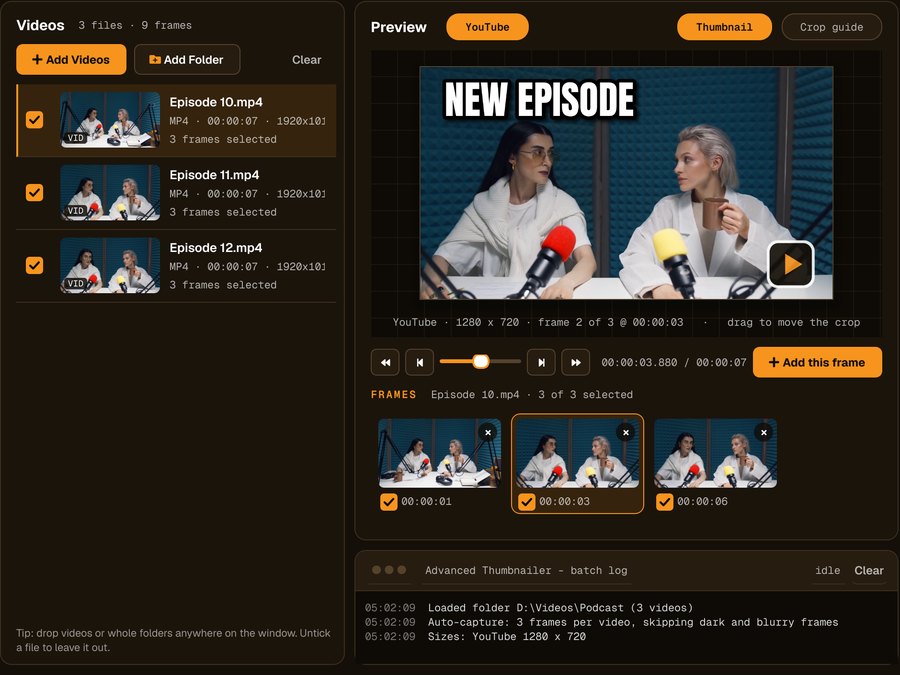
Click Add Videos or Add Folder, or drag files onto the window. If you turned it on when installing, you can also right-click a video in File Explorer and choose Make thumbnails with Advanced Thumbnailer.
Pick the frame
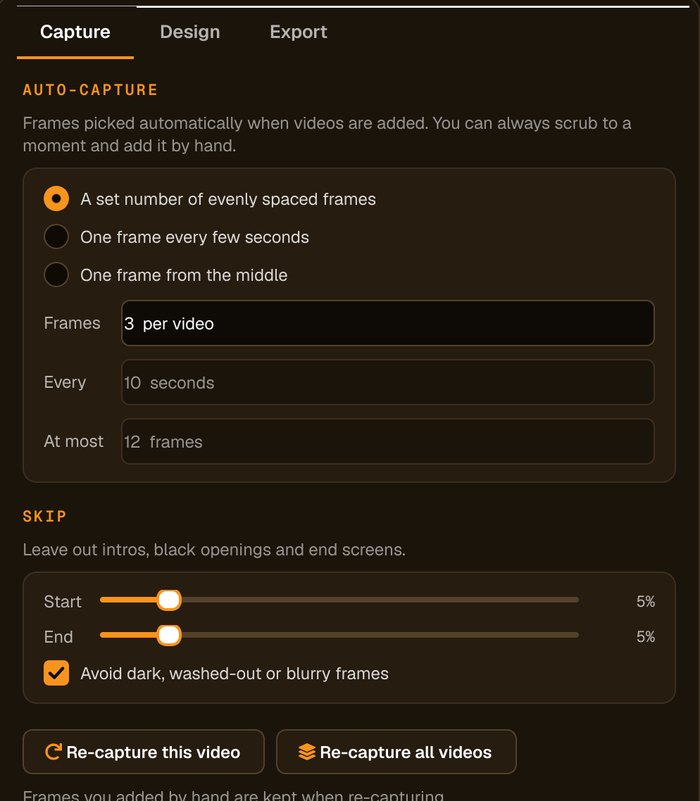
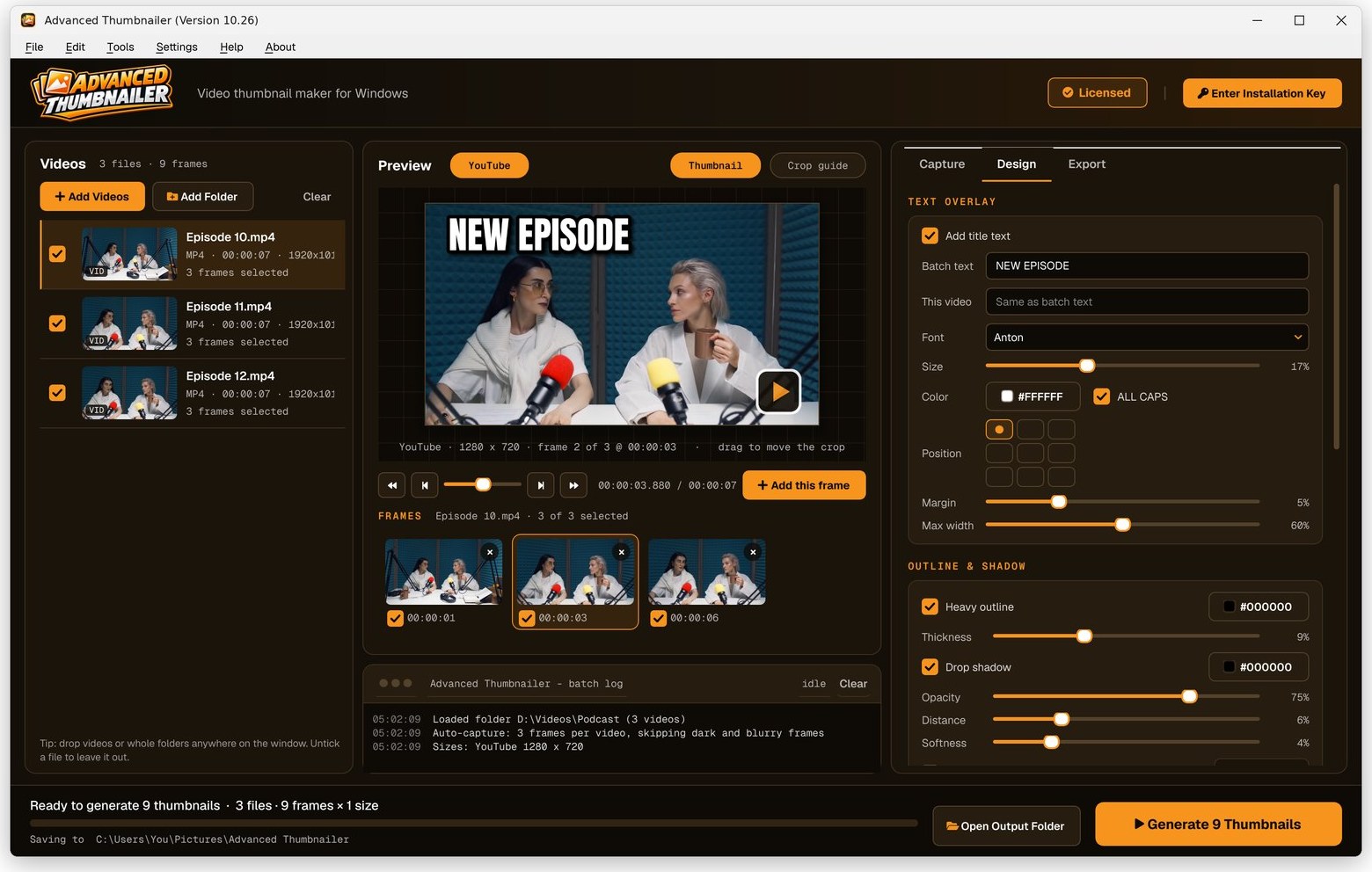
Auto-capture picks frames for you and avoids dark, washed-out or blurry ones. Scrub to any other moment and click Add this frame.
Add your title and logo
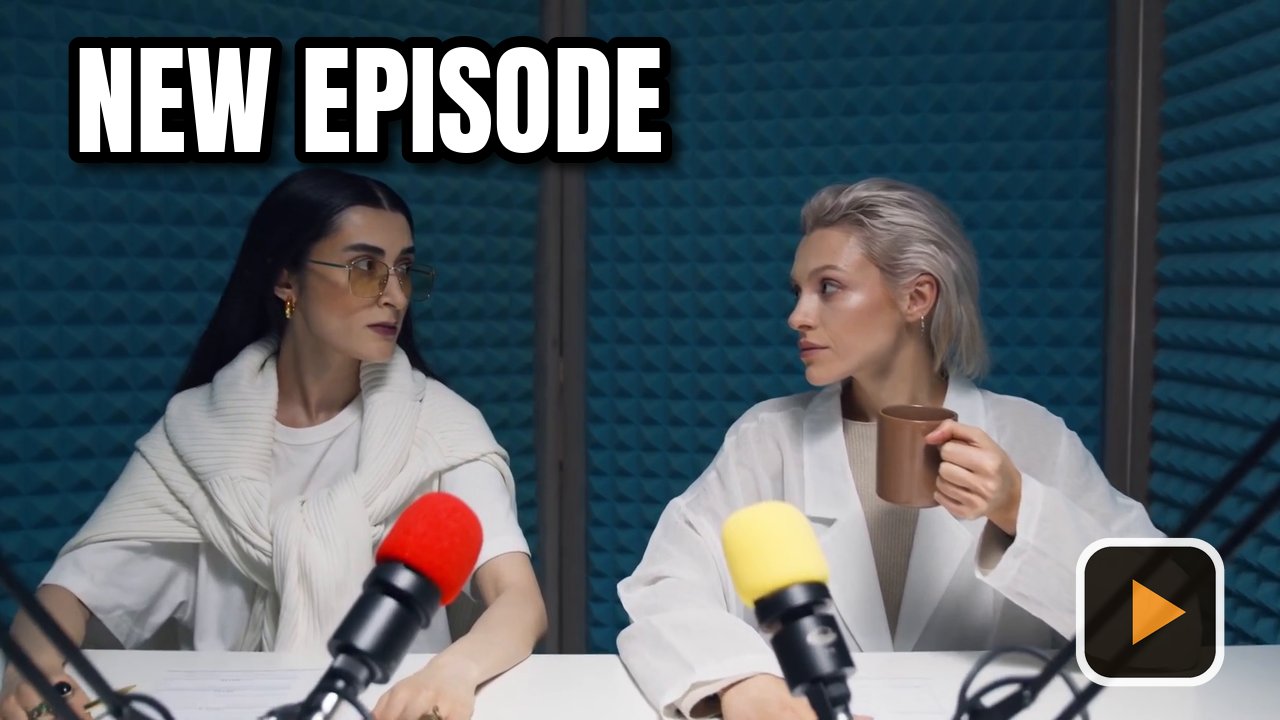
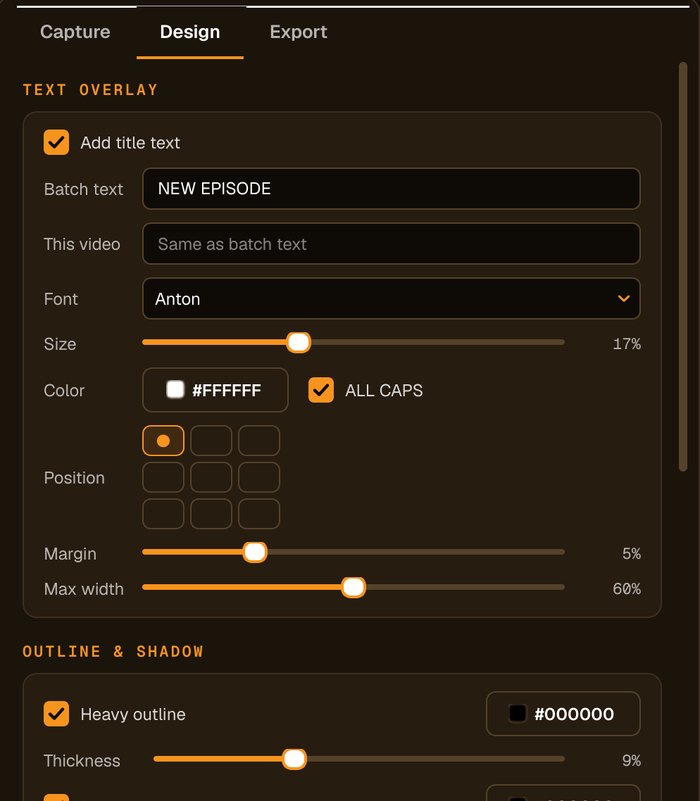
Type the title, choose the font, size and colour, add an outline, shadow or highlight box, and place your logo in any corner.
Tick YouTube and Generate
Tick the YouTube preset and press Generate. Leave Keep YouTube thumbnails under 2 MB on if you upload from your phone.
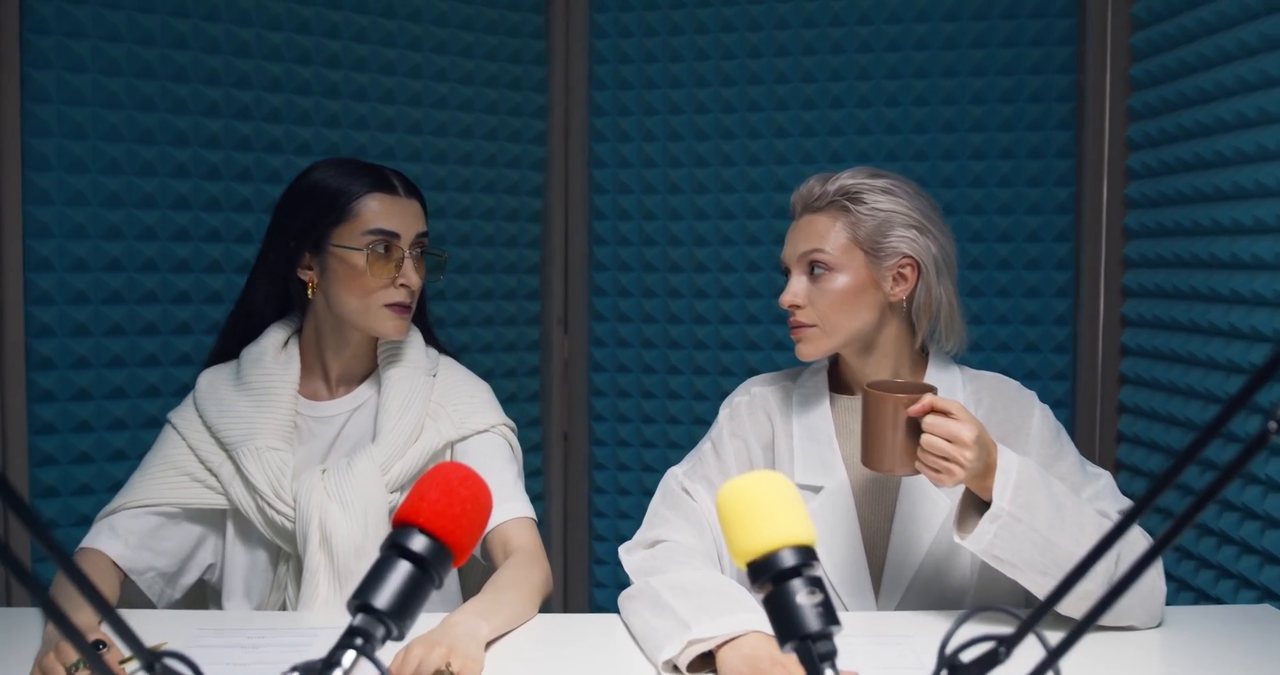
Your episode, your frame, your style
The live preview shows the thumbnail at YouTube's shape while you scrub, so you can see exactly what viewers will get.
Built for channels that post every week
Real frames, full resolution
No screenshots of a player window. Frames come straight from the video file.
Readable at phone size
Heavy outline, drop shadow and an optional highlight box keep your title clear on small screens.
Your logo on every thumbnail
Place your channel logo in any corner at the size and opacity you choose.
Same style every week
Your design is remembered between sessions, ready for next week's video.
Who it's not for: if you want to build thumbnails from stock photos and templates, a design app suits you better. Advanced Thumbnailer starts from your own video.
One license. Every preset. Yours to keep.
Get Advanced Thumbnailer
You'll go straight to your download page once payment is confirmed, and we'll email your download link and license key.
Buy now · $39.95Already purchased? Get your download link again
One-time payment · instant download
- InputVideo and image files
- Presets18 + custom sizes
- Works onWindows 10 & 11
- UpdatesFree
- Activations1 PC
- DeliveryDownload + key by email
YouTube thumbnail questions
What size is a YouTube thumbnail?
YouTube asks for 16:9 and recommends 3840 × 2160, with a minimum width of 640 pixels. The YouTube preset makes 1280 × 720, and you can add a custom size if you want larger.
Why does my thumbnail need to be under 2 MB?
YouTube allows up to 50 MB from a computer but only 2 MB from the mobile app. The app can keep YouTube thumbnails under 2 MB so they upload either way.
Why can't I upload a custom thumbnail?
YouTube needs your account to be verified first, and can limit custom thumbnails for some channels. Check the thumbnail section in YouTube Studio.
Can I use the same frame for Shorts?
Yes. Tick the 9:16 vertical preset as well and you get a vertical version from the same frame.
More from Advanced Thumbnailer
Every upload, a thumbnail that matches the video
Real frames, readable titles and your logo, ready for YouTube Studio.
Get Advanced Thumbnailer · $39.95