
Instagram Reel covers that look good in your grid
Export a 1080 × 1920 Reel cover and a 1080 × 1080 square from the same frame, so your Reel looks right in the Reels tab and on your profile grid.
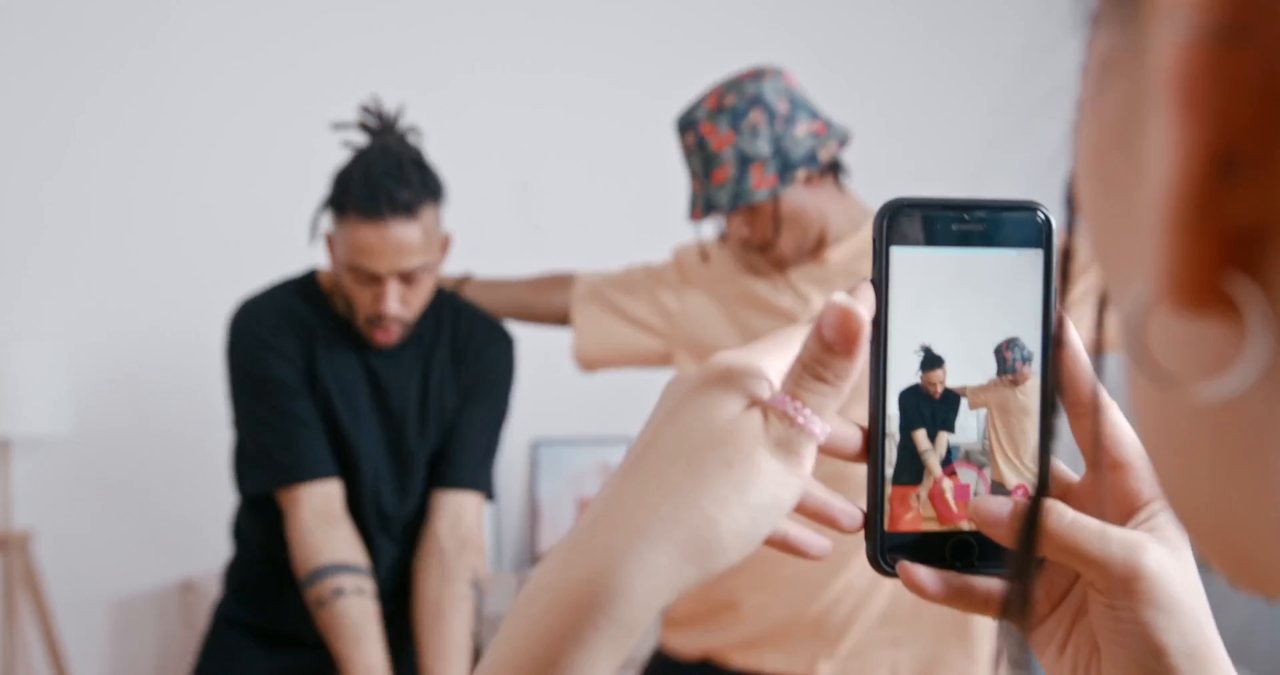
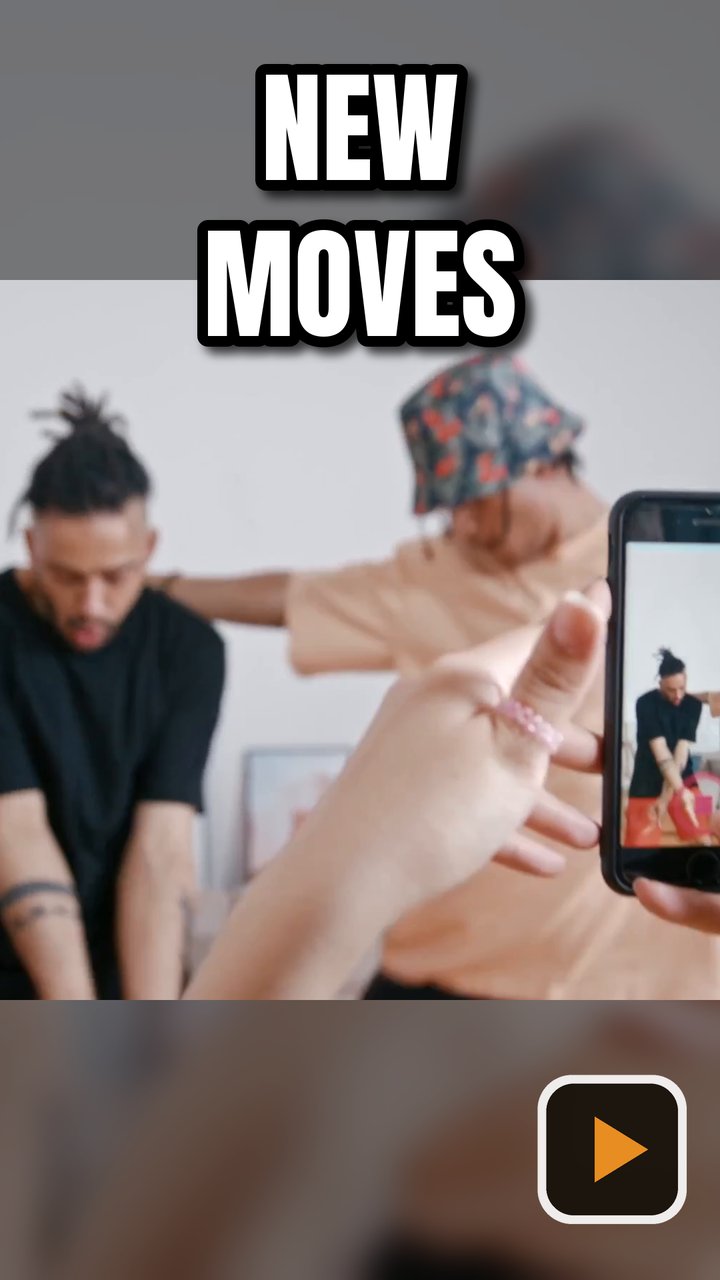
How Instagram shows a Reel cover
One cover, three crops.
Shows the full 1080 × 1920 cover.
Crops the cover to 4:5.
Crops it to a square, so keep faces and the action in the centre.
Tap Cover when sharing and add an image from your camera roll, or later: open the Reel > ... > Edit > Cover.
Sources: Later: Instagram Reels cover photos. Platforms change their rules, so check before you upload.
Reel cover and grid square from one frame
The square keeps your profile grid tidy even though the Reel itself is vertical.
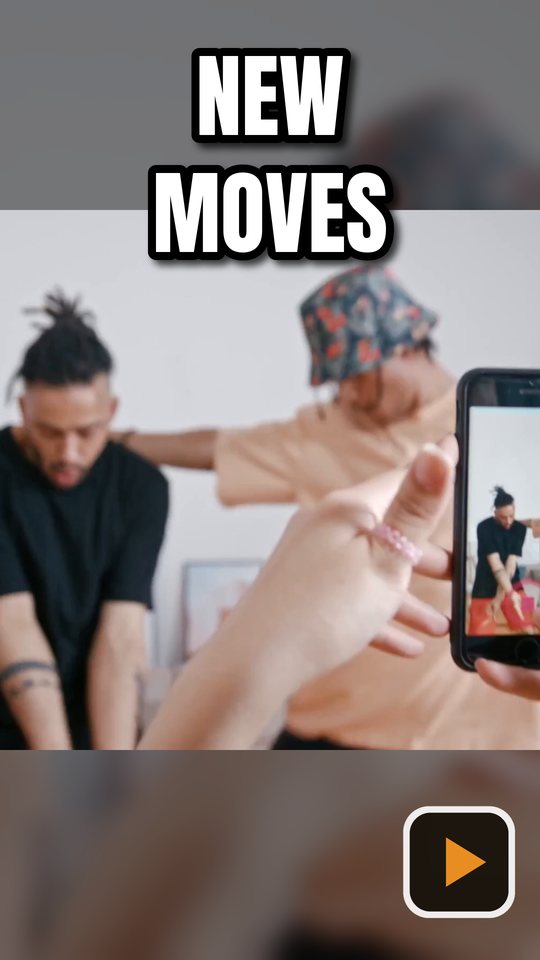
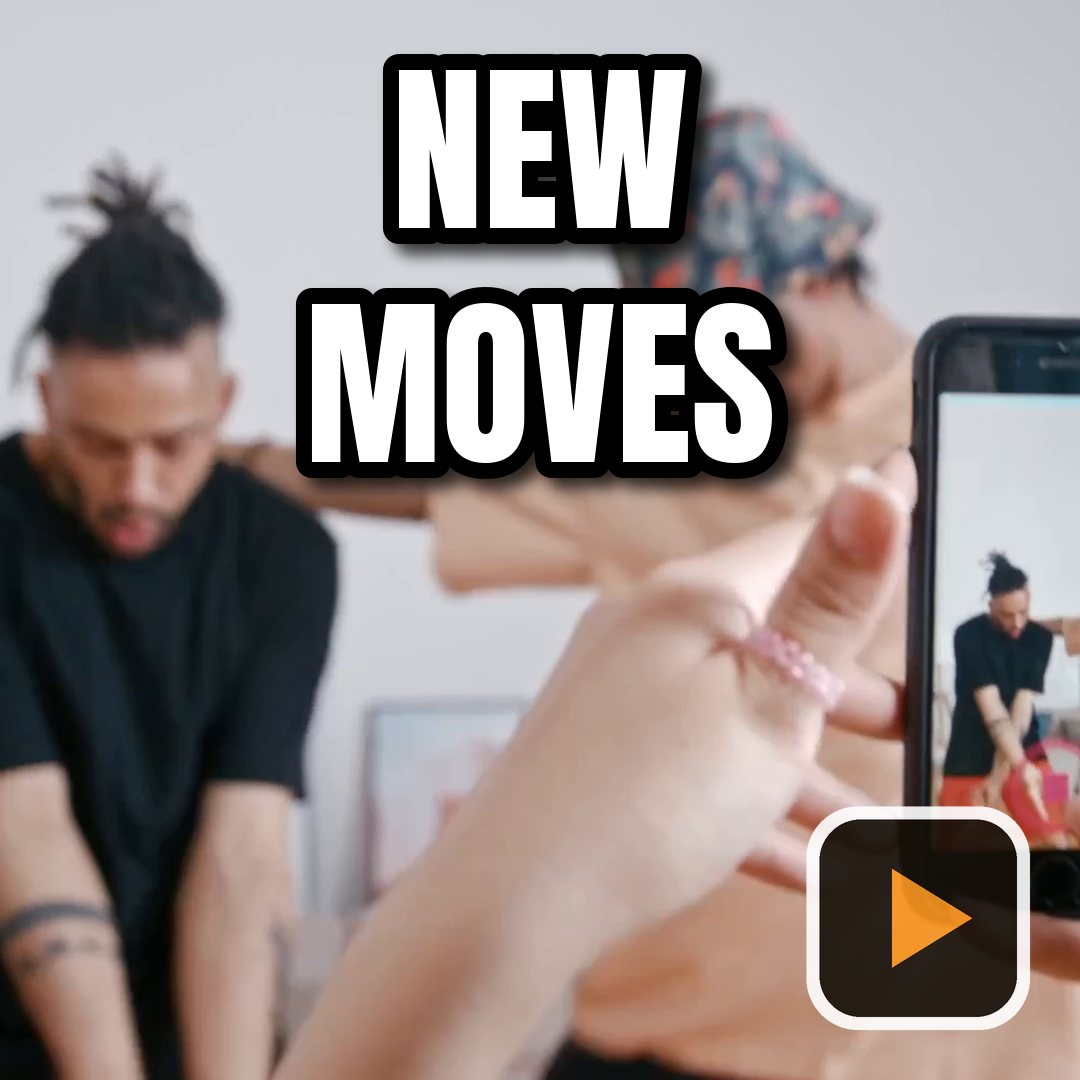
How to make an Instagram Reel cover
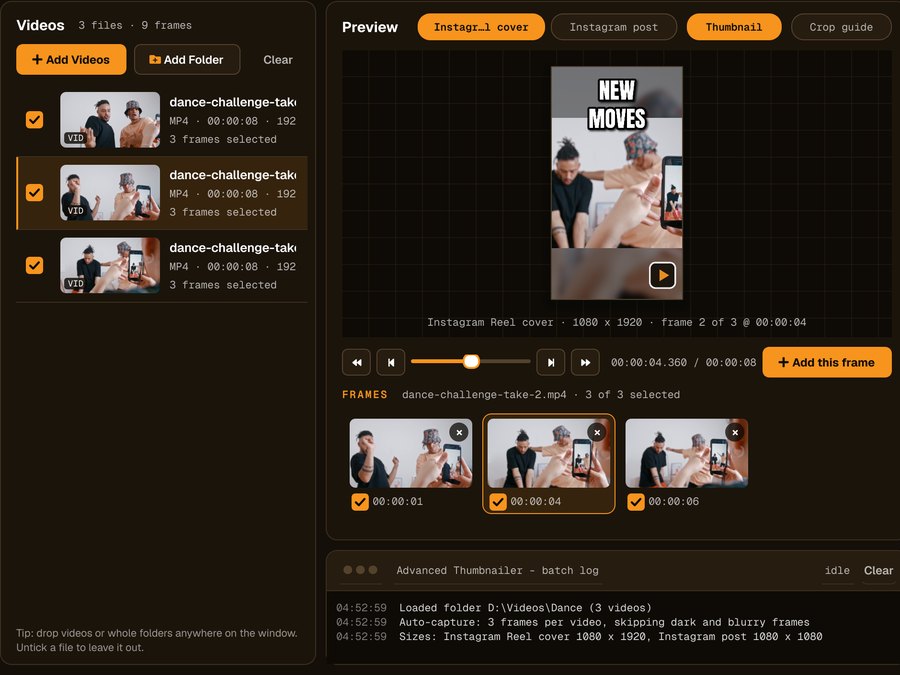
Add your videos
Click Add Videos or Add Folder, or drag files onto the window. If you turned it on when installing, you can also right-click a video in File Explorer and choose Make thumbnails with Advanced Thumbnailer.
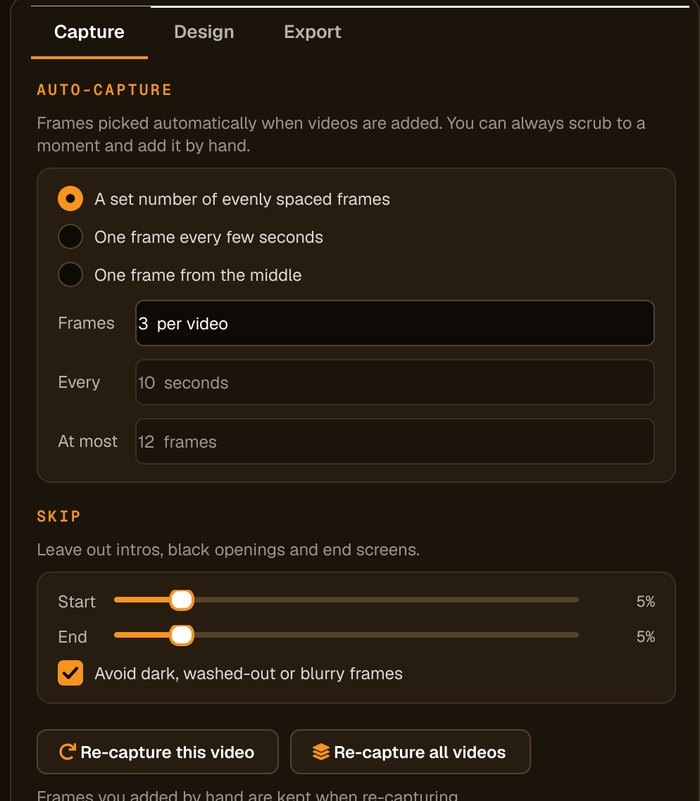
Pick the frame
Auto-capture picks frames for you and avoids dark, washed-out or blurry ones. Scrub to any other moment and click Add this frame.
Keep the action central
The grid shows a centre square and the feed a 4:5 crop, so keep faces in the middle and the title short.
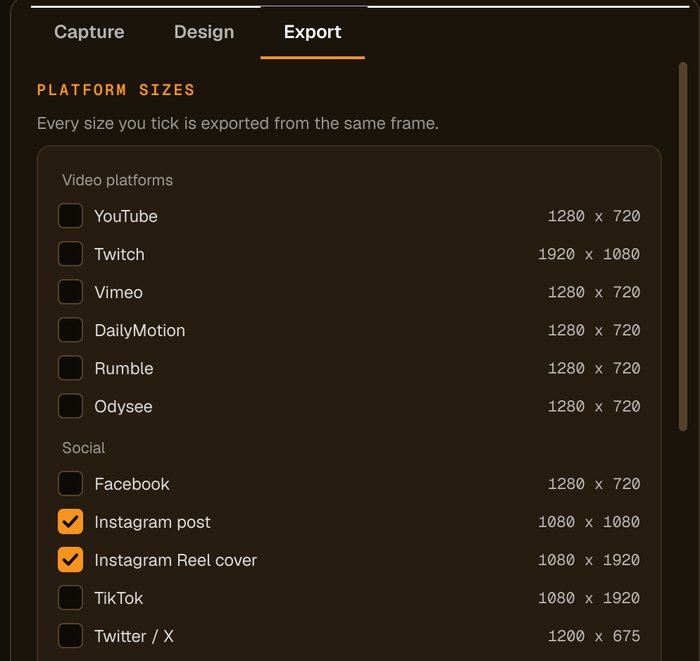
Tick Reel cover and Instagram post
Tick both presets and press Generate. Add the Reel cover from your camera roll when you share.
For creators who plan their grid
Grid-safe framing
Keep the action in the centre and the cover works in the grid, the feed and the Reels tab.
Square and vertical together
Both shapes from the same frame, so your grid stays consistent.
Landscape clips work too
Blurred-background fill makes a vertical cover from landscape footage.
Batch your week
Make covers for every Reel you've filmed in one run.
Who it's not for: if you only post from your phone and never plan a grid, Instagram's built-in cover picker may be enough.
One license. Every preset. Yours to keep.
Get Advanced Thumbnailer
You'll go straight to your download page once payment is confirmed, and we'll email your download link and license key.
Buy now · $39.95Already purchased? Get your download link again

One-time payment · instant download
- InputVideo and image files
- Presets18 + custom sizes
- Works onWindows 10 & 11
- UpdatesFree
- Activations1 PC
- DeliveryDownload + key by email
Reel cover questions
What size is an Instagram Reel cover?
1080 × 1920 pixels. The profile grid crops it to a square and the home feed to 4:5.
Can I change a Reel cover after posting?
Yes. Open the Reel, tap ... > Edit > Cover and choose a new image.
Why make a square version too?
Your profile grid shows a square crop of each Reel. A matching square keeps the grid looking planned.
Can I use landscape footage?
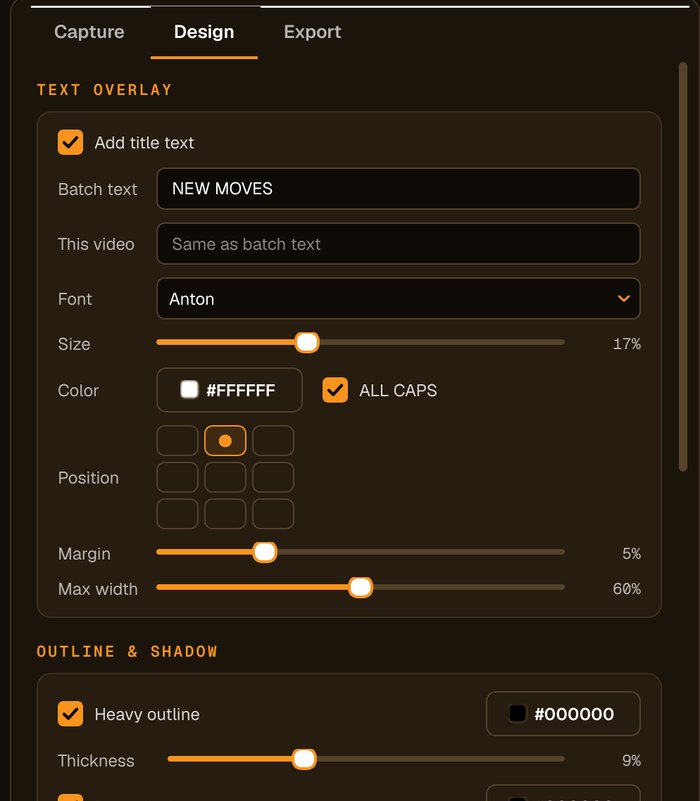
Yes. Set Crop to Full frame (no crop) and Other shapes to Blurred background on the Design tab, and the landscape frame fills the vertical cover without being cropped.
More from Advanced Thumbnailer
A grid that looks planned
Reel covers and matching squares from the best moment in every clip.
Get Advanced Thumbnailer · $39.95