
Twitch thumbnails made from your saved streams
Load a VOD, pick the moment that sells it, add your title and channel logo, and export a 16:9 thumbnail ready for Twitch. Your recordings never leave your PC.
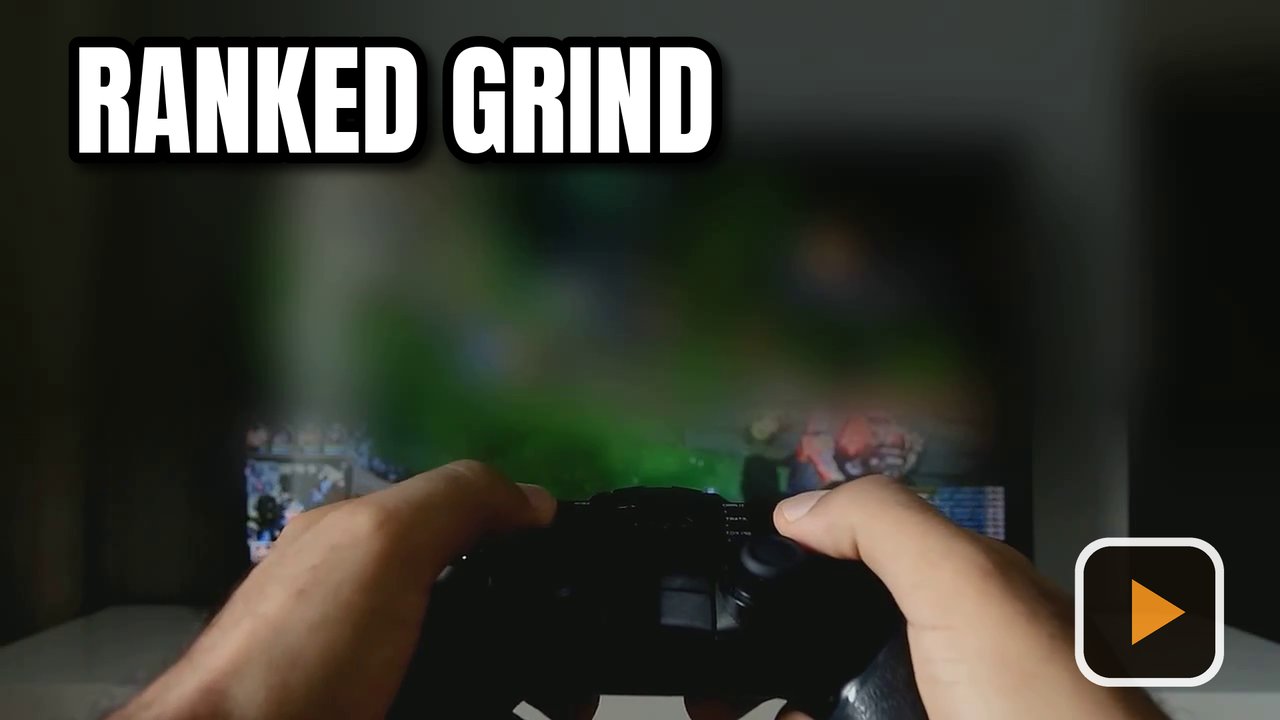
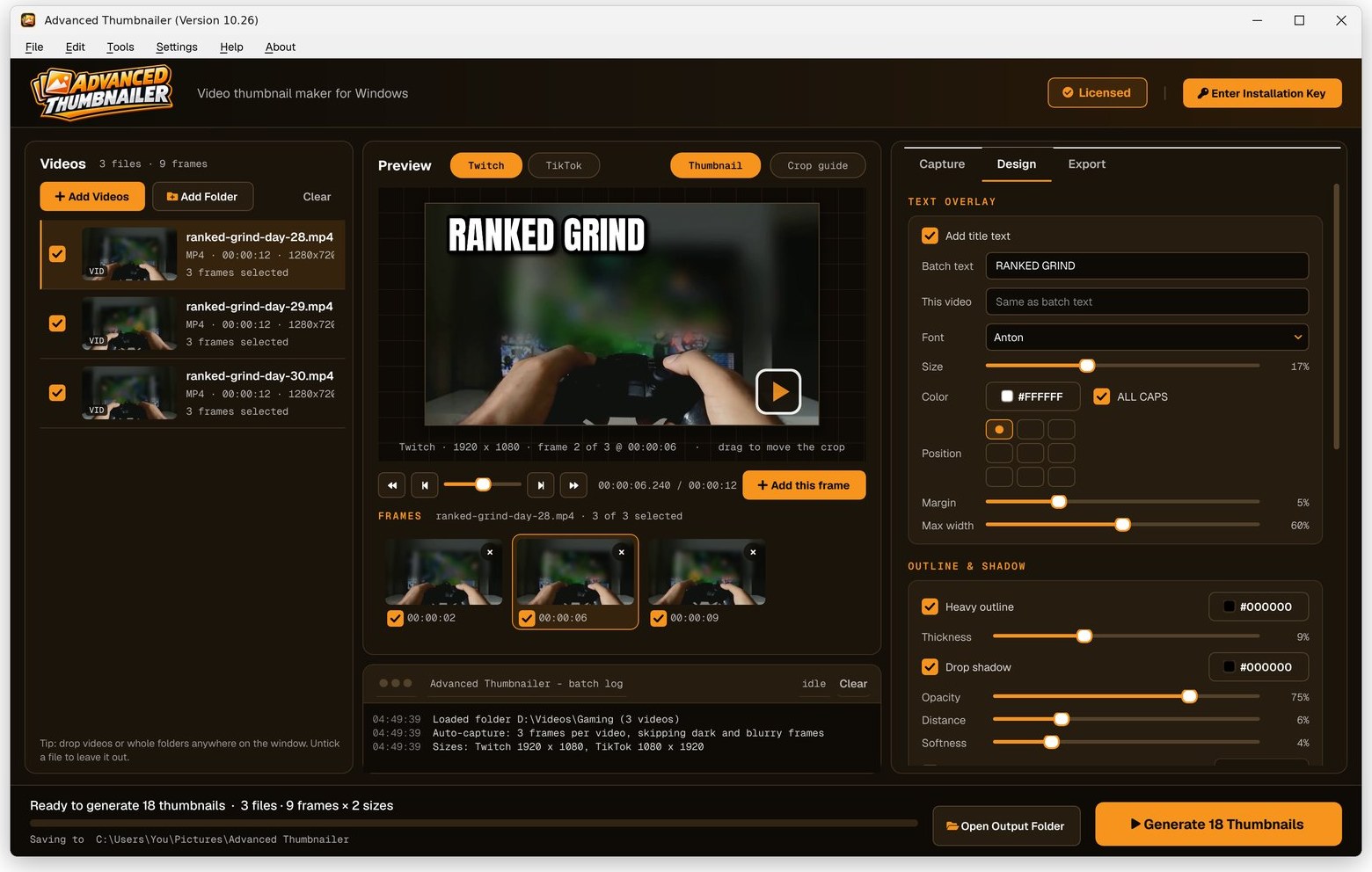
Saved streams loaded, frames picked, ready to generate
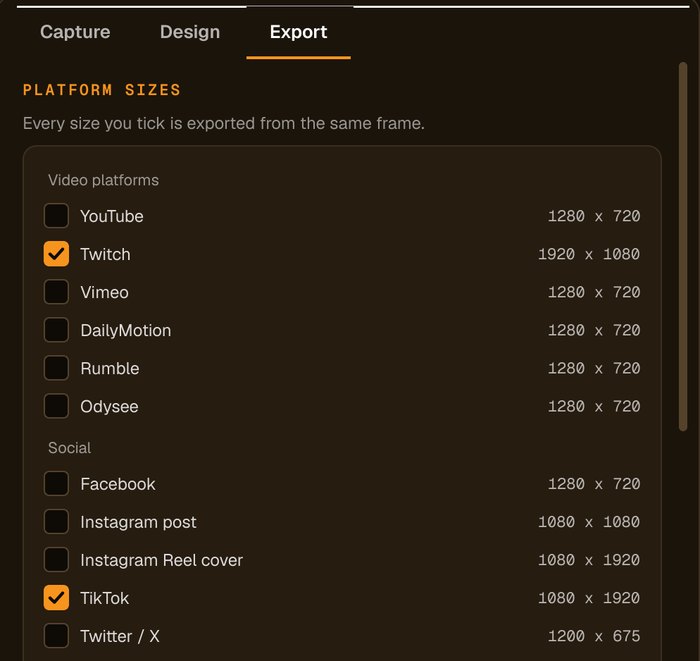
Tick Twitch and any other sizes you post to, and each frame becomes a thumbnail for each one.
Custom thumbnails on Twitch
What Twitch says about video thumbnails.
Custom thumbnails are available to all broadcasters and their editors, for past broadcasts and highlights.
16:9, at least 1280 × 720. The Twitch preset exports 1920 × 1080.
In your channel's video manager: edit the video and upload your custom thumbnail.
Sources: Twitch blog: custom VOD thumbnails. Platforms change their rules, so check before you upload.
How to make a Twitch thumbnail from a VOD
Add your saved stream
Drag the VOD or highlight file onto the window, or use Add Videos.
Pick the frame
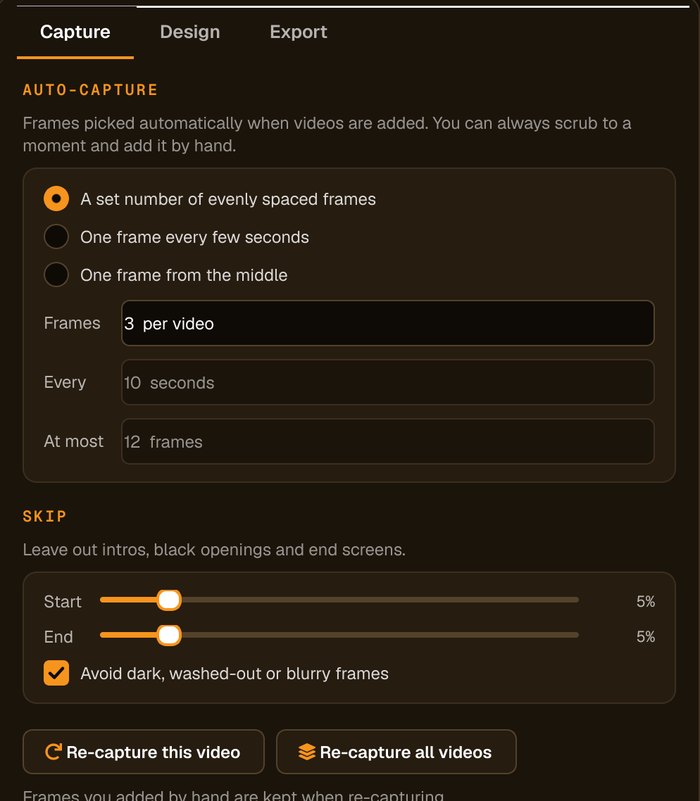
Auto-capture picks frames for you and avoids dark, washed-out or blurry ones. Scrub to any other moment and click Add this frame.
Add your title and logo
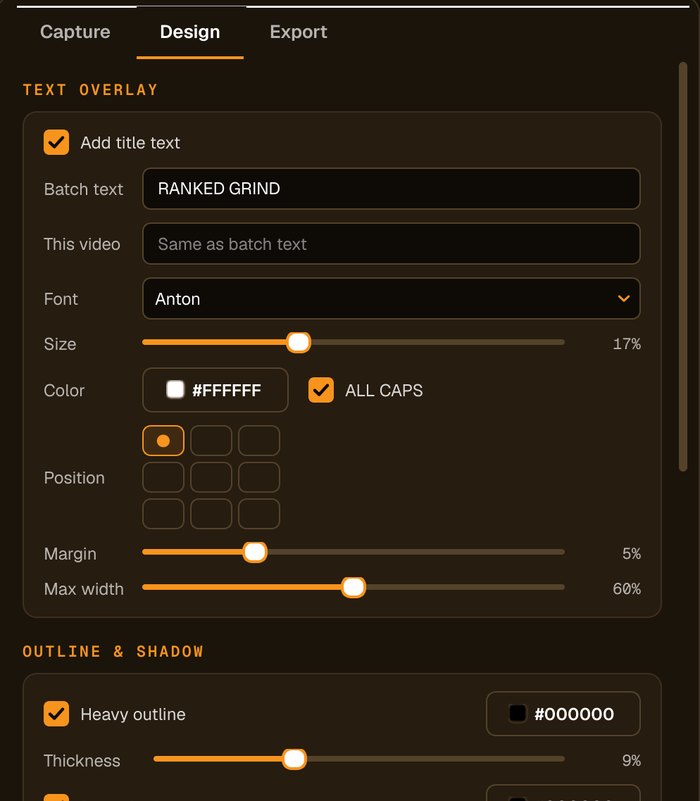
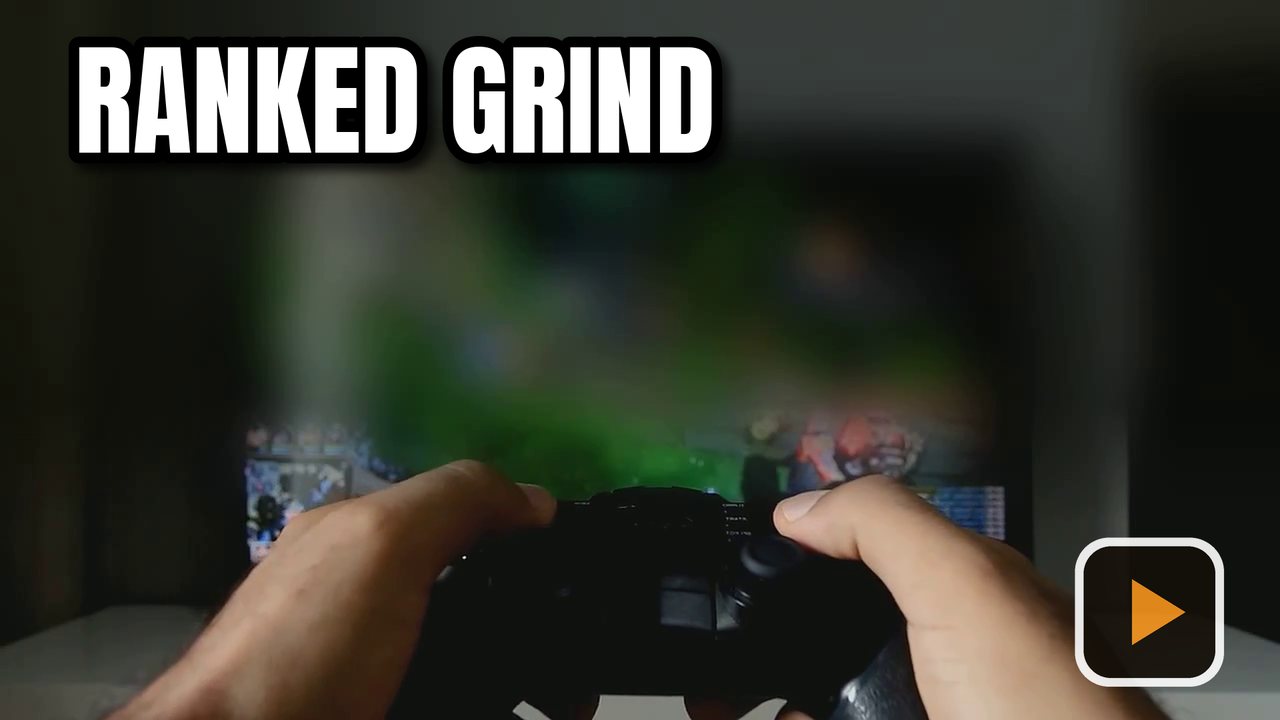
Type the title, choose the font, size and colour, add an outline, shadow or highlight box, and place your logo in any corner.
Tick Twitch and Generate
Tick the Twitch preset, and any others you post to, then press Generate. Upload the file as your video's custom thumbnail.
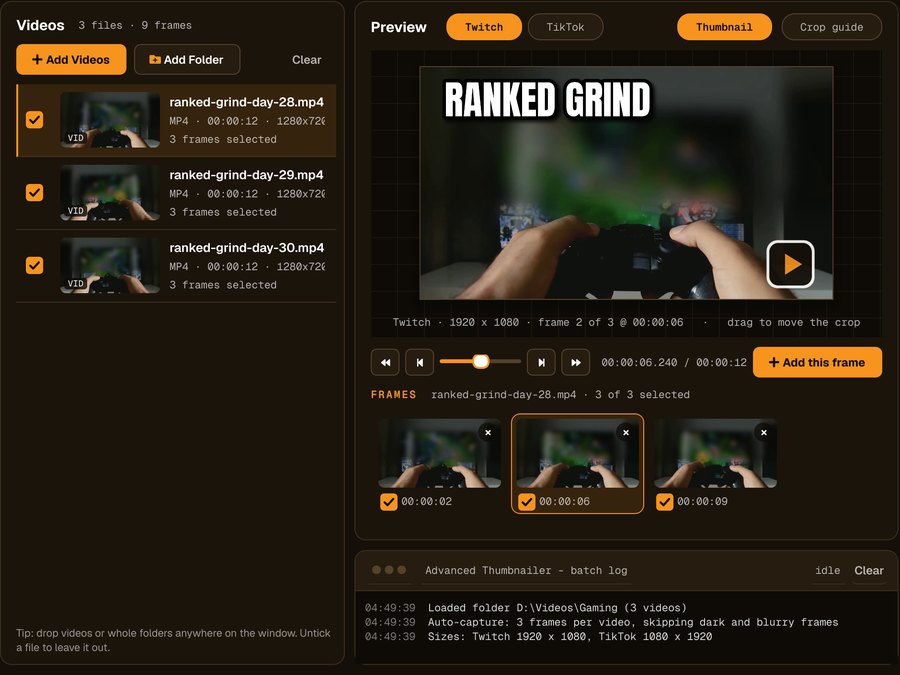
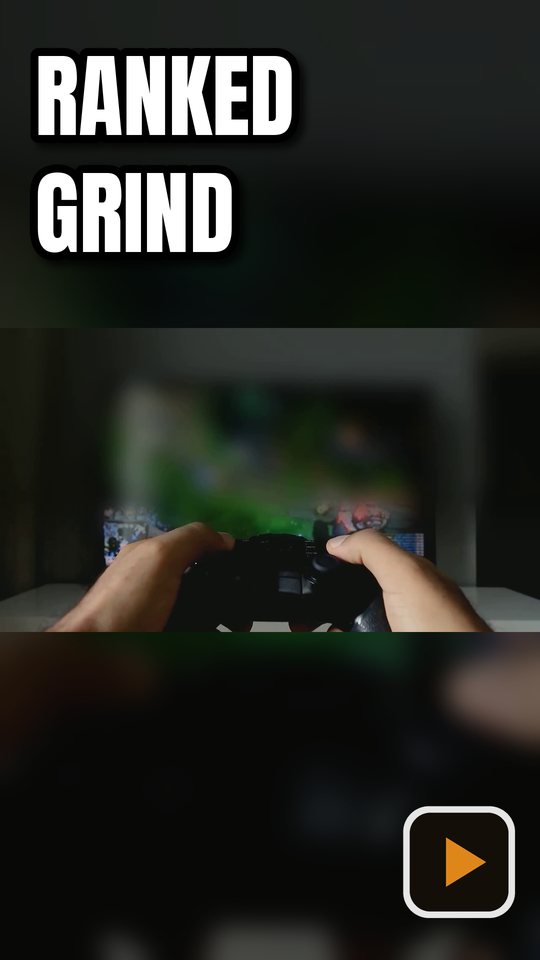
The same frame as a vertical cover
Posting clips of the stream elsewhere? Tick TikTok too. Blurred-background fill turns the landscape frame into a 9:16 cover without cropping out the action.
Why streamers use it for VOD thumbnails
Full-resolution frames, not screenshots
Frames come straight from the video file at its real resolution, without player controls or a scaled-down window.
Long recordings are fine
Work from multi-hour VOD files on your own PC. There are no upload limits and no waiting for a website to process them.
Same look on every stream
Your design is remembered between sessions, so every VOD thumbnail has the same fonts, colours and logo.
A week of streams at once
Add several VODs and generate them all in one run, each with its own title from {name} or {n}.
Who it's not for: if you need animated overlays, panels or emotes for your channel page, use a stream graphics tool. Advanced Thumbnailer makes still thumbnails from your recorded videos.
One license. Every preset. Yours to keep.
Get Advanced Thumbnailer
You'll go straight to your download page once payment is confirmed, and we'll email your download link and license key.
Buy now · $39.95Already purchased? Get your download link again
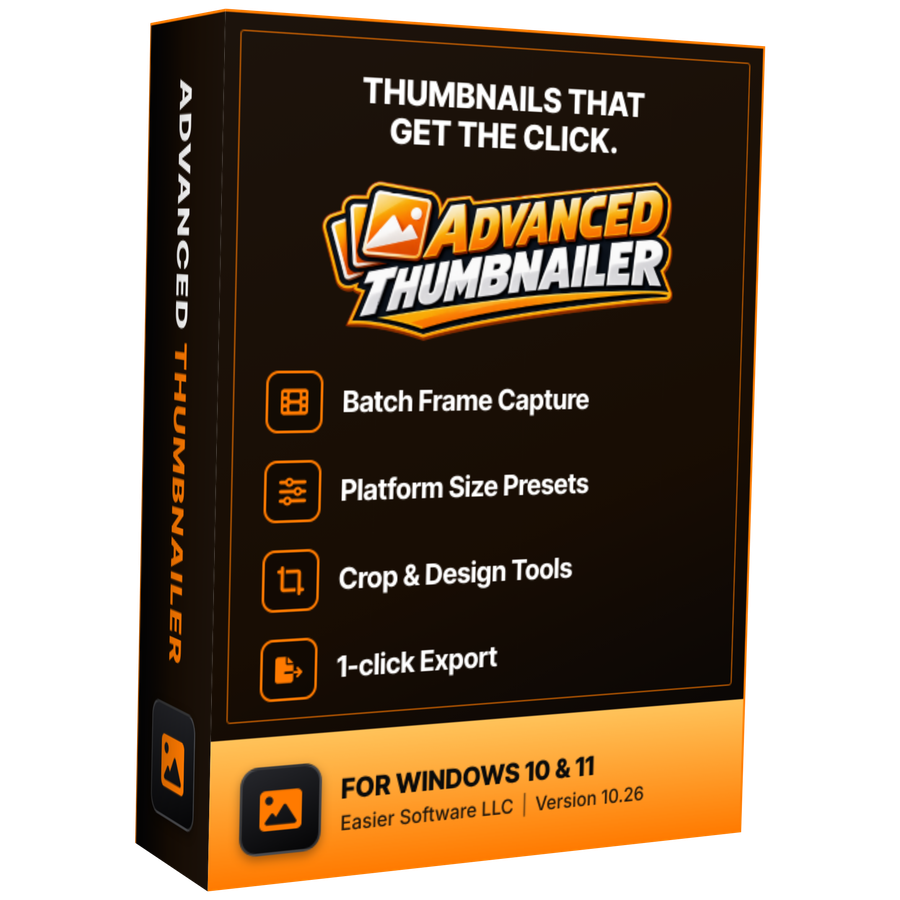
One-time payment · instant download
- InputVideo and image files
- Presets18 + custom sizes
- Works onWindows 10 & 11
- UpdatesFree
- Activations1 PC
- DeliveryDownload + key by email
Twitch thumbnail questions
What size should a Twitch VOD thumbnail be?
Twitch asks for a 16:9 image of at least 1280 × 720 pixels. Advanced Thumbnailer's Twitch preset exports 1920 × 1080, the same shape at a higher resolution.
Can I use my downloaded Twitch VODs?
Yes. If the video file is on your PC in a supported format, such as MP4, MKV or MOV, you can load it and pick frames from it.
Can I make a YouTube and a Twitch thumbnail from the same frame?
Yes. Tick both presets and both are generated from the same frame in one run, so they match.
Does it work with long streams?
Yes. Everything runs on your PC, so long recordings don't need uploading anywhere. Scrub to any point to grab a frame.
Can I try it before buying?
Yes. It installs and opens without an Installation Key, so you can load a stream and design your thumbnail. Generating and saving needs an activated key.
More from Advanced Thumbnailer
Your next VOD deserves a better thumbnail
Load the stream, pick the moment, add your title and logo, and export for Twitch in a few clicks.
Get Advanced Thumbnailer · $39.95