
OnlyFans cover, profile and post images from your own clips
Pick frames from your videos and export a wide cover, a square profile image and a 4:5 post image in one go. Nothing is uploaded anywhere while you work.
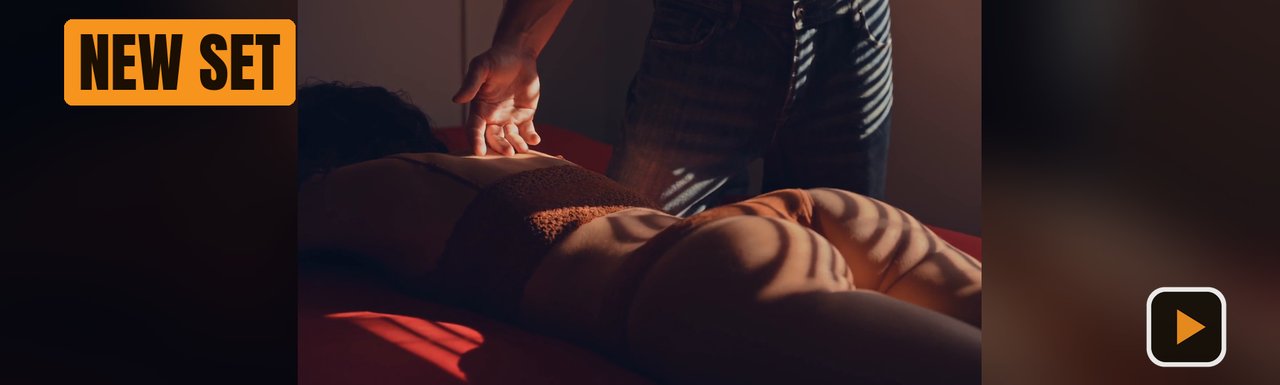
Cover, profile and post from one frame
Tick all three OnlyFans presets and each frame is exported in every shape, so your page looks consistent.
About OnlyFans image sizes
OnlyFans doesn't publish official image sizes, so treat any size as a starting point.
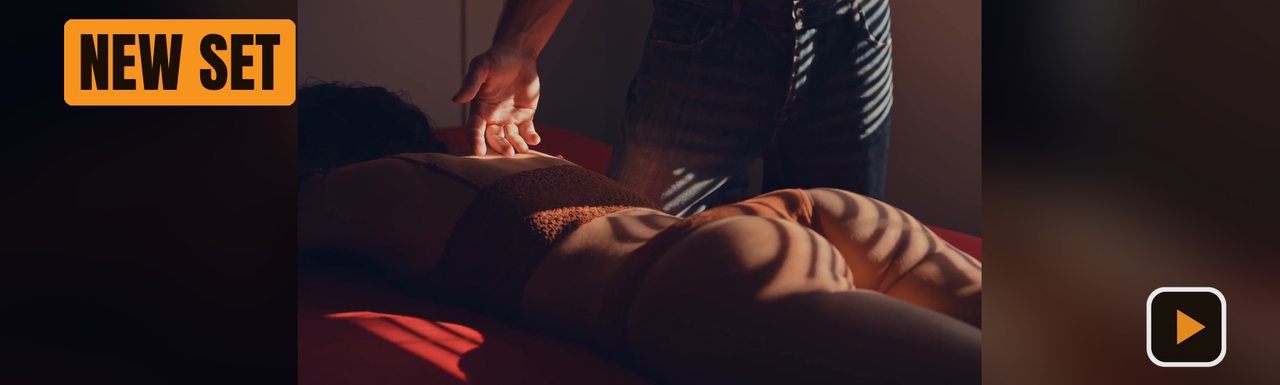
Shown as a wide banner, and the profile picture can cover part of its left side, so keep faces and text away from the left third.
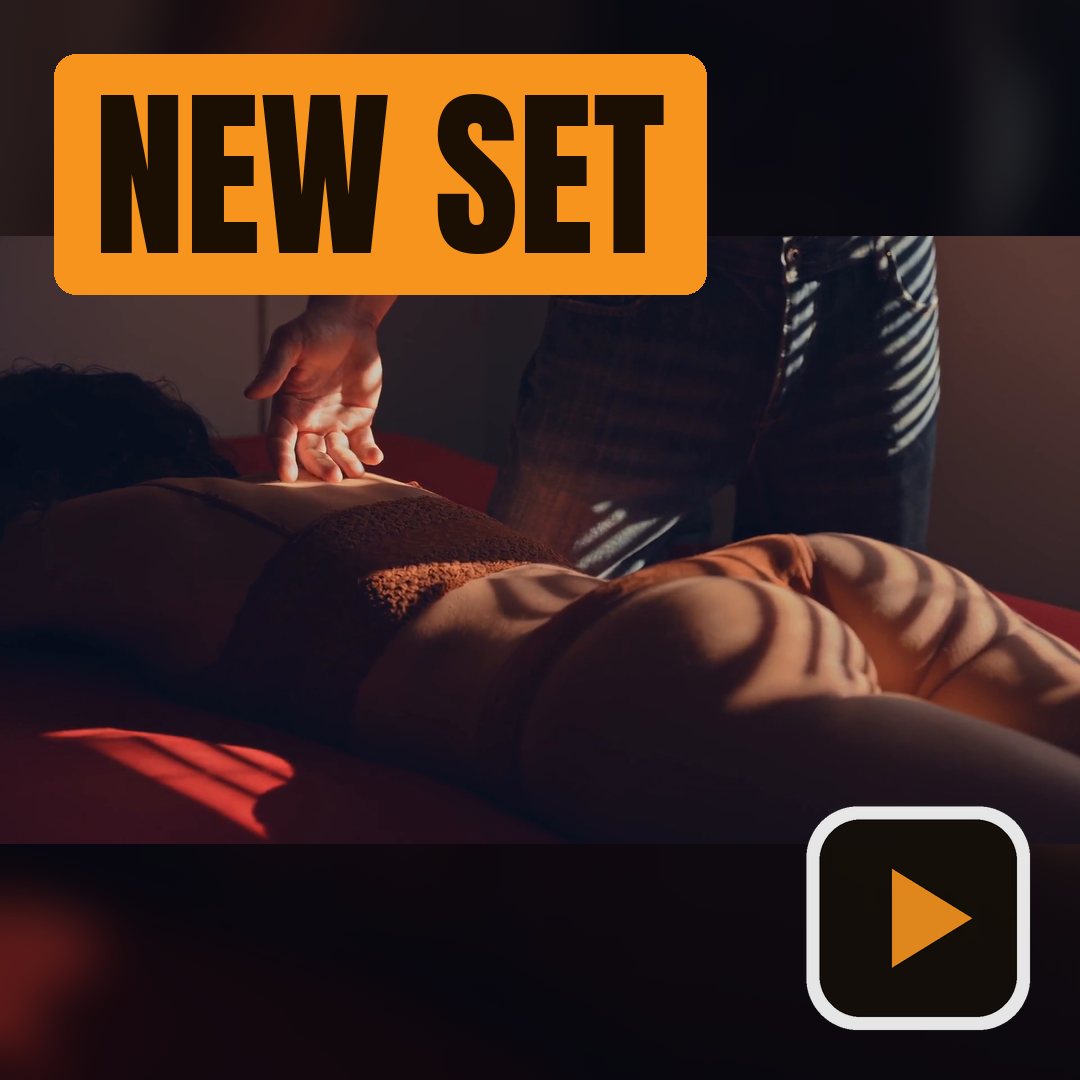
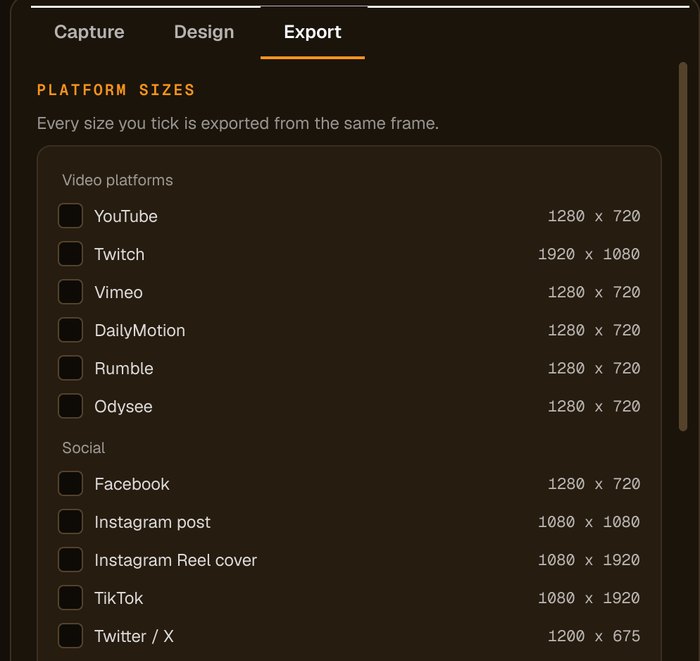
Cover 1797 × 540, profile 1080 × 1080, post 1080 × 1350. Add a custom size if you prefer another.
Frames are captured and images are made on your own computer. Nothing is uploaded until you post it yourself.
Sources: Kapwing: OnlyFans banner dimensions. Platforms change their rules, so check before you upload.
How to make OnlyFans images from a video
Add your videos
Click Add Videos or Add Folder, or drag files onto the window. If you turned it on when installing, you can also right-click a video in File Explorer and choose Make thumbnails with Advanced Thumbnailer.
Pick the frame
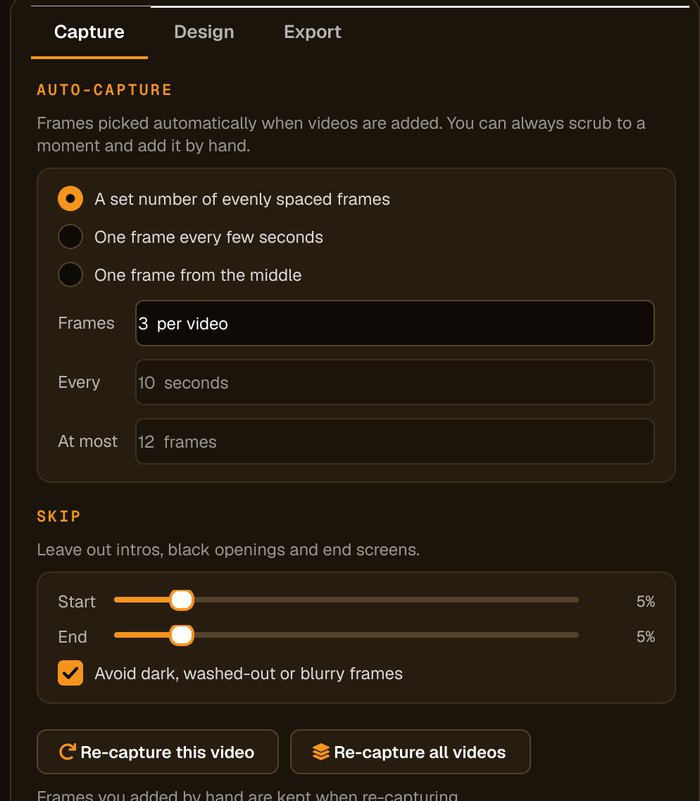
Auto-capture picks frames for you and avoids dark, washed-out or blurry ones. Scrub to any other moment and click Add this frame.
Add your name or offer
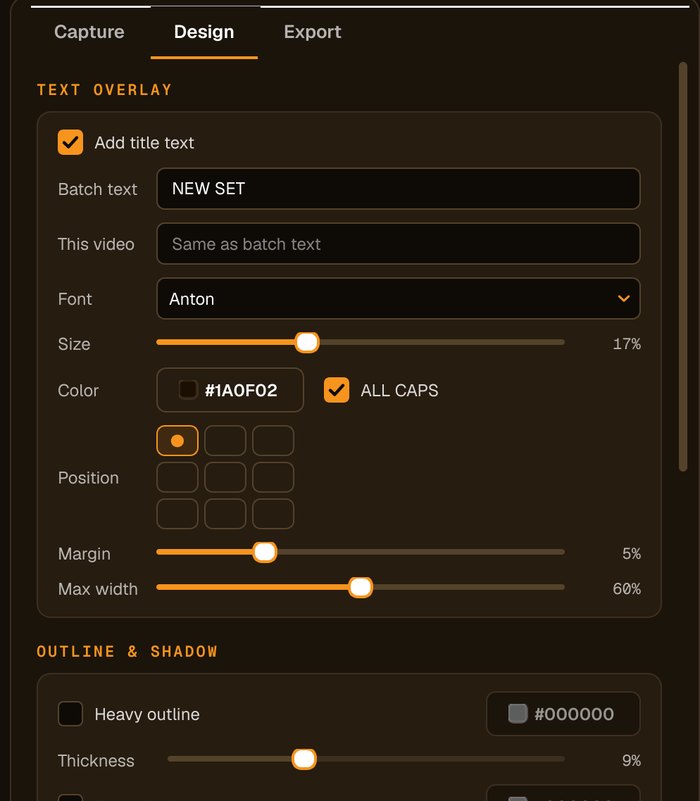
Add your display name, a launch message or your logo. Use a highlight box behind the text to keep it readable on any image.
Tick the OnlyFans presets
Tick OnlyFans cover, profile and post, and press Generate. Each frame becomes all three images.
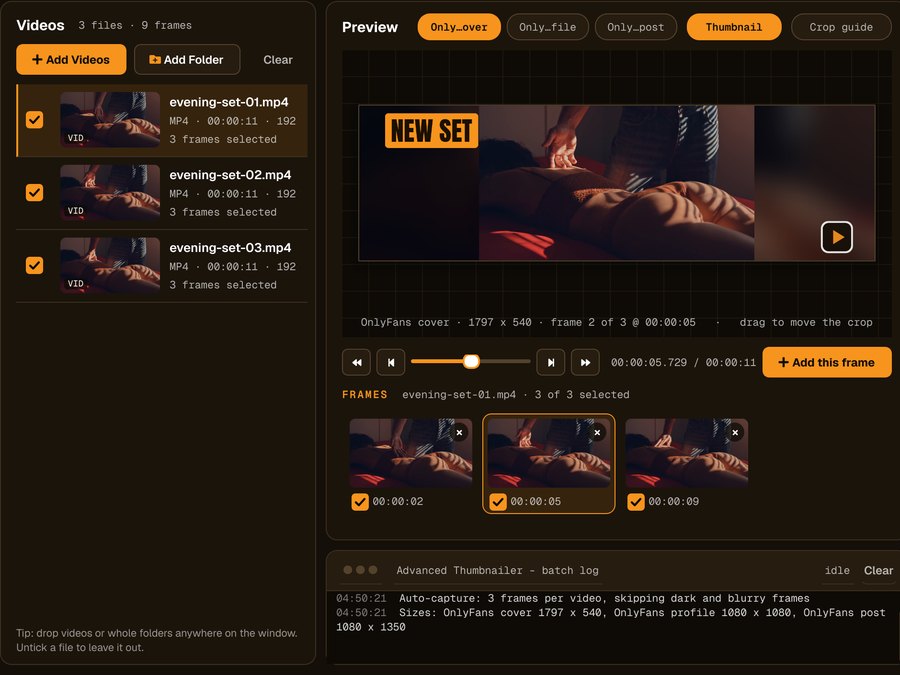
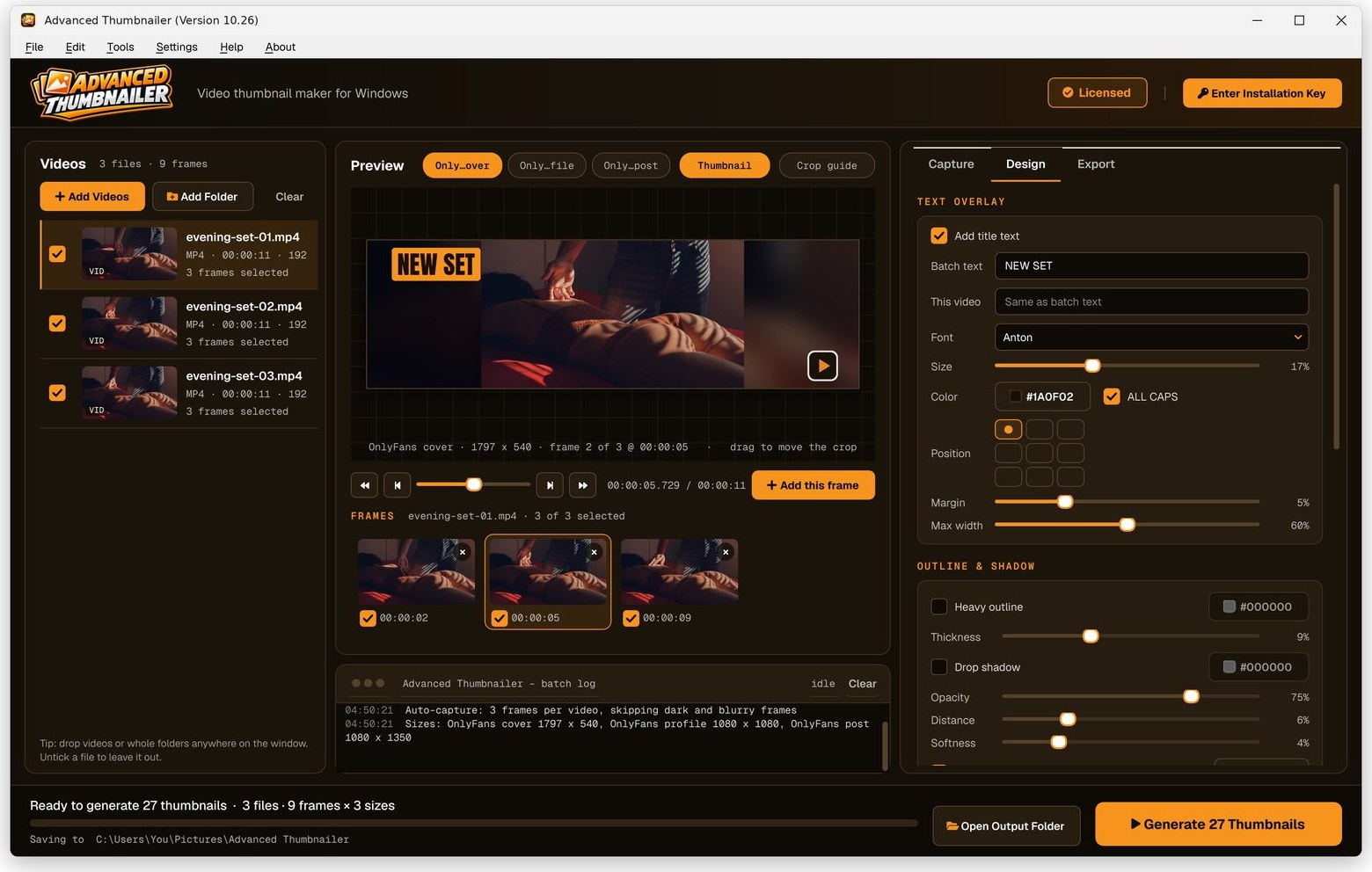
Everything in one window
Load a set of clips, pick a frame from each and see every OnlyFans shape in the preview before you export.
Made for creators who post often
Private by design
No uploads, no cloud editor, no account. Your content stays on your computer while you work on it.
All three shapes at once
Cover, profile and post images from the same frame, so they match.
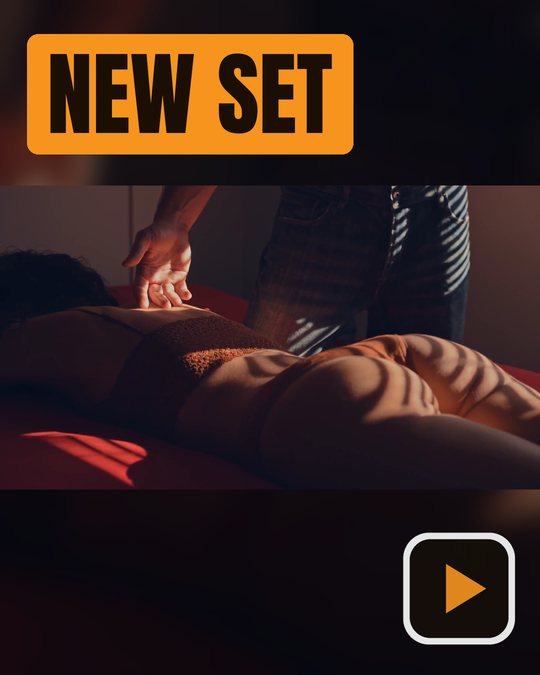
New set, new images
Load a new batch of clips and make covers for all of them in one run.
Your branding
Your logo or watermark in any corner, at the opacity you choose.
Who it's not for: if you need to edit or retouch photos, use a photo editor. Advanced Thumbnailer makes images from frames of your videos.
One license. Every preset. Yours to keep.
Get Advanced Thumbnailer
You'll go straight to your download page once payment is confirmed, and we'll email your download link and license key.
Buy now · $39.95Already purchased? Get your download link again
One-time payment · instant download
- InputVideo and image files
- Presets18 + custom sizes
- Works onWindows 10 & 11
- UpdatesFree
- Activations1 PC
- DeliveryDownload + key by email
OnlyFans image questions
What size is an OnlyFans cover?
OnlyFans doesn't publish an official size, and guides disagree. The cover preset makes a wide 1797 × 540 image; you can add a custom size if you prefer another.
Are my videos uploaded anywhere?
No. Advanced Thumbnailer runs on your own PC. Frames are captured and images are made locally.
Can I make the cover, profile and post images together?
Yes. Tick all three OnlyFans presets and each frame is exported in every shape.
Can I add a watermark?
Yes. Add your logo or watermark image in any corner and set its size and opacity.
More from Advanced Thumbnailer
Fresh covers for every set, made privately
Pick frames from your clips and export cover, profile and post images in one go.
Get Advanced Thumbnailer · $39.95