
TikTok covers that sell the video before you post
Pick the best moment, add a short title and export a 1080 × 1920 cover. TikTok doesn't let you change the cover after posting, so it pays to get it right first.
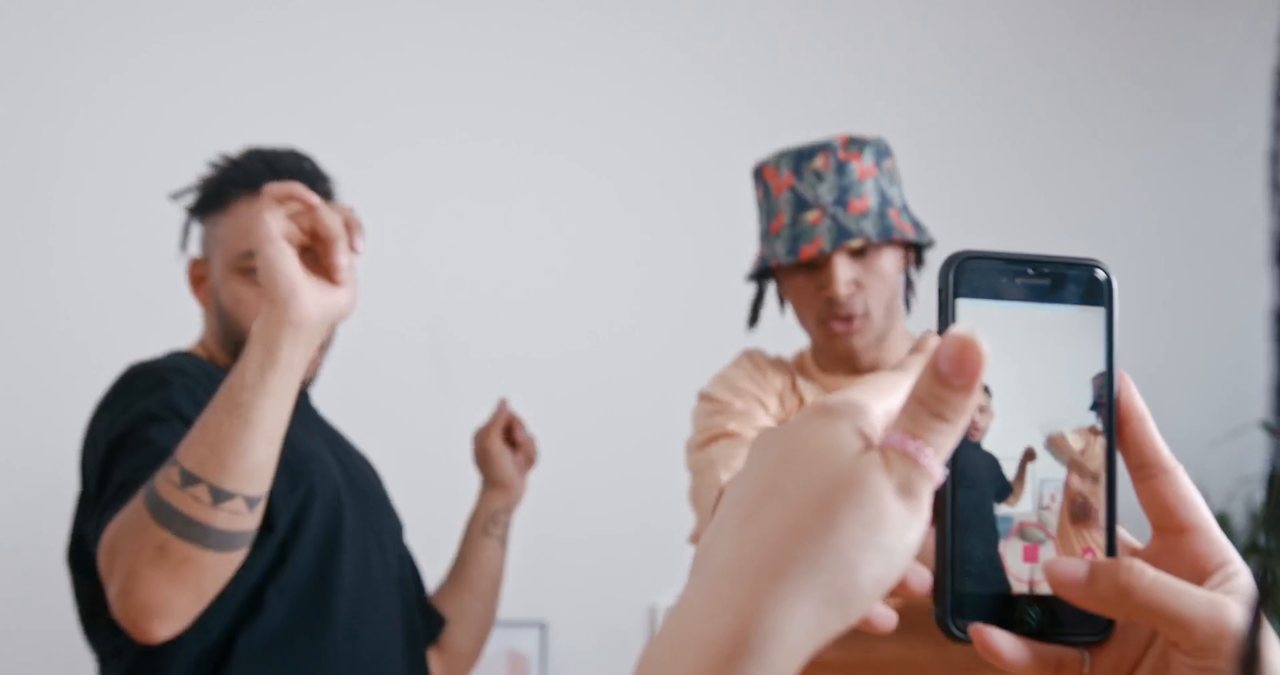
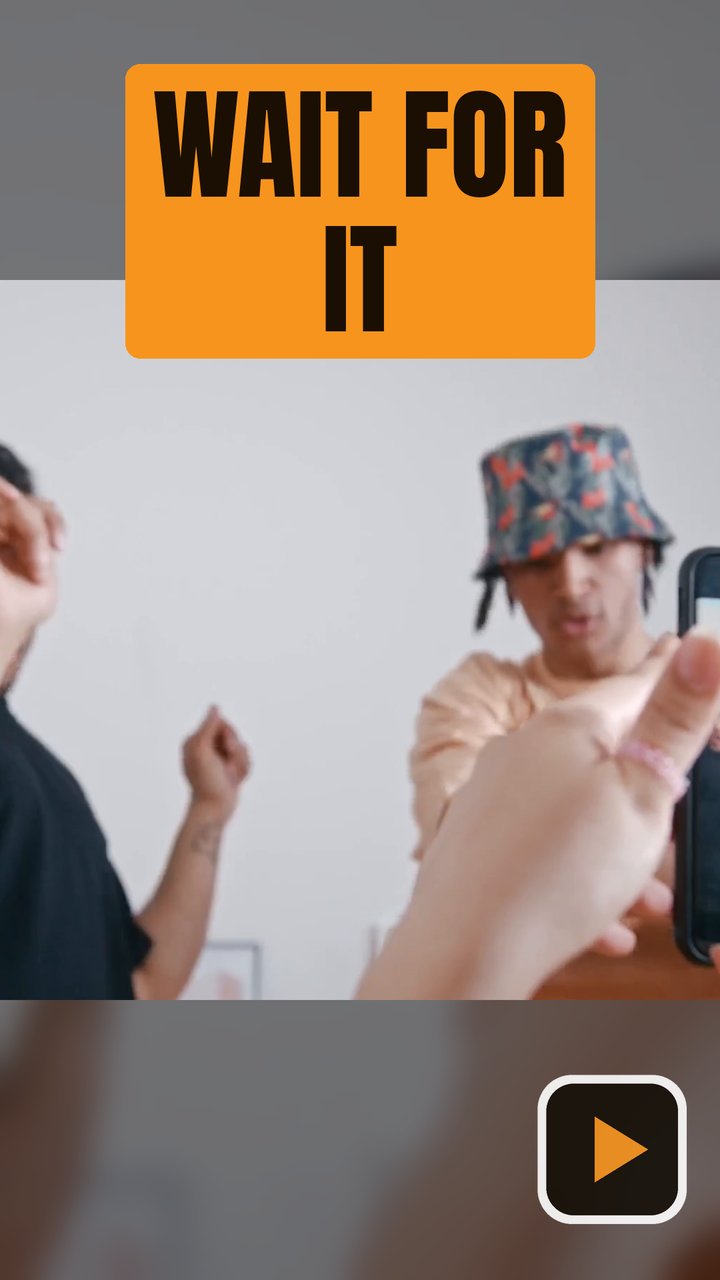
Covers on TikTok
What to know before you post.
Tap Edit cover on the post screen and choose an image from your gallery instead of a frame.
The cover can't be changed after the video is posted; re-uploading is the only way, and that loses the views.
1080 × 1920 (9:16). Your profile grid shows only the middle of the cover, so keep faces and the action there.
Sources: Kapwing: changing a TikTok cover · SocialRails: TikTok thumbnail size. Platforms change their rules, so check before you upload.
How to make a TikTok cover from your video
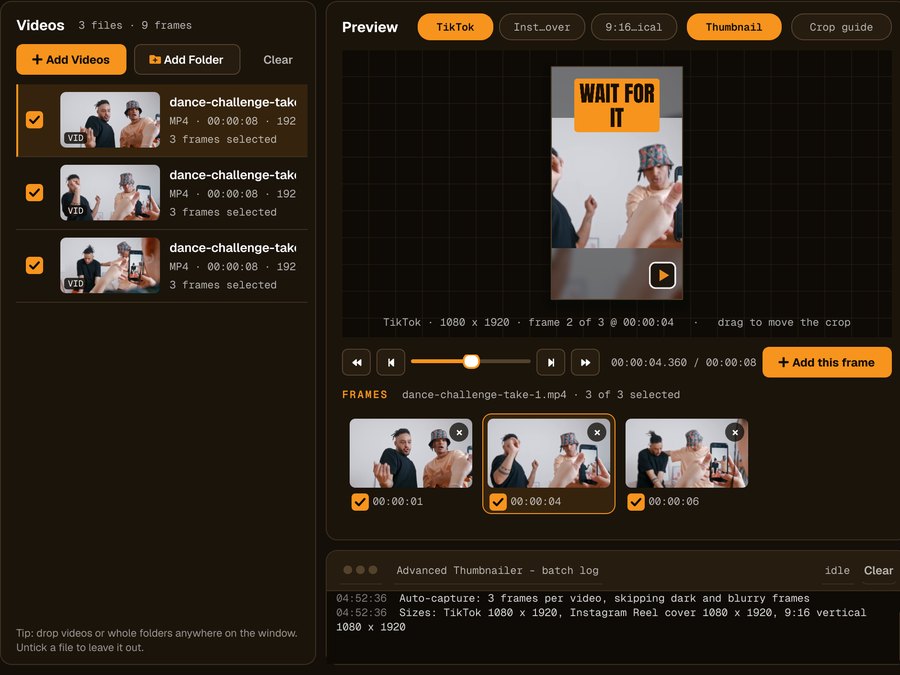
Add your videos
Click Add Videos or Add Folder, or drag files onto the window. If you turned it on when installing, you can also right-click a video in File Explorer and choose Make thumbnails with Advanced Thumbnailer.
Pick the frame
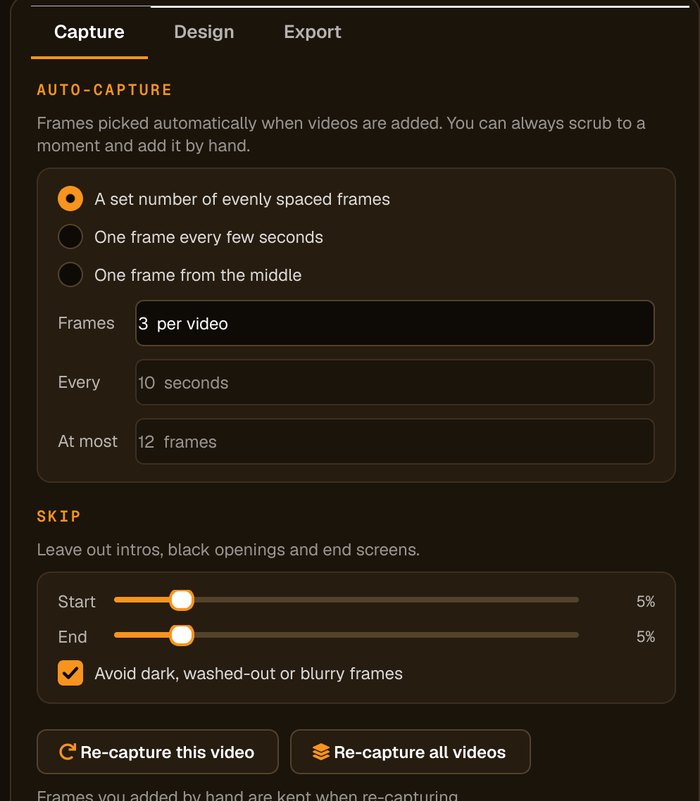
Auto-capture picks frames for you and avoids dark, washed-out or blurry ones. Scrub to any other moment and click Add this frame.
Title above the action
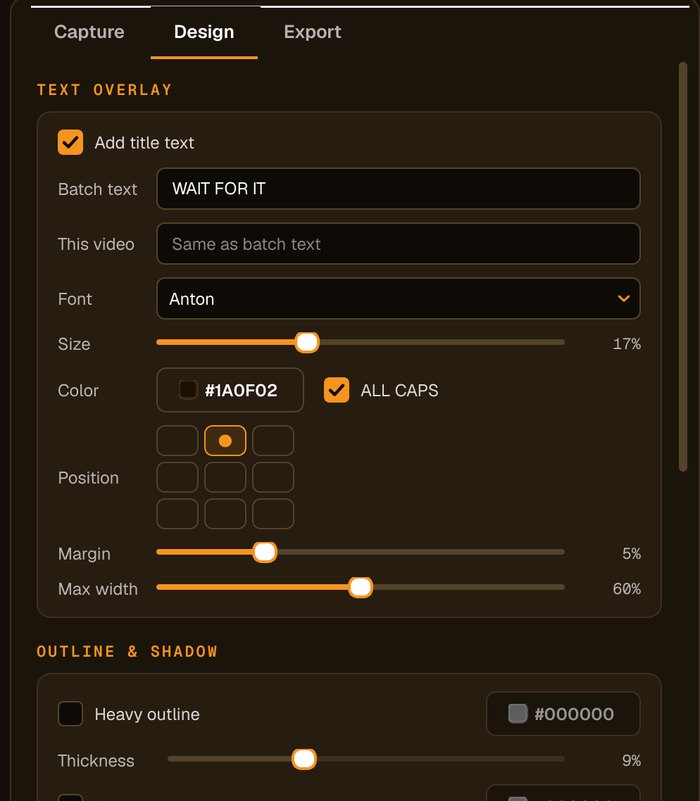
Put a short title near the top and keep faces in the middle square, which is what your profile grid shows. A highlight box keeps the title readable.
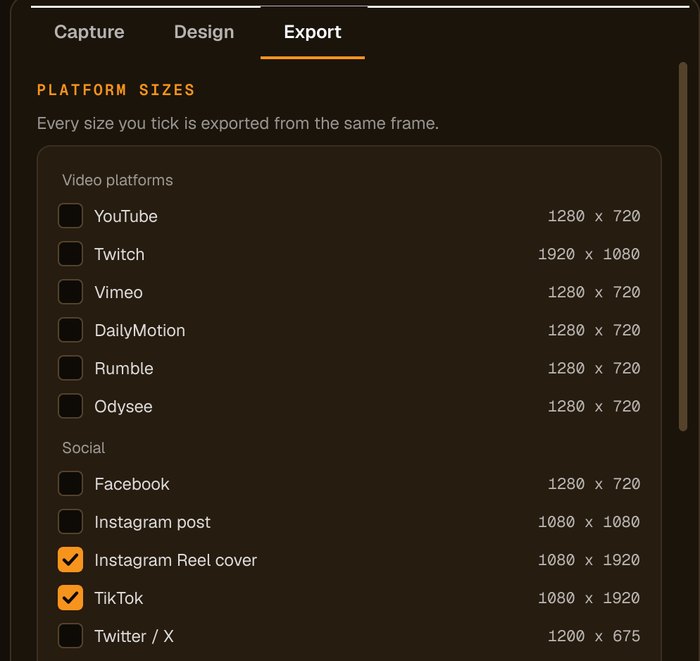
Tick TikTok and Generate
Tick the TikTok preset and press Generate. Save the cover to your phone and choose it with Edit cover before posting.
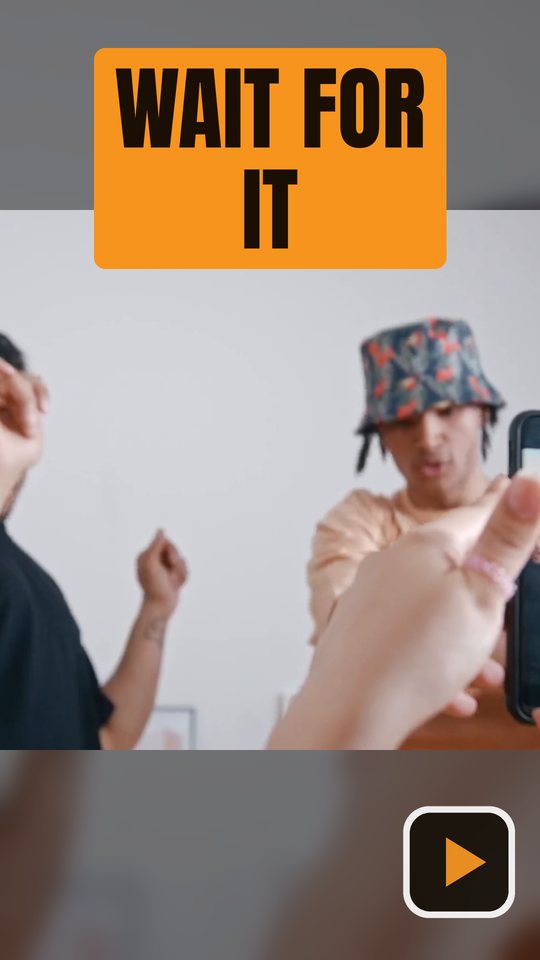
Vertical covers for every short-form app
The same frame, ready for TikTok, Instagram Reels and YouTube Shorts.
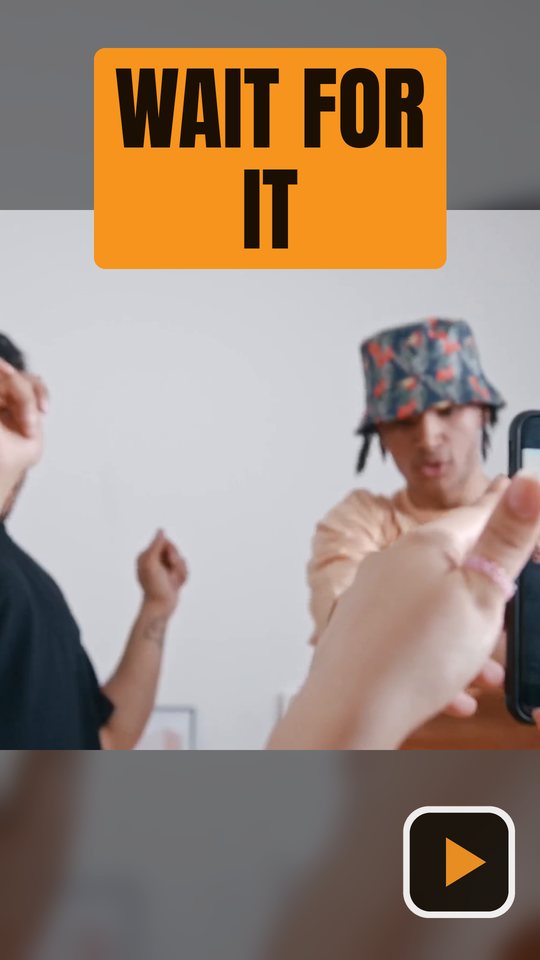
Made for short-form creators
Landscape footage welcome
Blurred-background fill places a landscape frame on a 9:16 canvas without cropping the action.
Frames, not screenshots
Pick the exact moment from the full-resolution video file.
A batch of clips at once
Make covers for a week of clips in one run.
Same style every post
Save your design so every cover in your grid matches.
Who it's not for: if you only edit on your phone, TikTok's own cover picker may be enough. Advanced Thumbnailer is for creators who prepare videos on a Windows PC.
One license. Every preset. Yours to keep.
Get Advanced Thumbnailer
You'll go straight to your download page once payment is confirmed, and we'll email your download link and license key.
Buy now · $39.95Already purchased? Get your download link again
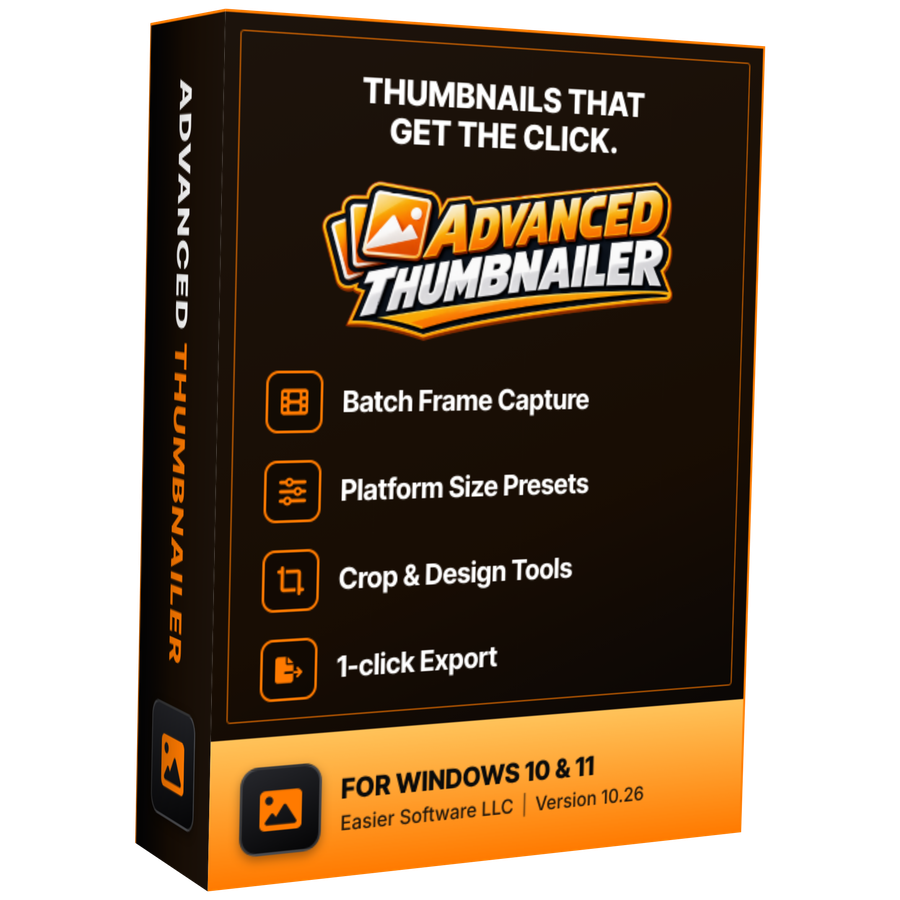
One-time payment · instant download
- InputVideo and image files
- Presets18 + custom sizes
- Works onWindows 10 & 11
- UpdatesFree
- Activations1 PC
- DeliveryDownload + key by email
TikTok cover questions
What size is a TikTok cover?
1080 × 1920 pixels, a 9:16 vertical image. The TikTok preset makes exactly that.
Can I change a TikTok cover after posting?
No. TikTok doesn't let you change the cover once the video is posted, so make it before you post.
Can I use landscape footage?
Yes. Set Crop to Full frame (no crop) and Other shapes to Blurred background on the Design tab, and the whole landscape frame sits over a blurred copy of itself, filling the vertical cover.
Where should I put the text?
Keep faces and the action in the middle, because the profile grid crops the top and bottom. A short title near the top reads well when the video plays full-screen.
More from Advanced Thumbnailer
Covers worth stopping the scroll for
Make your TikTok cover before you post, from the best moment in your clip.
Get Advanced Thumbnailer · $39.95