
Grab full-resolution frames from any video
Scrub to the exact moment and save the frame as a JPG or PNG, straight from the video file. No screenshots, no player controls, no scaled-down window.
Scrub, step and add the frame
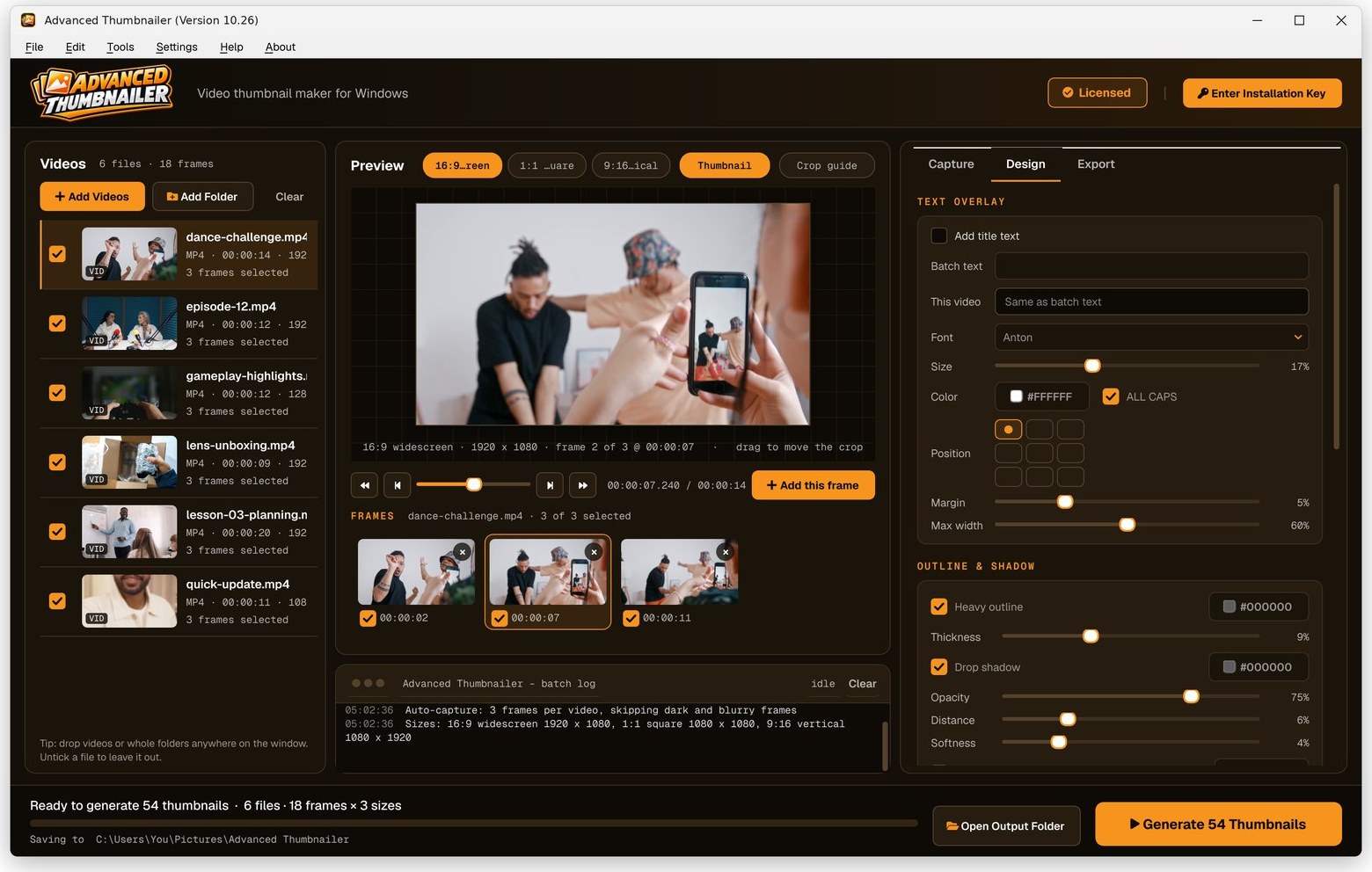
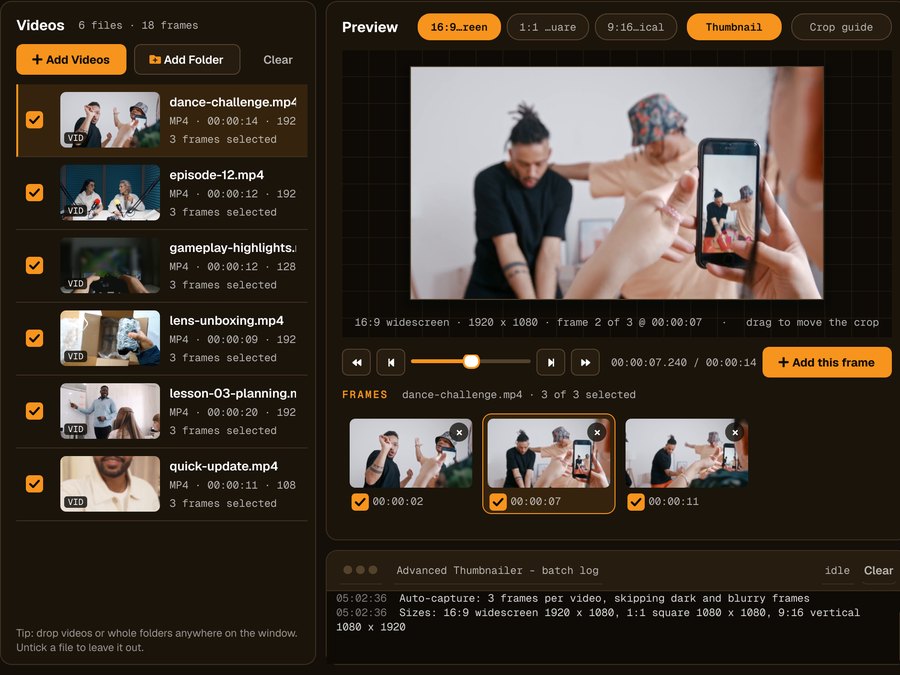
Step frame by frame, jump to any time and click Add this frame. Every frame you add is listed under the preview.
How to save a frame from a video
Open the video
Drag a video onto the window or use Add Videos. MP4, MOV, AVI, MKV, WMV, M4V, FLV and WebM all work.
Find the moment
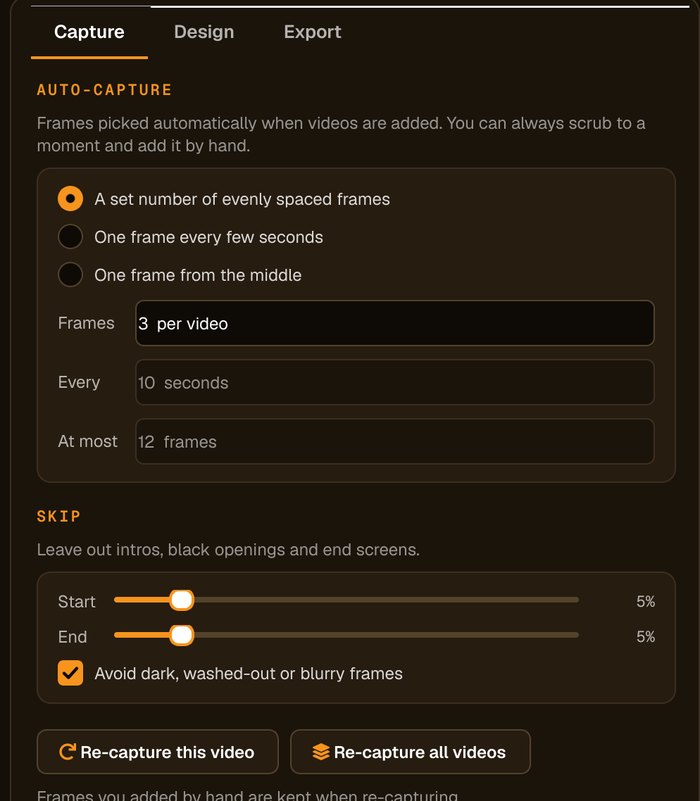
Scrub the timeline, step frame by frame, and click Add this frame. Or let auto-capture pick evenly spaced frames.
Leave the design off
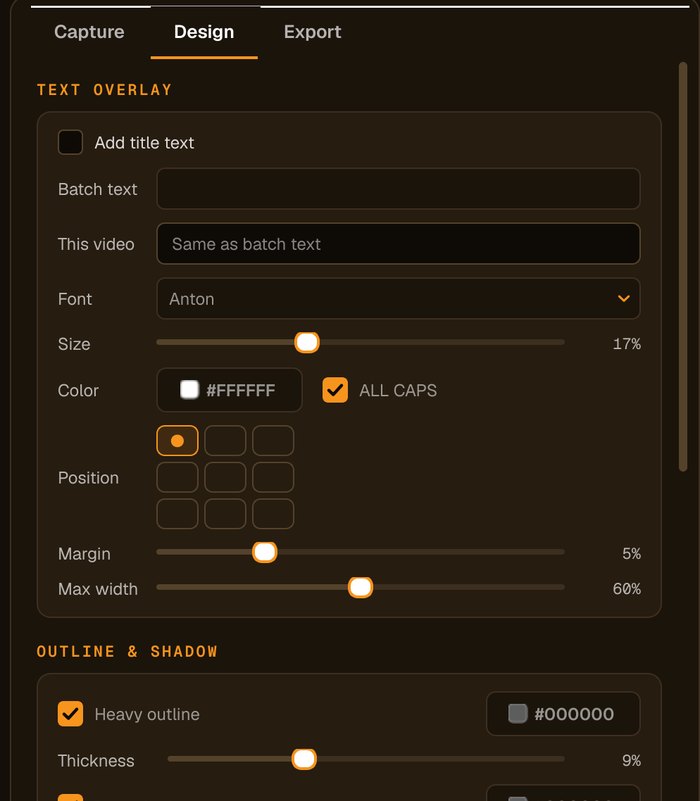
Untick the title and logo on the Design tab if you want the frame without text or logo.
Choose a size and save
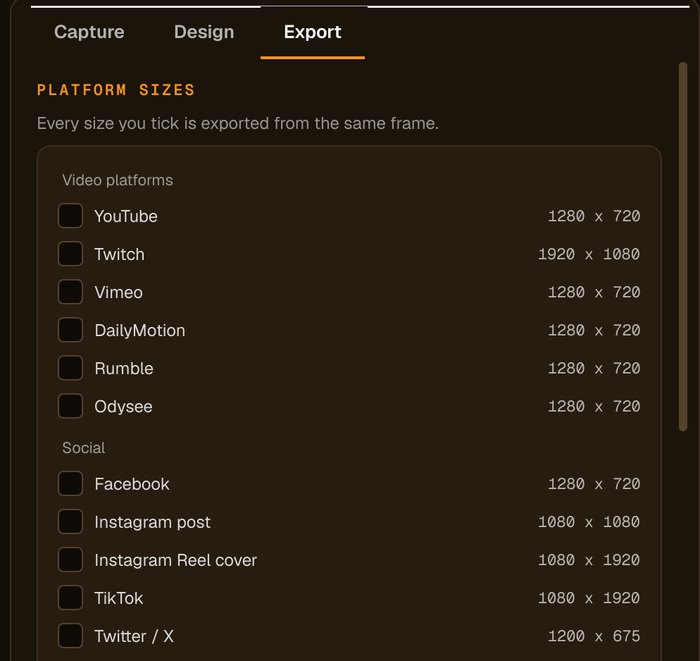
Tick the 16:9 widescreen preset (1920 × 1080) or any other size, choose JPG or PNG, and save.
The frame, in the shapes you need
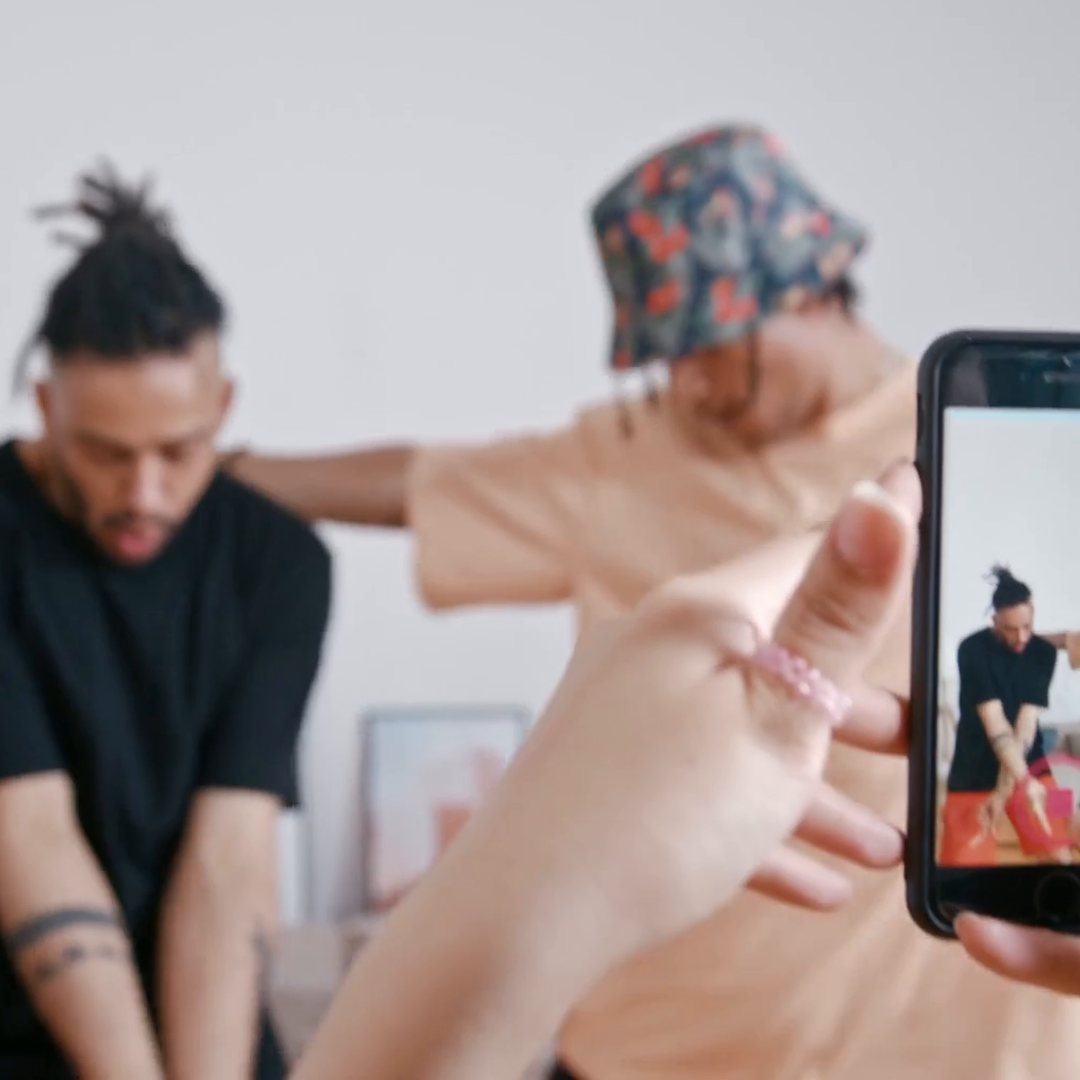
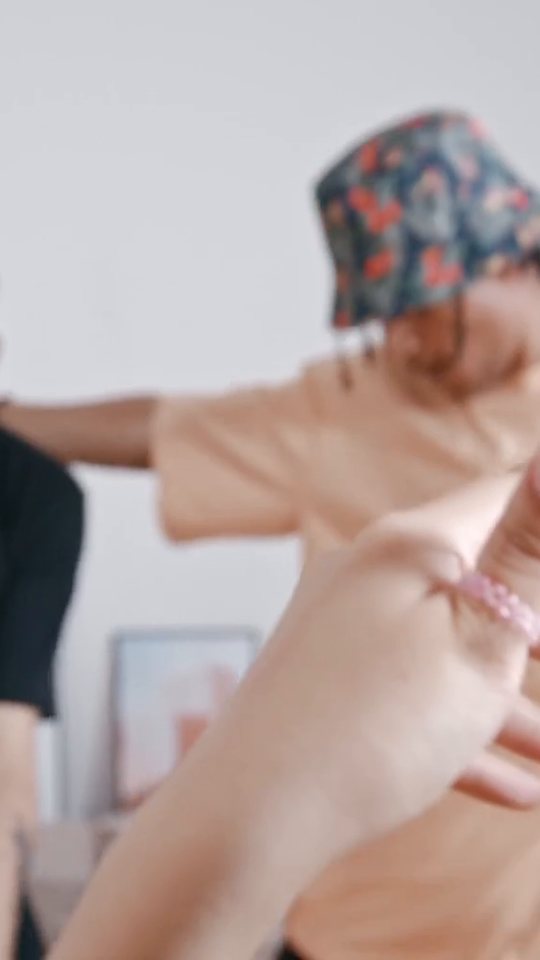
Save the same frame as widescreen, square or vertical.
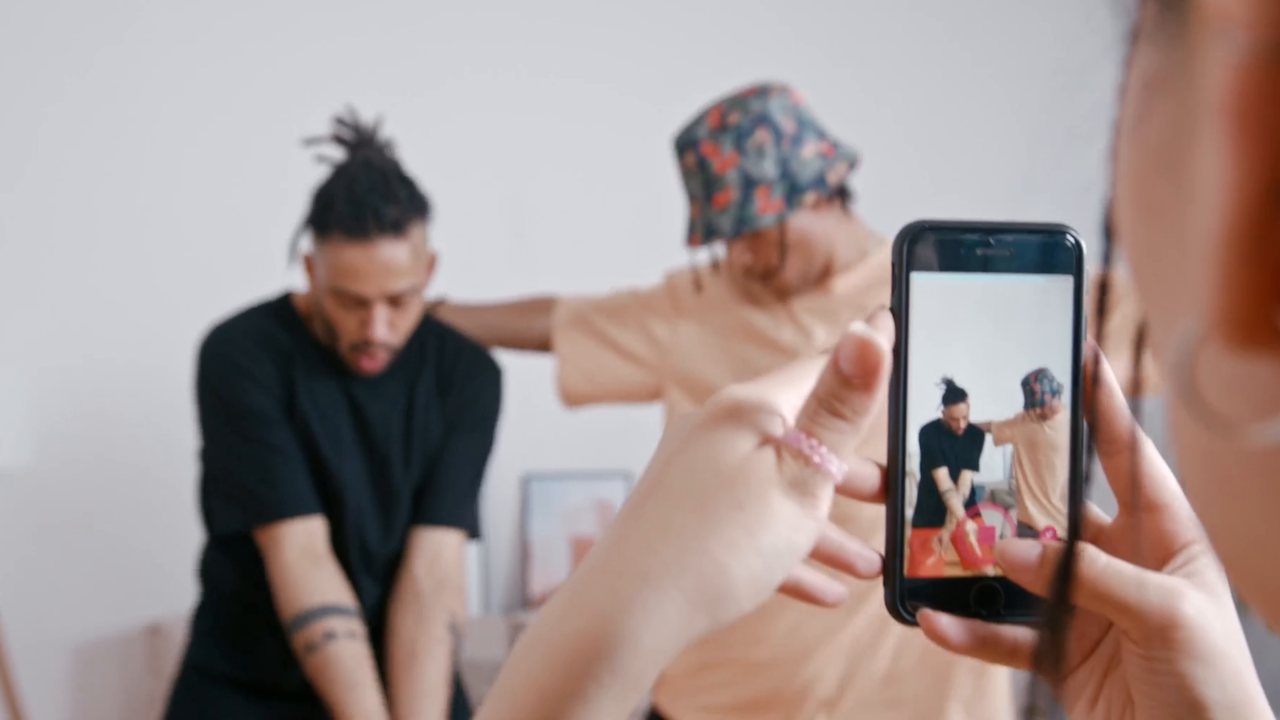
Better than a screenshot
No player in the picture
Frames come from the file itself, so there are no controls, subtitles bars or window edges to crop out.
Frame-accurate
Step one frame at a time to catch the exact expression or moment.
Lots of frames at once
Auto-capture can take a frame every few seconds across a whole video, or across a folder of videos.
Every shape
Crop to widescreen, square or vertical, with a draggable crop.
Who it's not for: if you need to export a video clip or animated GIF, use a video editor. Advanced Thumbnailer saves still frames.
One license. Every preset. Yours to keep.
Get Advanced Thumbnailer
You'll go straight to your download page once payment is confirmed, and we'll email your download link and license key.
Buy now · $39.95Already purchased? Get your download link again
One-time payment · instant download
- InputVideo and image files
- Presets18 + custom sizes
- Works onWindows 10 & 11
- UpdatesFree
- Activations1 PC
- DeliveryDownload + key by email
Frame grabbing questions
Is a saved frame the same quality as the video?
Frames are taken from the file at full resolution, then saved at the size you choose. For a pixel-for-pixel copy, add a custom size that matches the video and save as PNG.
Can I save frames without any text?
Yes. Switch off the title and logo on the Design tab and the frame is saved as it is.
Can I grab frames from lots of videos at once?
Yes. Add a folder and auto-capture picks frames from every video, then export them all in one run.
Which formats can I save?
JPG or PNG, at any of the 18 preset sizes or a custom size.
More from Advanced Thumbnailer
Every frame, exactly as filmed
Scrub to the moment and save it, without screenshots or cropping.
Get Advanced Thumbnailer · $39.95