
Make thumbnails for a whole folder of videos in one run
Add a folder, let Advanced Thumbnailer pick a good frame from each video, style your title and logo once, and export every thumbnail in every size you need.
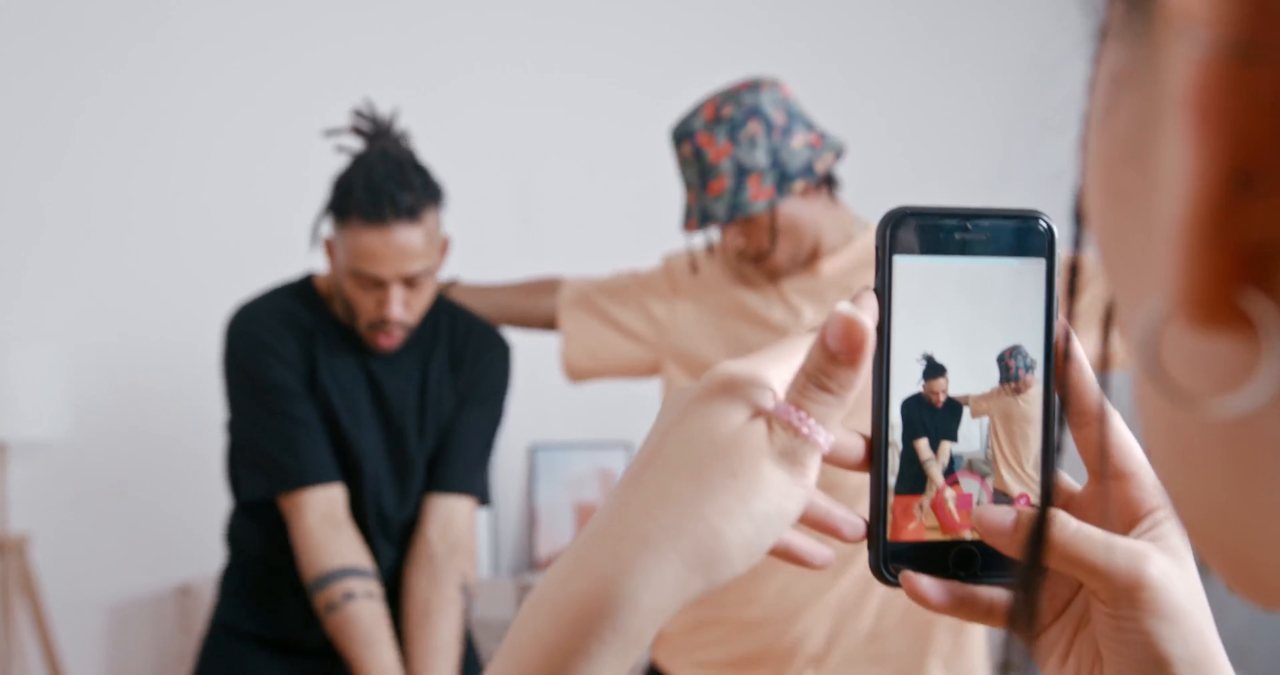
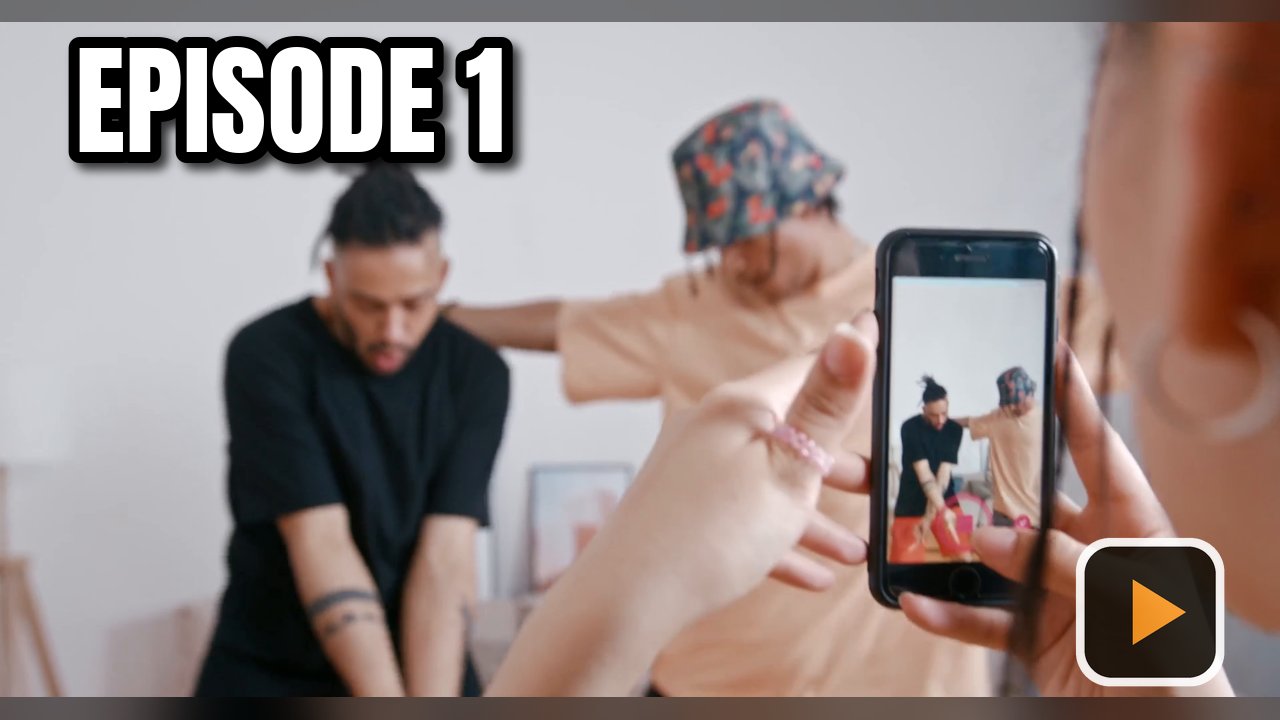
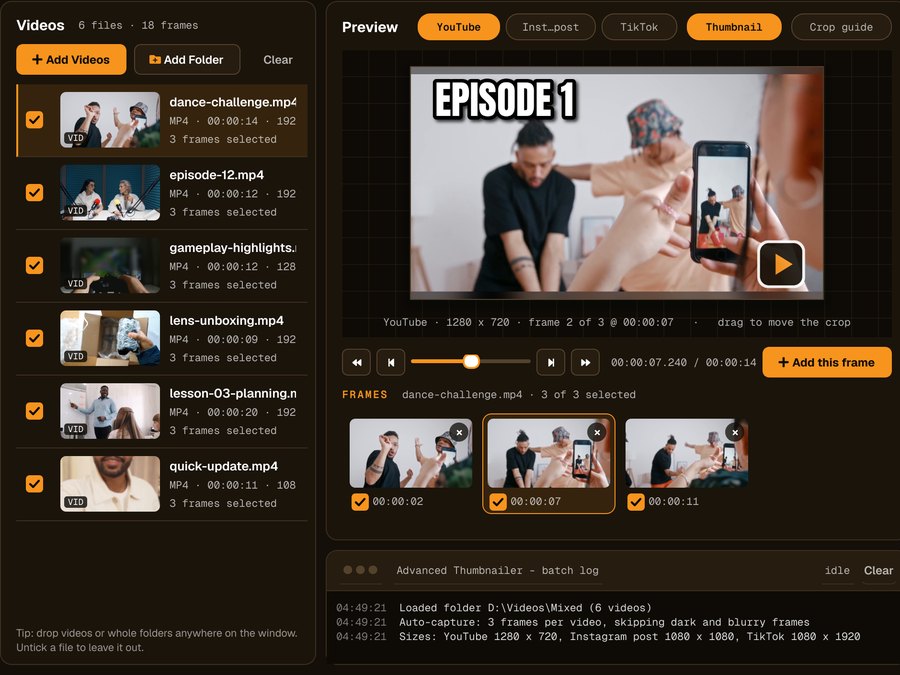
A folder of videos, three frames each, ready to generate
Every video gets the same design, and the status bar shows how many thumbnails one click will make.
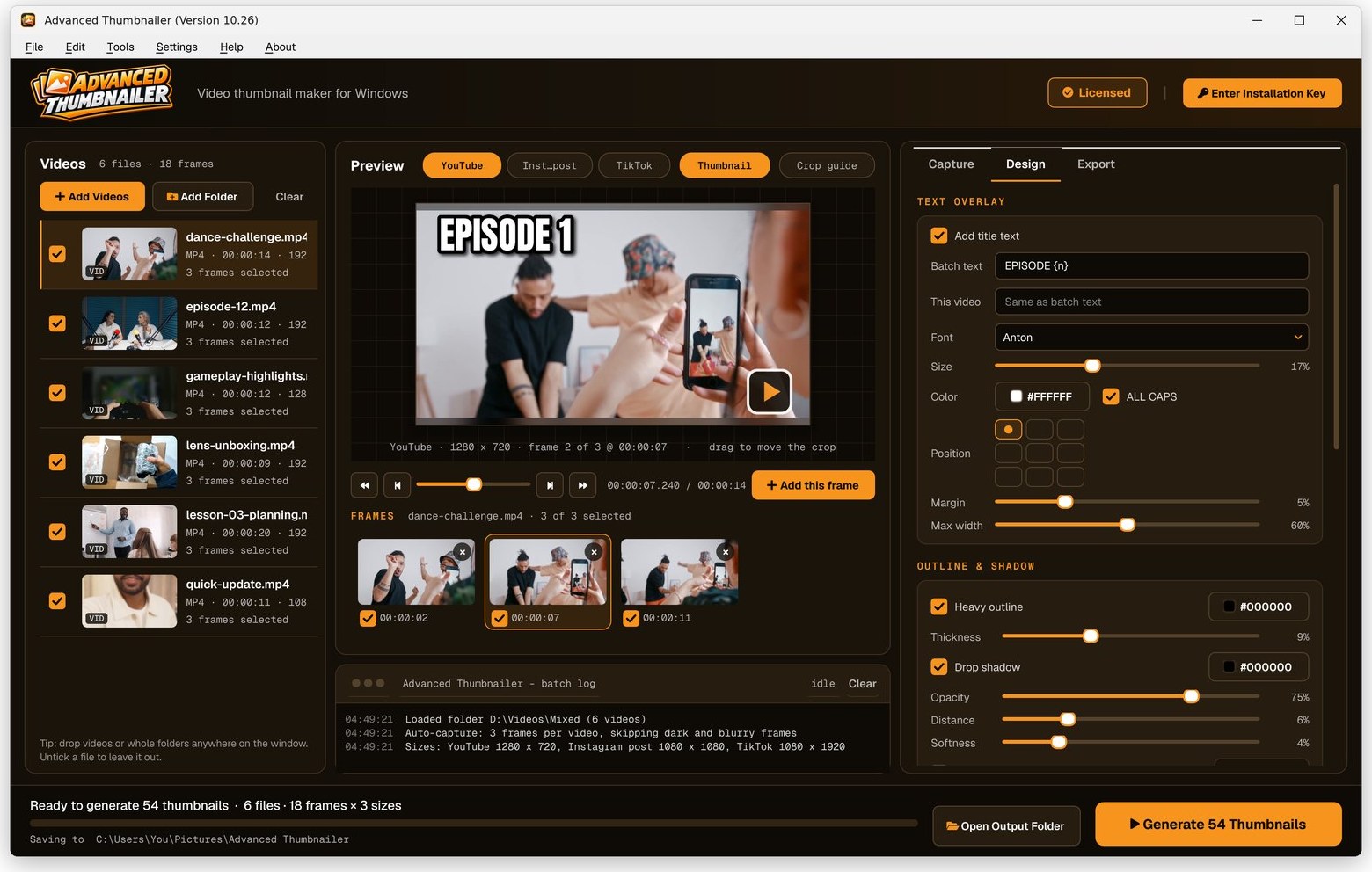
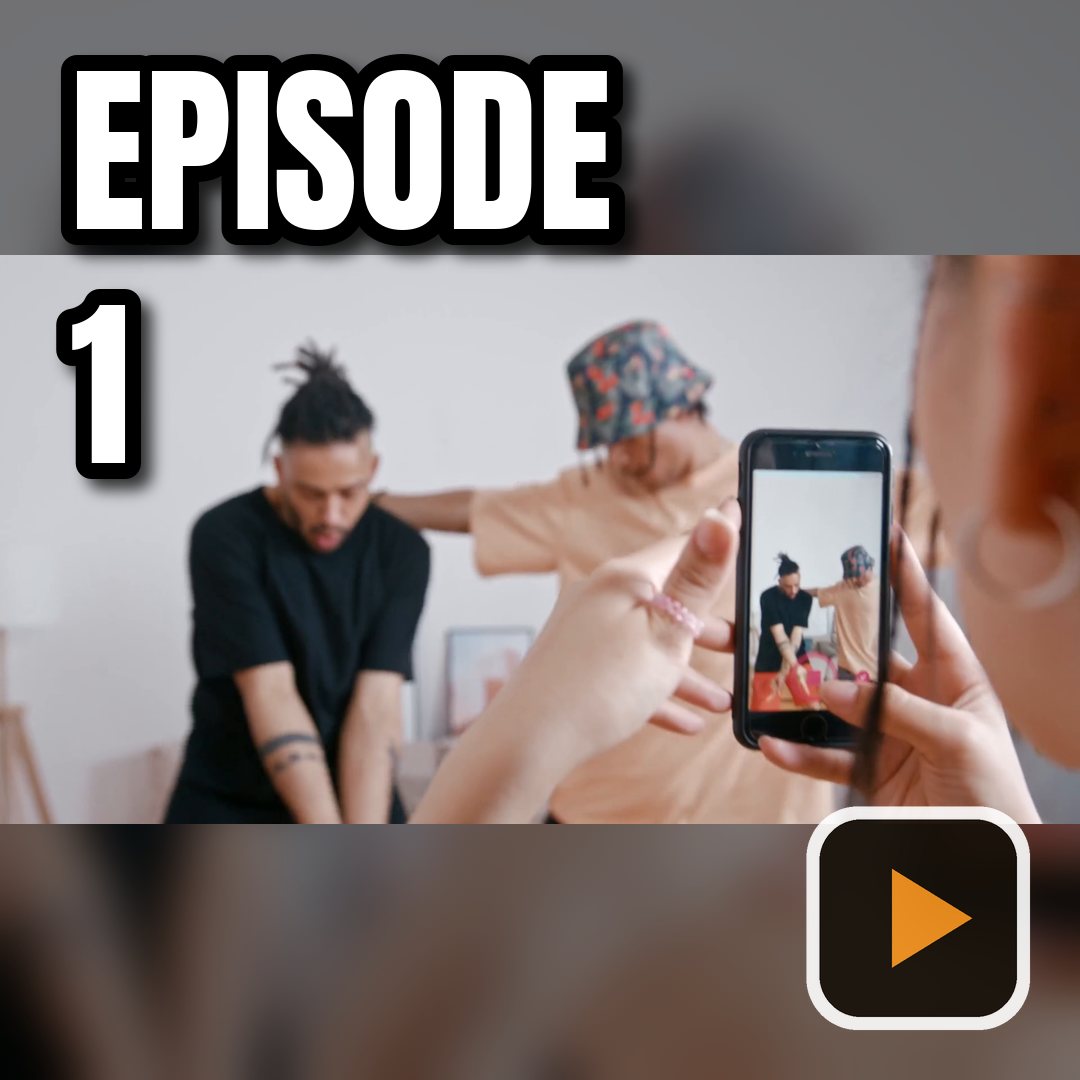
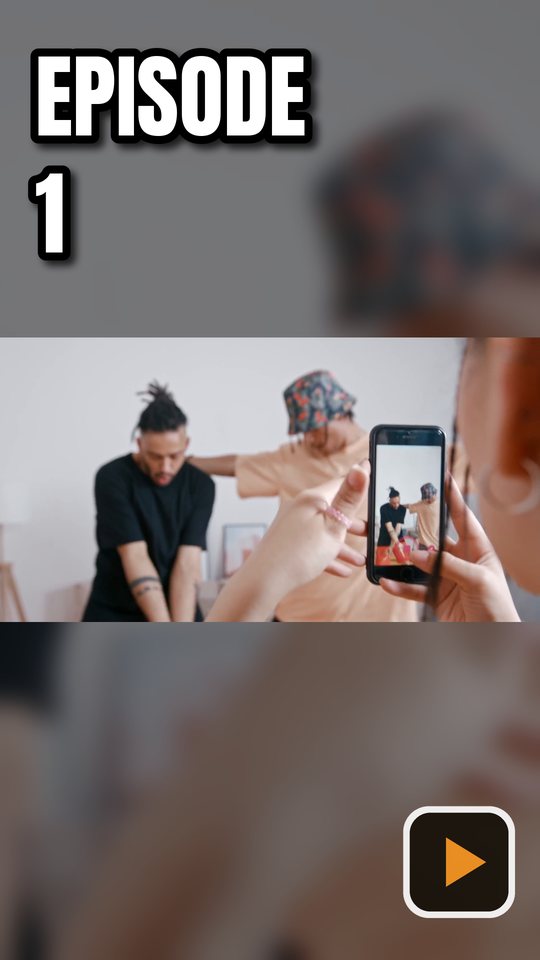
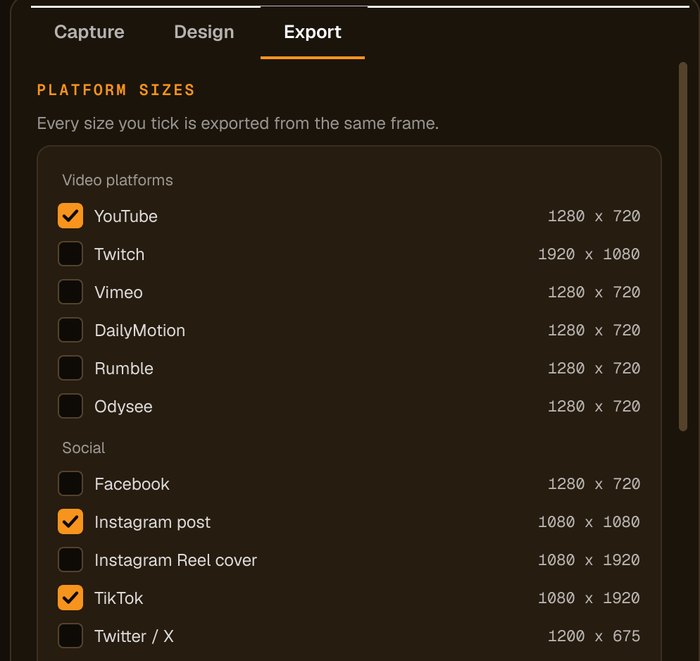
One batch, three platforms
The same frame from each video, exported in every size you tick.
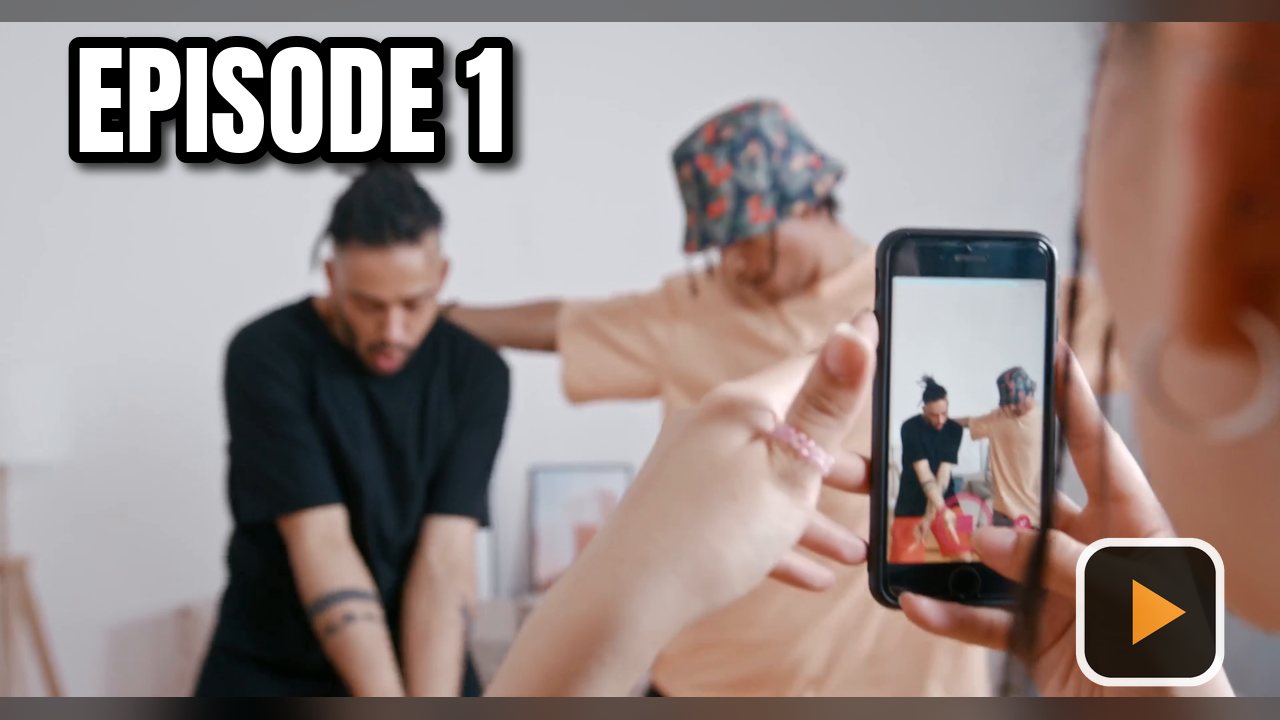
How to make thumbnails for multiple videos at once
Add your videos
Click Add Videos or Add Folder, or drag files onto the window. If you turned it on when installing, you can also right-click a video in File Explorer and choose Make thumbnails with Advanced Thumbnailer.
Pick the frame
Auto-capture picks frames for you and avoids dark, washed-out or blurry ones. Scrub to any other moment and click Add this frame.
Style it once
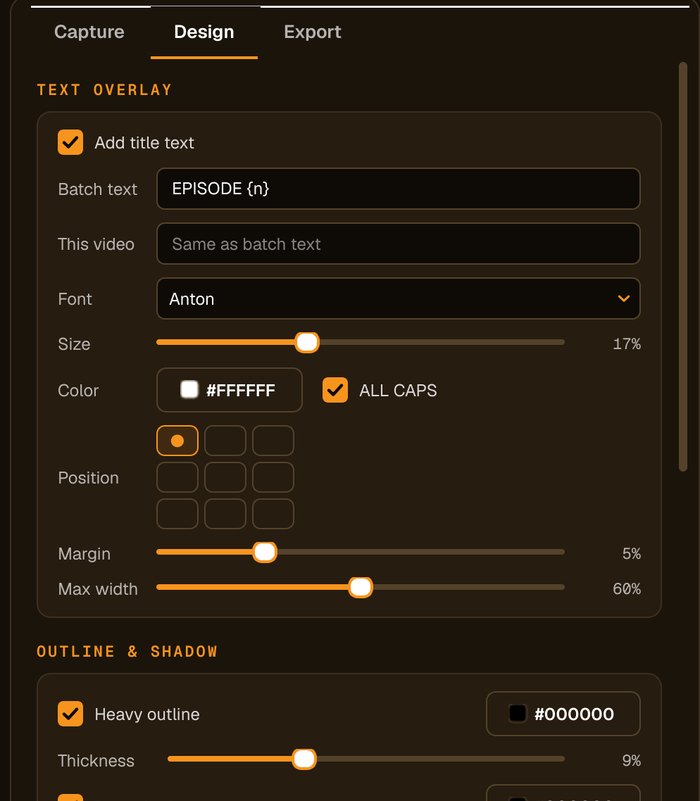
Set the title, font, colour and logo. Put {name} or {n} in the title and each video gets its own wording.
Tick sizes and Generate
Tick every platform size you need and press Generate. Thumbnails are saved as JPG or PNG to the folder you choose.
What makes batch work fast
A title for every video, written once
Use {name} for the file name, {n} or {nn} for its number in the batch, or set one video's text by hand.
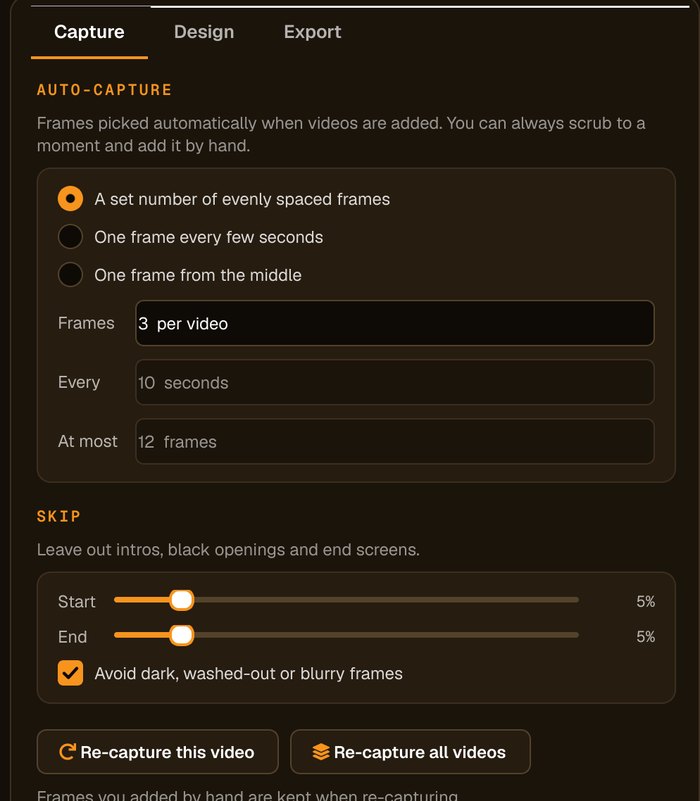
Frames picked for you
Choose a number of evenly spaced frames, one every few seconds, or one from the middle. Intros, end screens and dark or blurry frames are skipped.
Every size from one export
Each size you tick is made from the same frame, so a video's YouTube, Instagram and TikTok images all match.
Tidy output
Name files from the video or your own text, add the platform, size, frame number or date, and keep each video's thumbnails in its own folder.
Who it's not for: if you want ready-made design templates or stock graphics, an online design app suits you better. Advanced Thumbnailer makes thumbnails from your own videos, quickly and in bulk.
One license. Every preset. Yours to keep.
Get Advanced Thumbnailer
You'll go straight to your download page once payment is confirmed, and we'll email your download link and license key.
Buy now · $39.95Already purchased? Get your download link again
One-time payment · instant download
- InputVideo and image files
- Presets18 + custom sizes
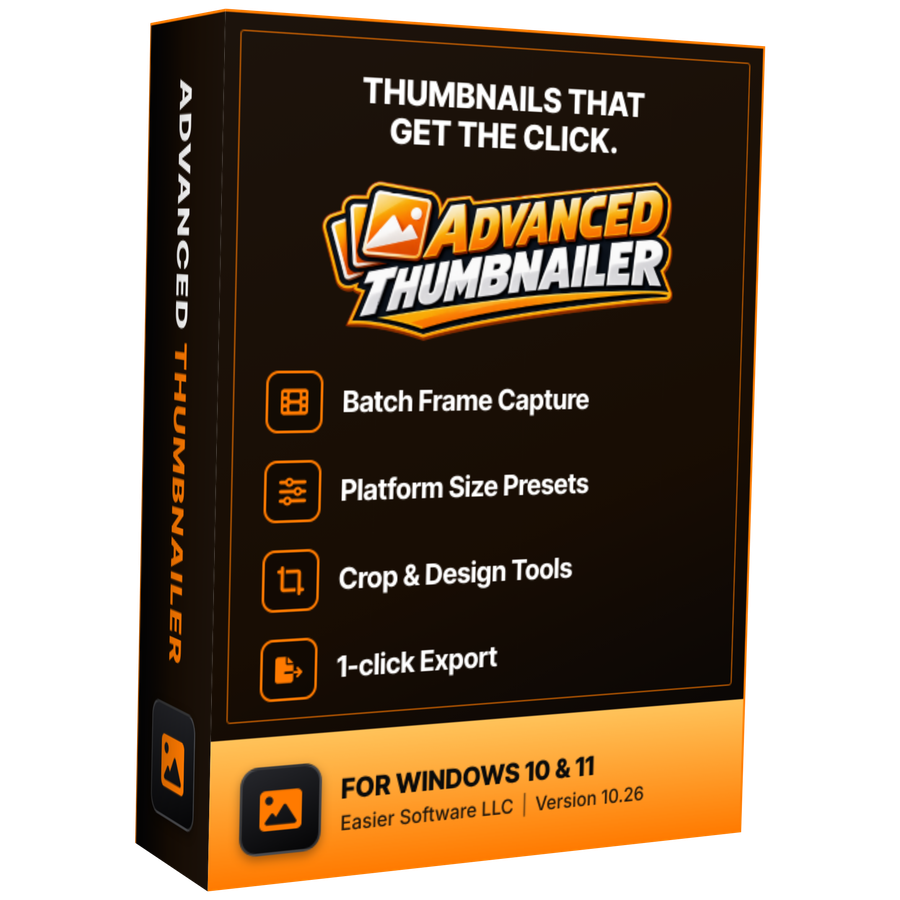
- Works onWindows 10 & 11
- UpdatesFree
- Activations1 PC
- DeliveryDownload + key by email
Batch thumbnail questions
Can each thumbnail in a batch have a different title?
Yes. Put {name} or {n} in the title and each thumbnail uses that video's file name or its number in the batch. You can also type a title for a single video.
Which video formats can I batch?
MP4, MOV, AVI, MKV, WMV, M4V, FLV and WebM. You can add JPG, PNG, GIF, BMP, TIFF and WebP stills to the same batch.
Can I make several sizes from the same batch?
Yes. Tick as many of the 18 built-in sizes as you need, or add your own, and each video gets a thumbnail in every size from the same frame.
Where are the thumbnails saved?
In a folder you choose (Pictures\Advanced Thumbnailer by default) or next to each video, optionally in a subfolder per video.
Can I try it before I buy?
Yes. It installs and opens without an Installation Key, so you can add videos, pick frames and design your thumbnails. Generating and saving needs an activated key.
More from Advanced Thumbnailer
Your whole folder, one click
Add the videos, style the first thumbnail, and let Advanced Thumbnailer make the rest.
Get Advanced Thumbnailer · $39.95