
A thumbnail maker you pay for once
Buy Advanced Thumbnailer once and every feature is yours: batch export, all 18 platform sizes, text, logos and free updates. No plan to cancel, no limit on how many thumbnails you make.

What you get for one payment
Everything is in the one version. There are no locked features or export limits.
| Advanced Thumbnailer | Typical subscription app | |
|---|---|---|
| How you pay | Once | Every month or year |
| Batch export | Included | Often a higher tier |
| Platform sizes | 18 built in + custom | Varies |
| Stop paying | Keep using it | Lose access |
| Updates | Free | While subscribed |
Subscription apps vary in what they include. Check the plan details of the app you're comparing.
One frame, every size, no extra charge
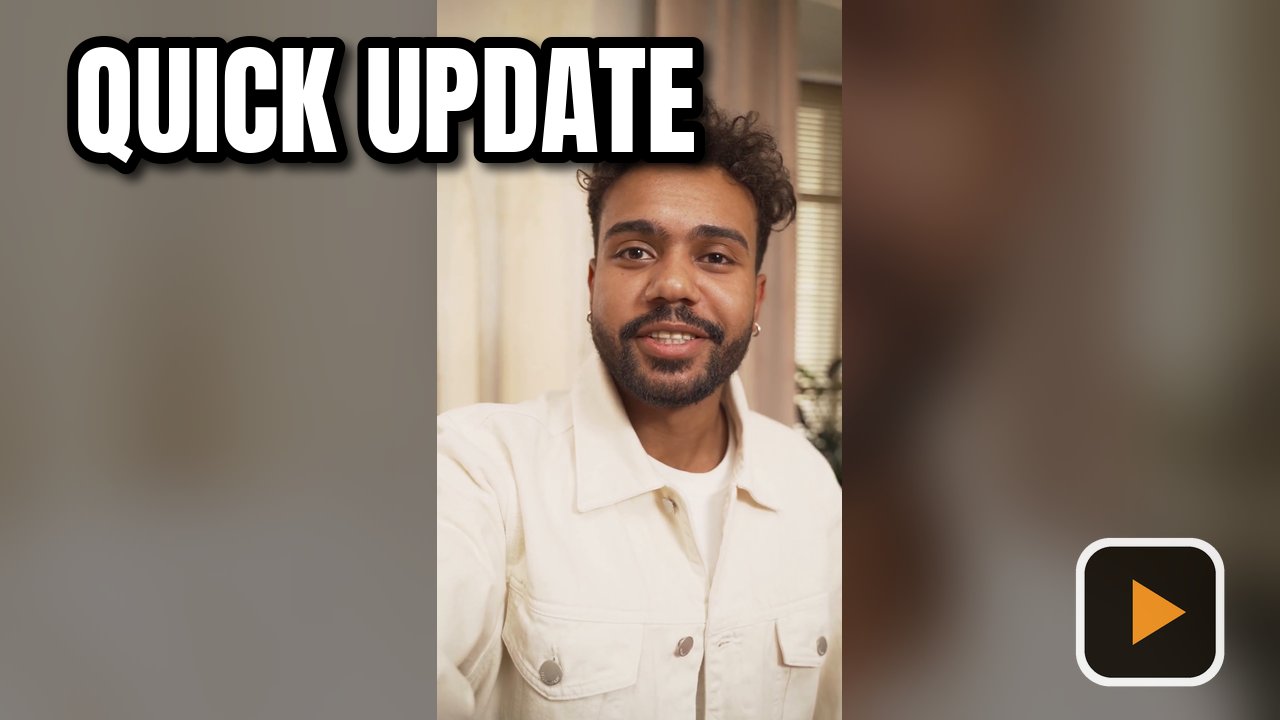
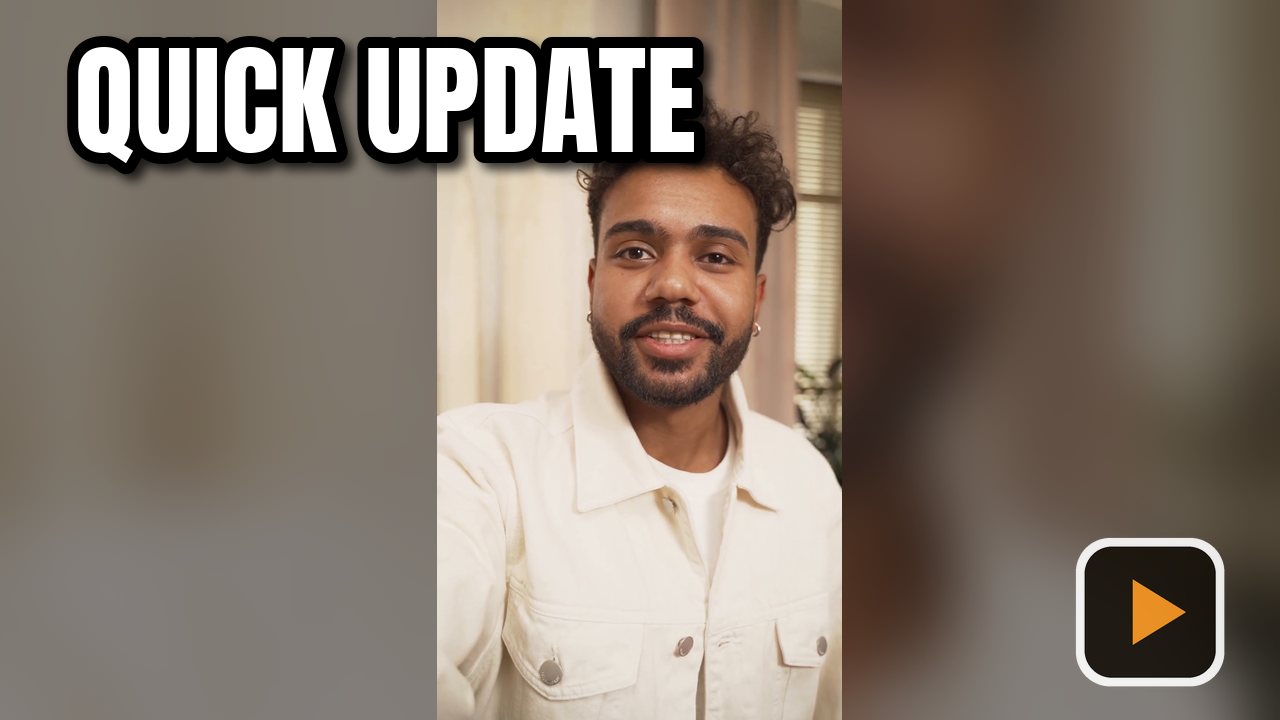
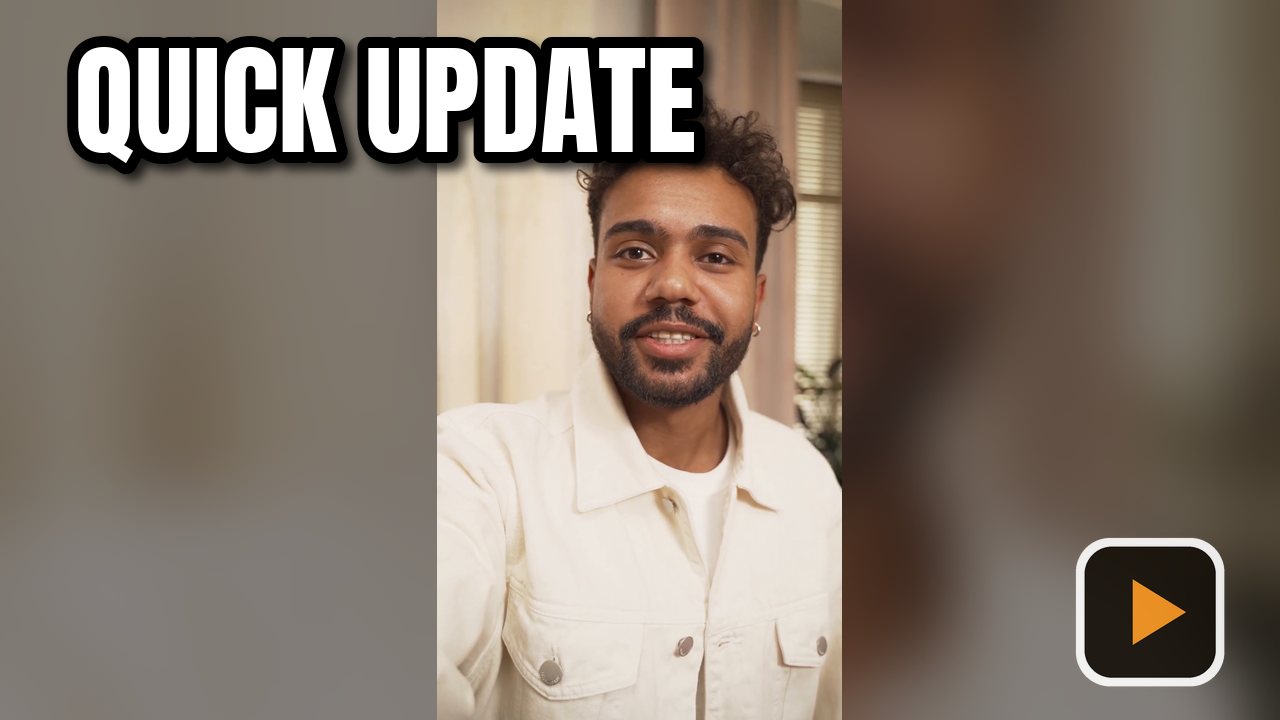
Tick YouTube, Facebook and Instagram, and each frame is exported in all three.

Make your first thumbnails in minutes
Add your videos
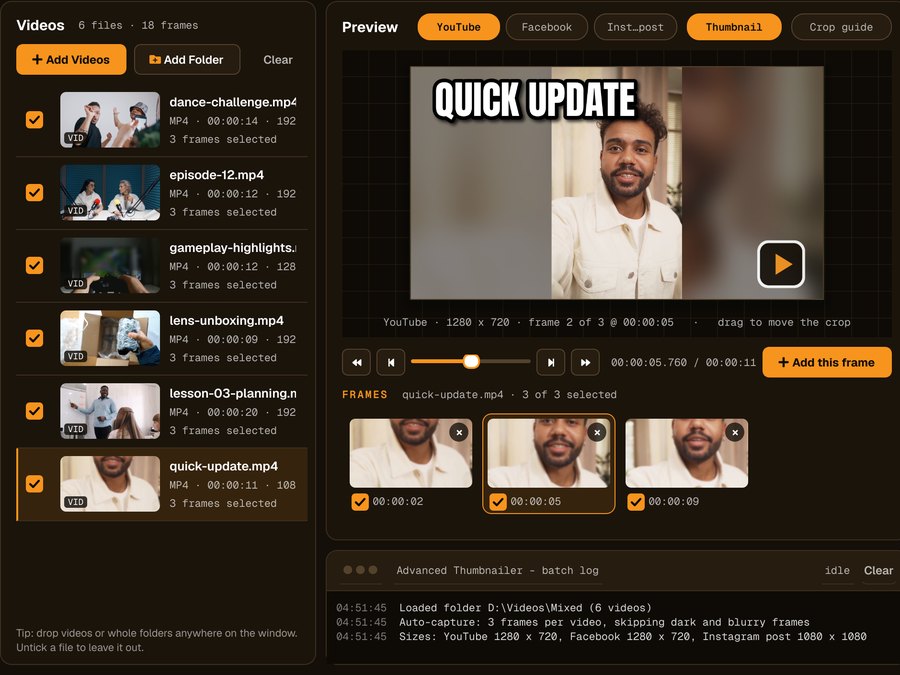
Click Add Videos or Add Folder, or drag files onto the window. If you turned it on when installing, you can also right-click a video in File Explorer and choose Make thumbnails with Advanced Thumbnailer.
Pick the frame
Auto-capture picks frames for you and avoids dark, washed-out or blurry ones. Scrub to any other moment and click Add this frame.
Add your title and logo
Type the title, choose the font, size and colour, add an outline, shadow or highlight box, and place your logo in any corner.
Generate
Tick the sizes you need and press Generate. Make as many thumbnails as you like.
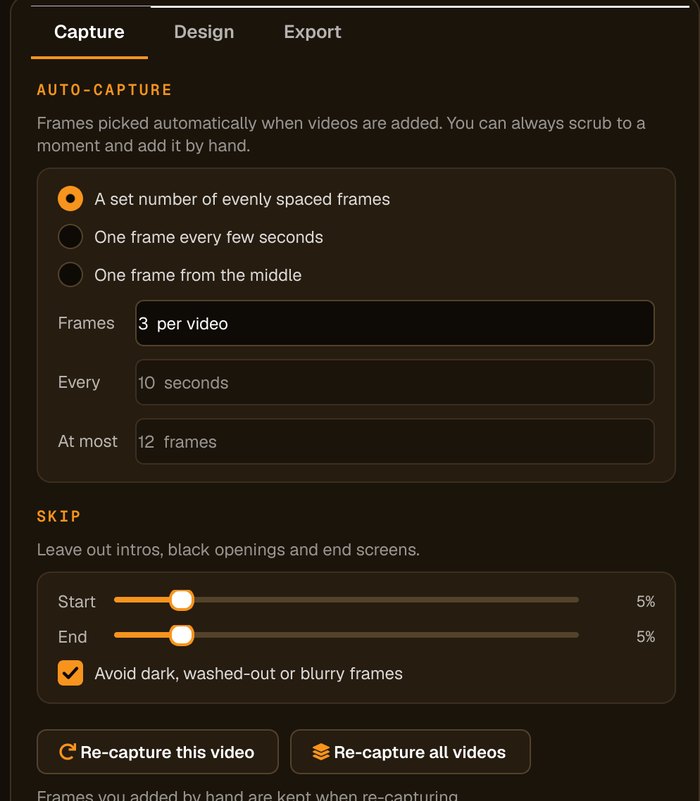
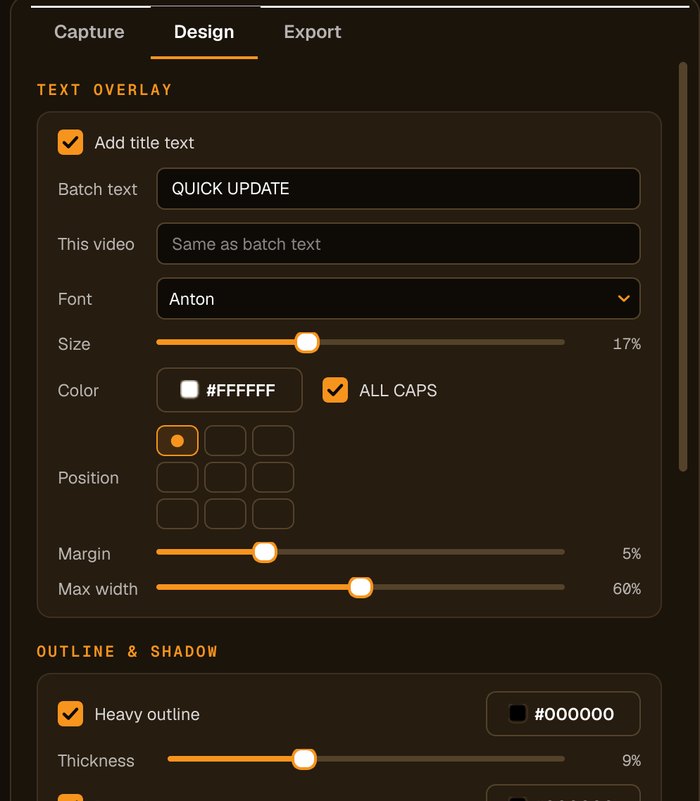
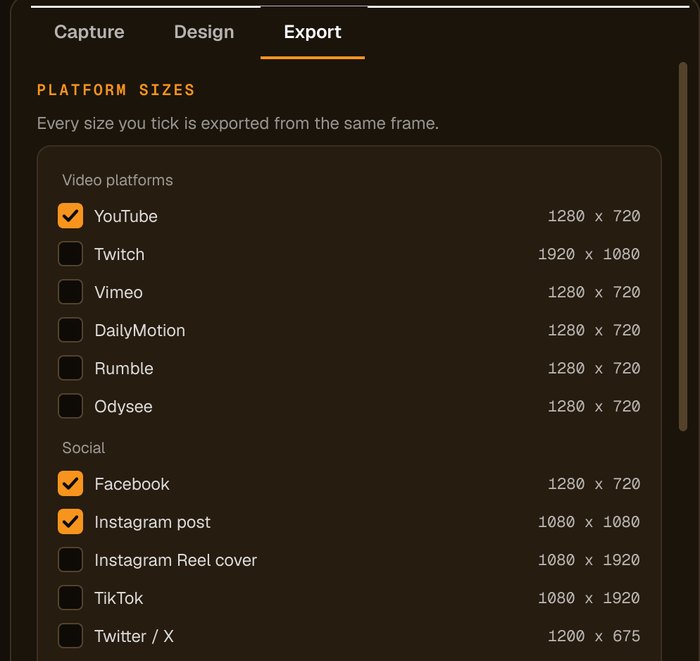
Everything in the one version
Batch export
Whole folders of videos in one run.
All 18 sizes
YouTube, Twitch, TikTok, Instagram, Facebook, X, LinkedIn, Vimeo and more, plus custom sizes.
Text, outline, shadow, logo
Every design option, with no watermark of ours on your thumbnails.
Free updates
New versions are included with your license.
Who it's not for: if you only need one thumbnail a year, a free online tool may be enough. Advanced Thumbnailer pays off when you post regularly.
One license. Every preset. Yours to keep.
Get Advanced Thumbnailer
You'll go straight to your download page once payment is confirmed, and we'll email your download link and license key.
Buy now · $39.95Already purchased? Get your download link again
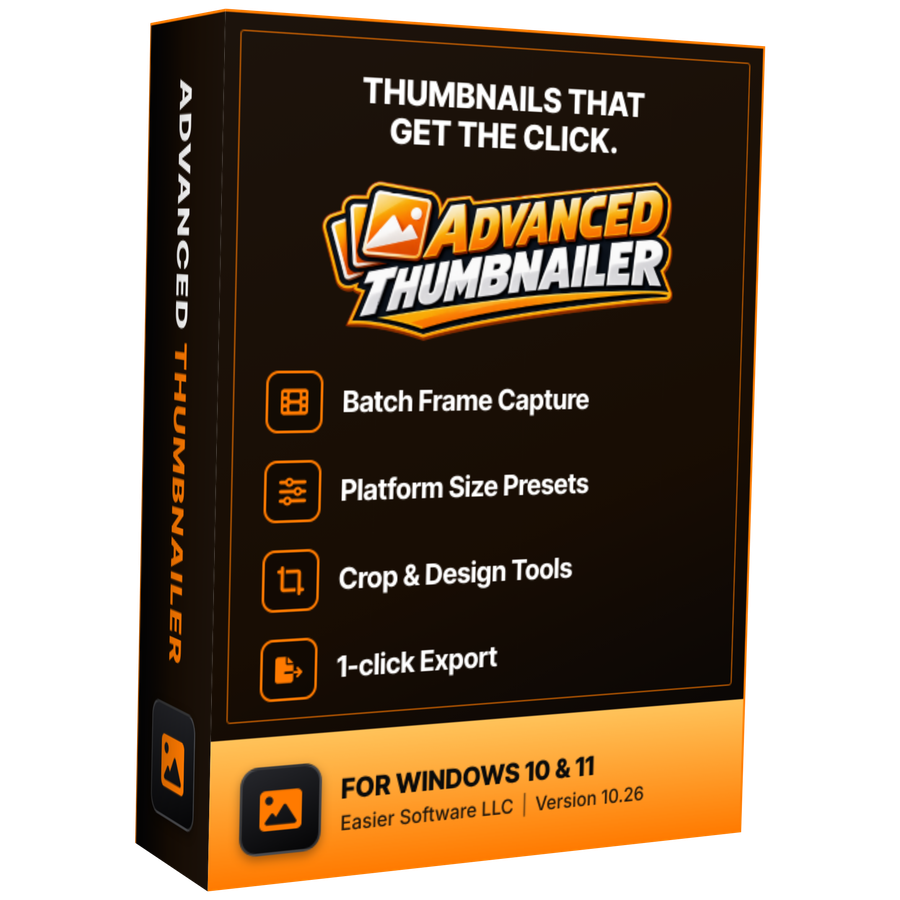
One-time payment · instant download
- InputVideo and image files
- Presets18 + custom sizes
- Works onWindows 10 & 11
- UpdatesFree
- Activations1 PC
- DeliveryDownload + key by email
Pricing questions
Is there a monthly fee?
No. Advanced Thumbnailer is a one-time purchase. Updates are free.
Is anything locked behind a higher plan?
No. There is one version and it includes every feature, with no limit on how many thumbnails you make.
Can I try it before buying?
Yes. It installs and opens without a key, so you can add videos and design thumbnails. Generating and saving needs an activated key.
How many PCs can I use it on?
The standard license covers one PC (the pricing box shows how many). Use Deactivate License to free it and move to a new PC.
More from Advanced Thumbnailer
Pay once. Make thumbnails forever.
Every feature, free updates, no subscription.
Get Advanced Thumbnailer · $39.95