
Thumbnails that pick their own frames
Add your videos and Advanced Thumbnailer picks frames for you: evenly spaced, one every few seconds or one from the middle, skipping intros, end screens and dark or blurry frames.


Frames are picked the moment videos are added
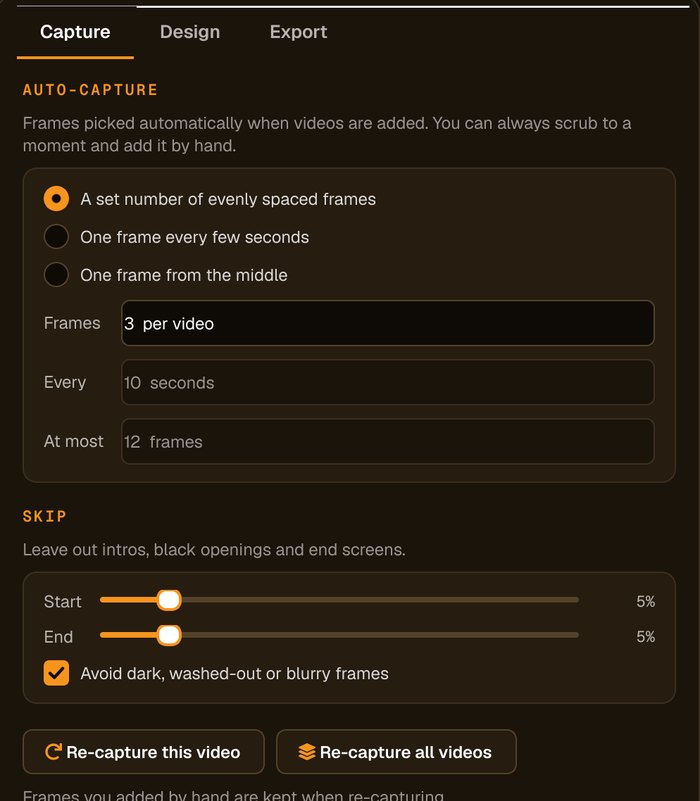
The Capture tab sets how frames are chosen. Change the settings and re-capture one video or all of them.
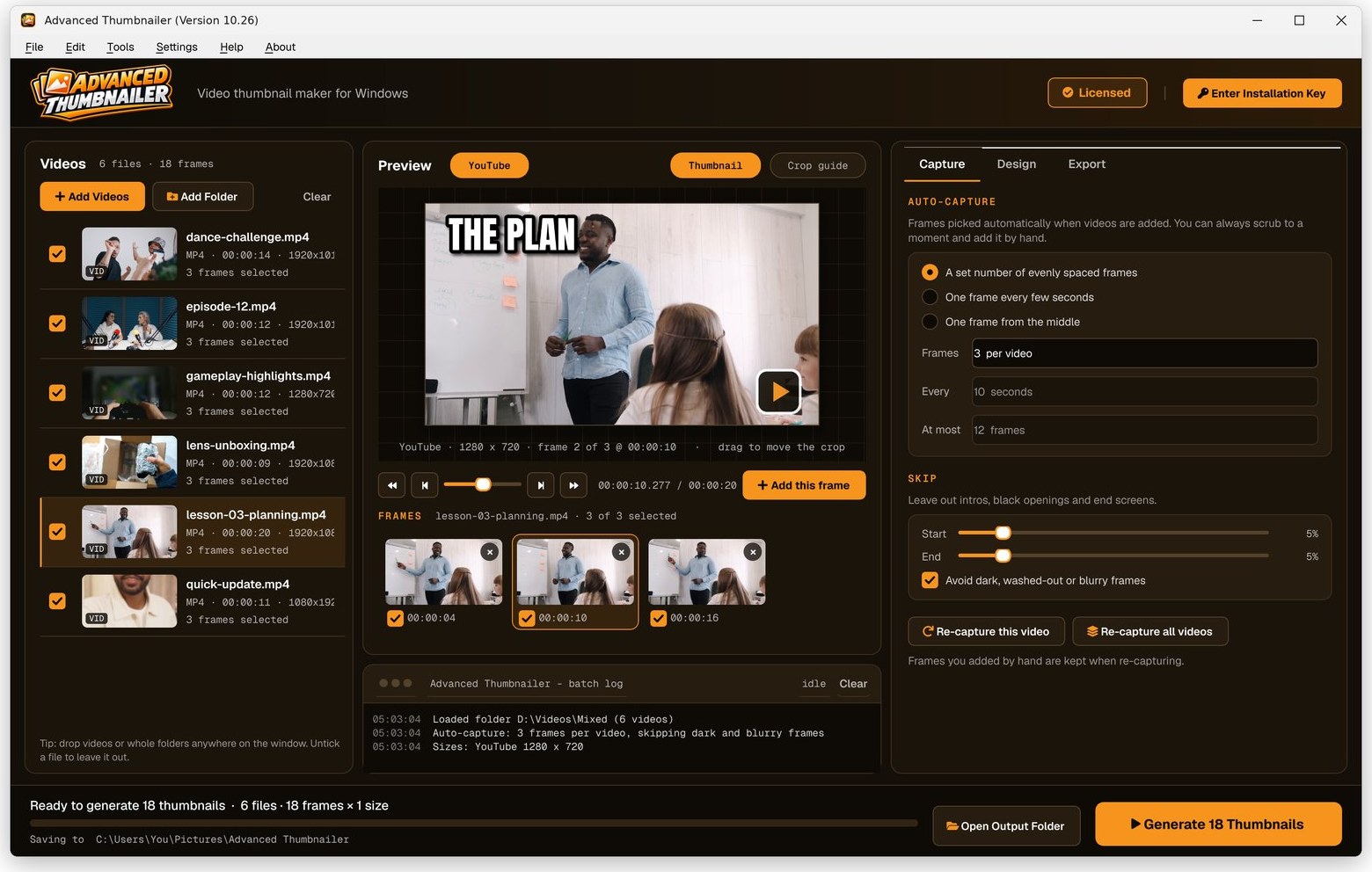
How auto-capture chooses
The settings on the Capture tab.
For example three frames across each video.
Up to a maximum number of frames per video.
The quickest way to get one thumbnail per video.
Leave out a percentage at the start and end, to avoid intros, black openings and end screens.
Nudges each pick away from dark, washed-out or blurry frames.
How automatic thumbnails work
Add your videos
Click Add Videos or Add Folder, or drag files onto the window. If you turned it on when installing, you can also right-click a video in File Explorer and choose Make thumbnails with Advanced Thumbnailer.
Check the picks
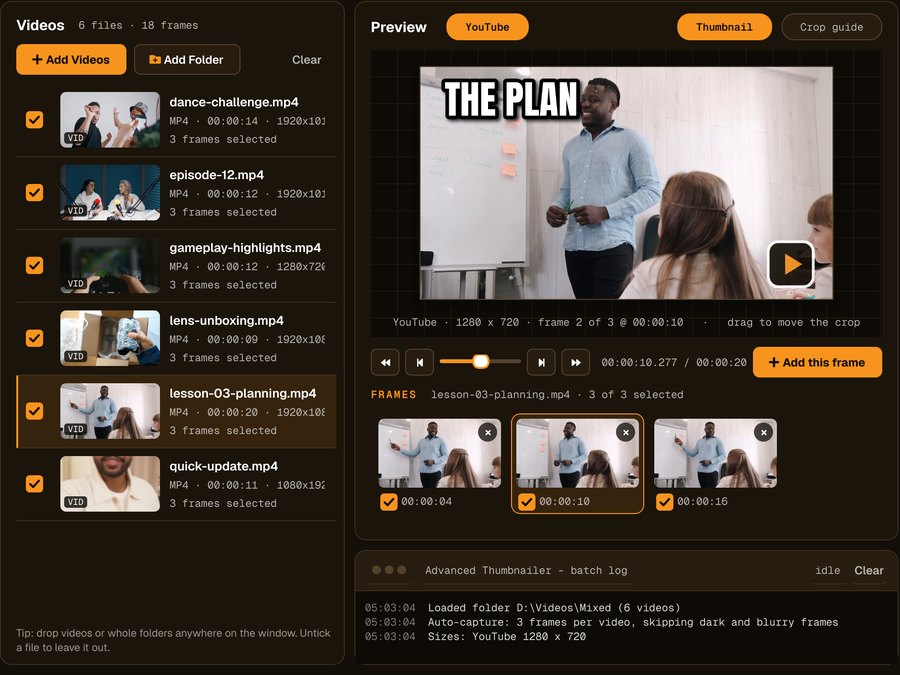
Frames appear under the preview straight away. Untick any you don't want, or add your own with Add this frame.
Add your title and logo
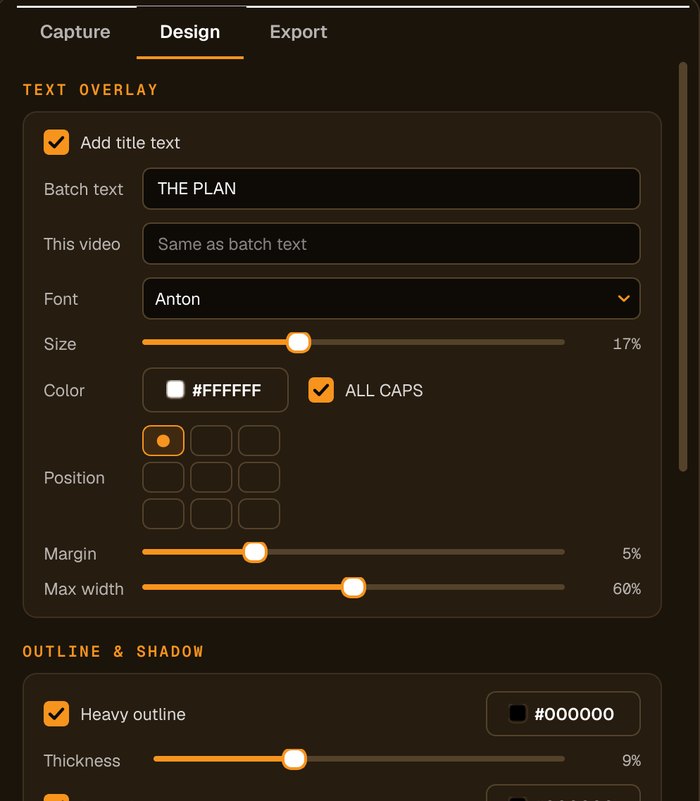
Type the title, choose the font, size and colour, add an outline, shadow or highlight box, and place your logo in any corner.
Generate
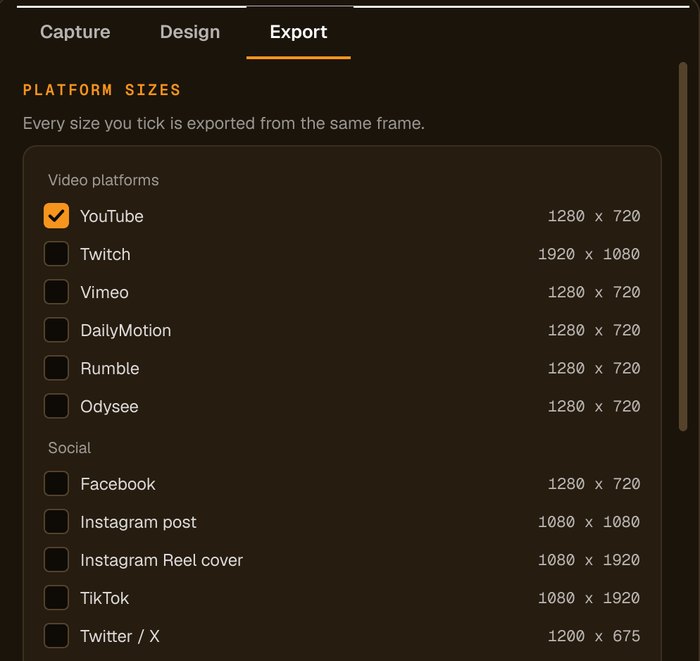
Tick your sizes and press Generate. Every picked frame becomes a thumbnail.
Less scrubbing, more posting
Good first picks
Intros, end screens and dark or blurry moments are skipped automatically.
You stay in control
Untick any frame, or add your own; hand-picked frames are kept when you re-capture.
Works across a folder
Auto-capture runs on every video you add.
Fast choice
Three frames per video gives you options without hunting through the timeline.
Who it's not for: if you need face or object detection, Advanced Thumbnailer doesn't do that; it picks frames by timing, sharpness and brightness.
One license. Every preset. Yours to keep.
Get Advanced Thumbnailer
You'll go straight to your download page once payment is confirmed, and we'll email your download link and license key.
Buy now · $39.95Already purchased? Get your download link again
One-time payment · instant download
- InputVideo and image files
- Presets18 + custom sizes
- Works onWindows 10 & 11
- UpdatesFree
- Activations1 PC
- DeliveryDownload + key by email
Auto-capture questions
How does it choose frames?
By timing (evenly spaced, every few seconds, or the middle), skipping the start and end, and nudging away from dark, washed-out or blurry frames.
Can I choose my own frame instead?
Yes. Scrub to any moment and click Add this frame. Frames you add by hand are kept when you re-capture.
Does it detect faces?
No. It picks frames by timing, sharpness and brightness.
Does it work on a whole folder?
Yes. Every video you add gets its frames picked automatically.
More from Advanced Thumbnailer
Let the app find the frames
Good frames picked from every video, ready for your title and logo.
Get Advanced Thumbnailer · $39.95