
Rumble thumbnails in the exact 16:9 shape Rumble needs
Rumble only uses a custom thumbnail if it's exactly 16:9. The Rumble preset gets the shape right every time, with your title and logo on the best frame from your video.
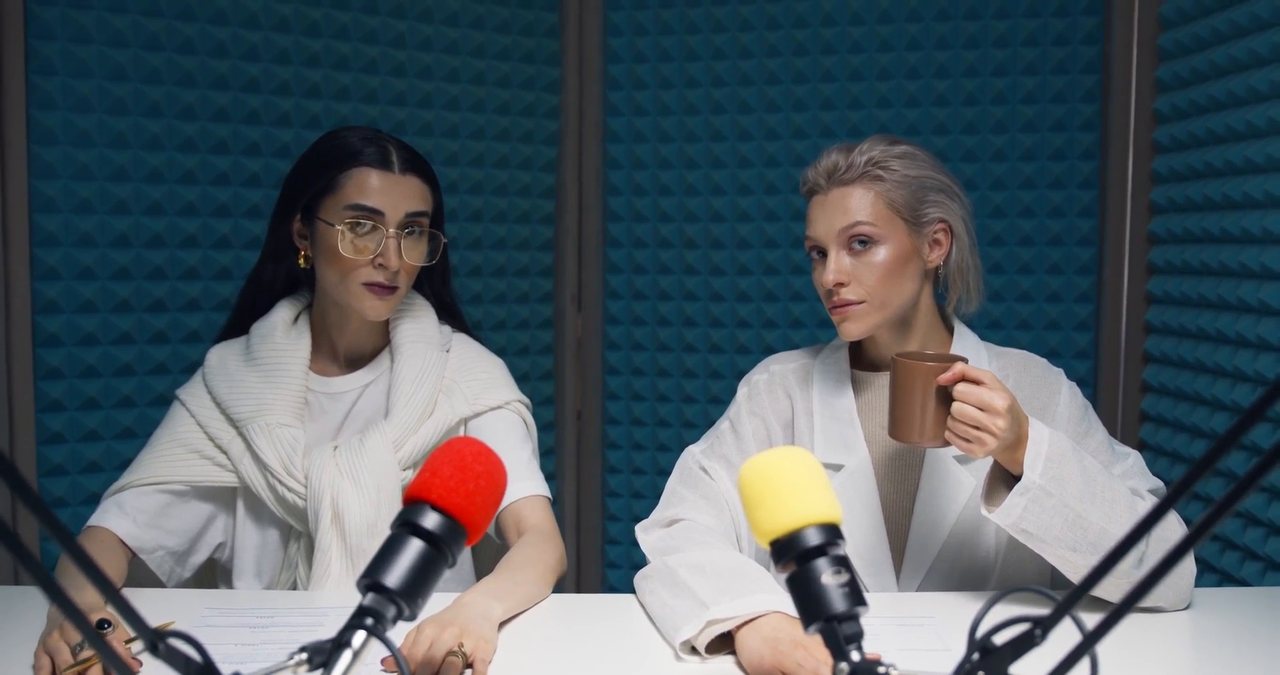
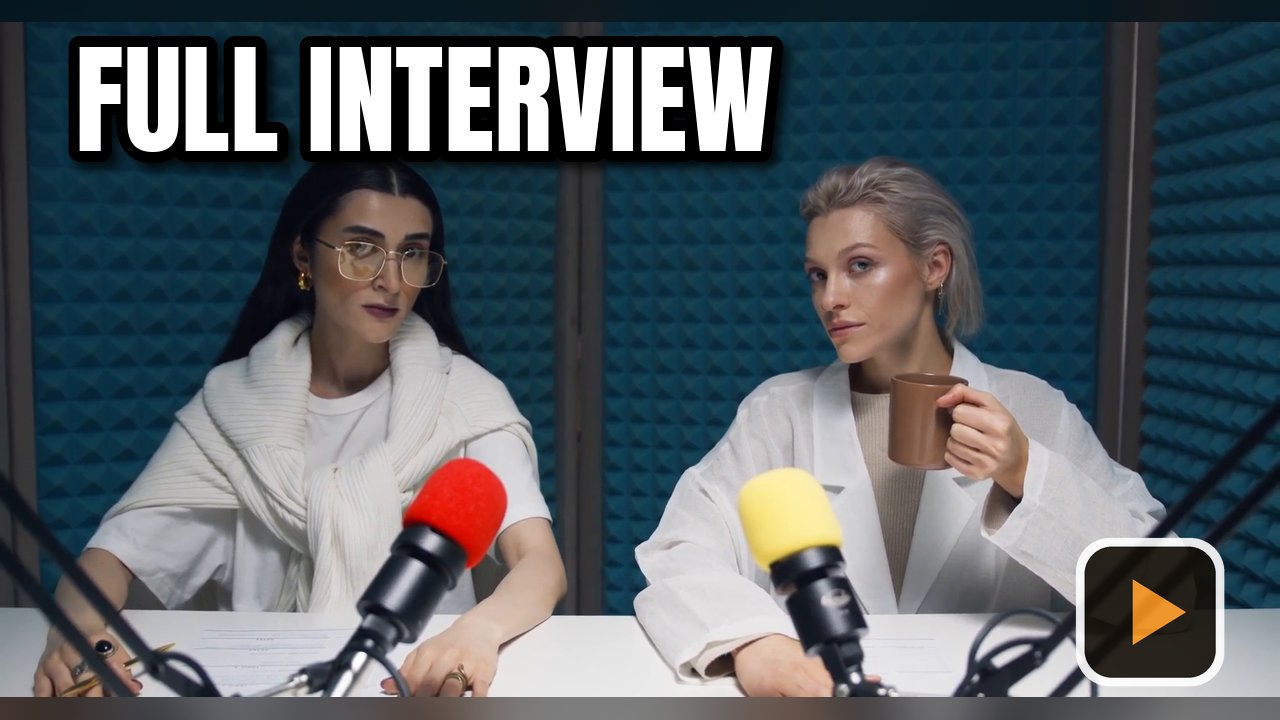
Custom thumbnails on Rumble
From Rumble's own support page.
Rumble prefers 1280 × 720.
The image must be exactly 16:9, otherwise Rumble uses frames from the video instead. The preset is exactly 16:9.
All Videos > ... > Edit, then click the thumbnail and choose your file.
Sources: Rumble Support: changing a thumbnail. Platforms change their rules, so check before you upload.
How to make a Rumble thumbnail
Add your videos
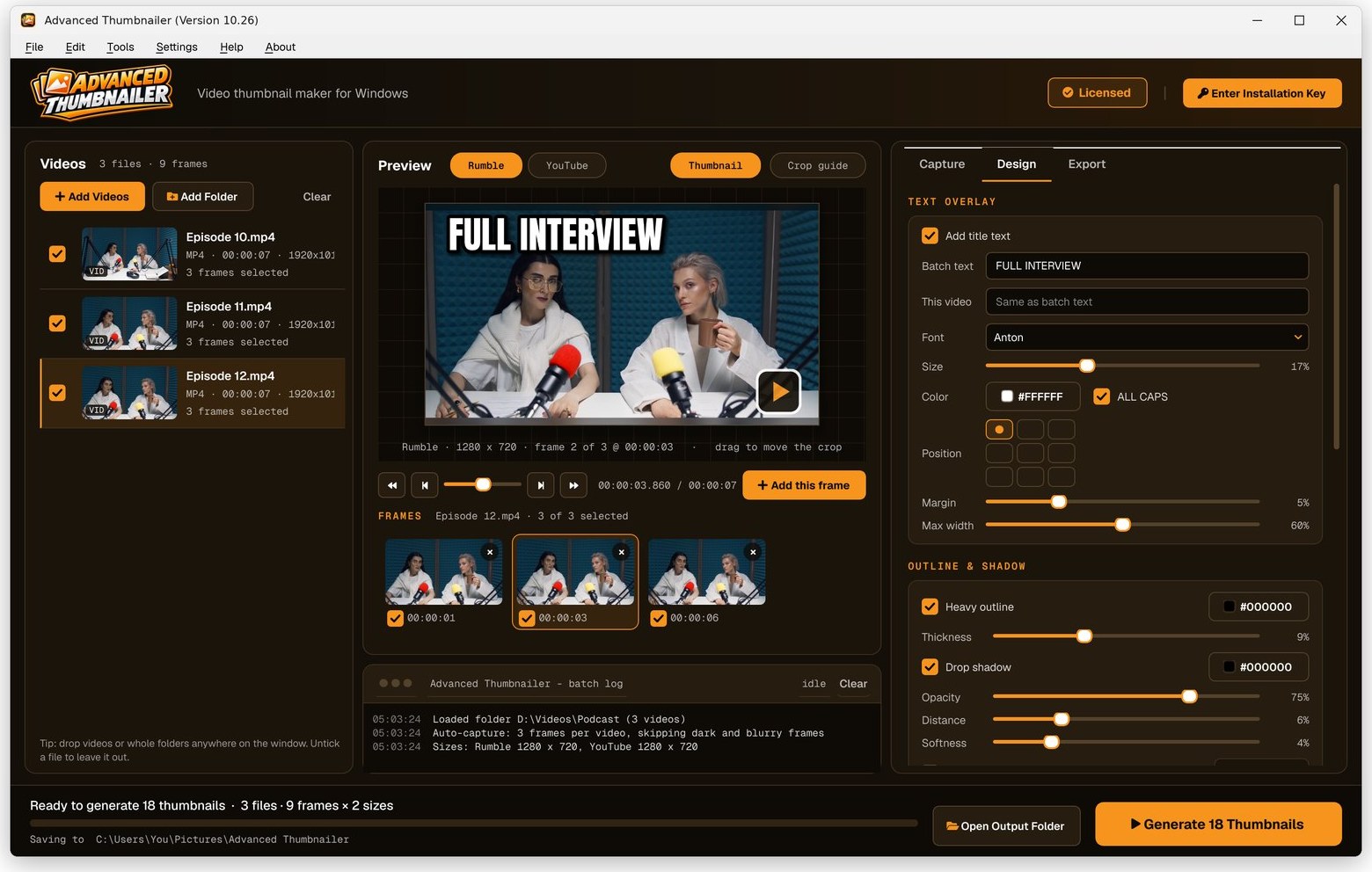
Click Add Videos or Add Folder, or drag files onto the window. If you turned it on when installing, you can also right-click a video in File Explorer and choose Make thumbnails with Advanced Thumbnailer.
Pick the frame
Auto-capture picks frames for you and avoids dark, washed-out or blurry ones. Scrub to any other moment and click Add this frame.
Add your title and logo
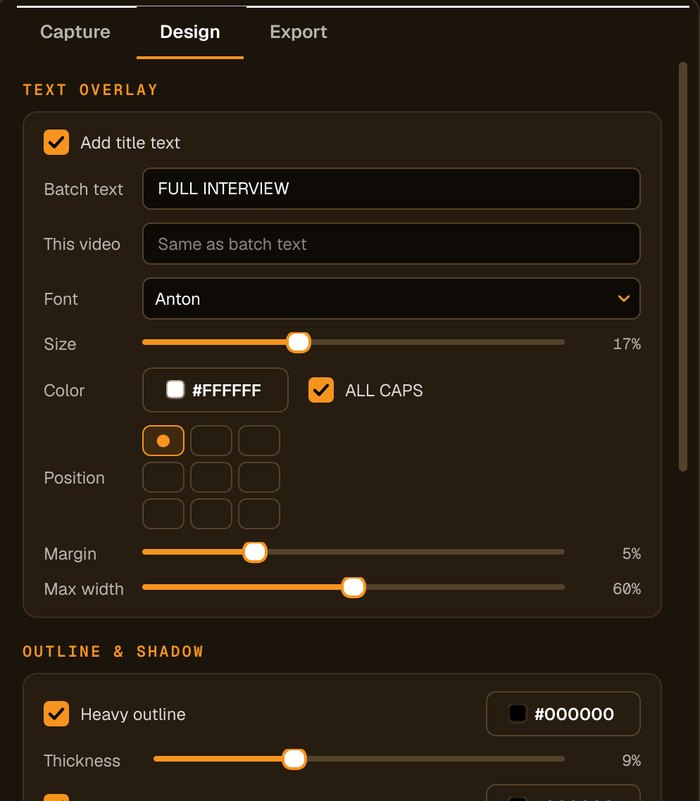
Type the title, choose the font, size and colour, add an outline, shadow or highlight box, and place your logo in any corner.
Tick Rumble and Generate
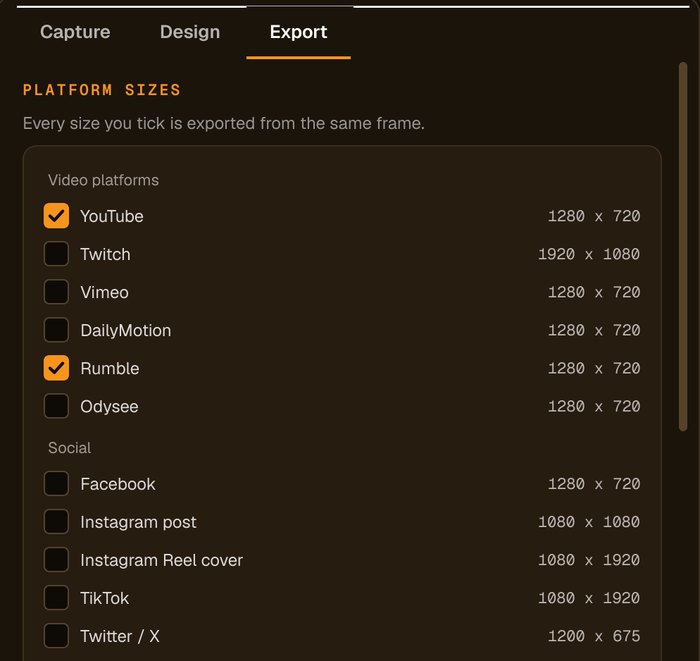
Tick the Rumble preset, and any other platforms you post to, then press Generate.
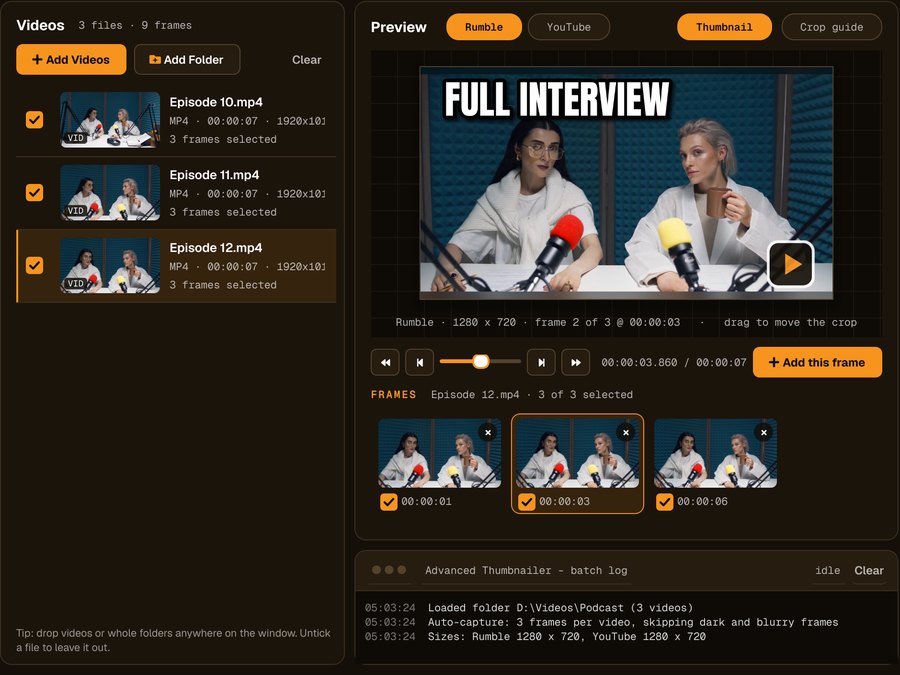
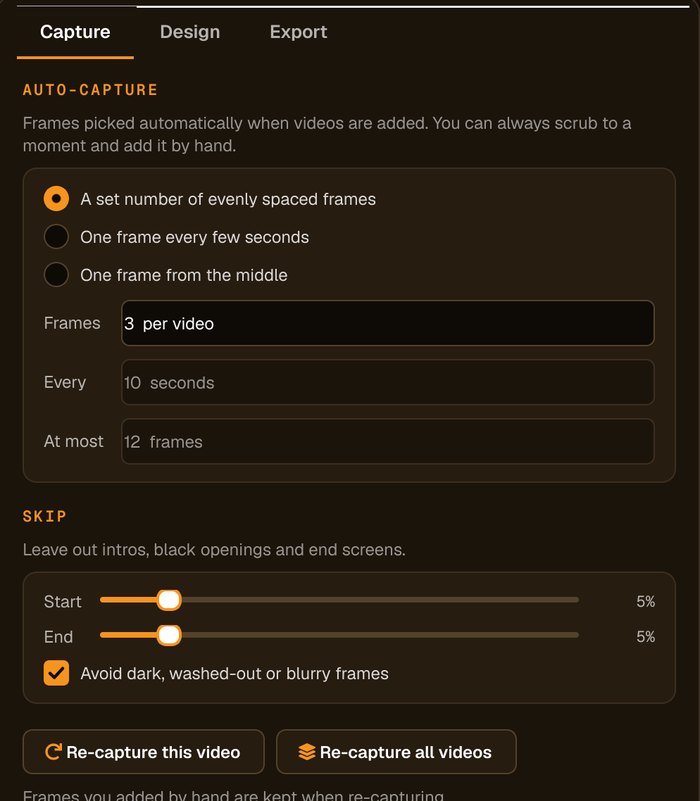
Ready for Rumble and everywhere else
Tick Rumble alongside your other platforms and every size comes from the same frame.
Why Rumble creators use it
Real frames, full resolution
Frames come straight from the video file, not a screenshot of a player.
The Rumble size, built in
No measuring or resizing: tick the Rumble preset and export.
Post everywhere at once
Tick other platforms too and each gets its own size from the same frame.
Same style every upload
Save your design and reuse it for every video.
Who it's not for: if you need to edit the video itself, use a video editor. Advanced Thumbnailer makes the thumbnail.
One license. Every preset. Yours to keep.
Get Advanced Thumbnailer
You'll go straight to your download page once payment is confirmed, and we'll email your download link and license key.
Buy now · $39.95Already purchased? Get your download link again
One-time payment · instant download
- InputVideo and image files
- Presets18 + custom sizes
- Works onWindows 10 & 11
- UpdatesFree
- Activations1 PC
- DeliveryDownload + key by email
Rumble thumbnail questions
What size is a Rumble thumbnail?
Rumble prefers 1280 × 720, and the image must be exactly 16:9. The Rumble preset is exactly that.
Why didn't Rumble use my thumbnail?
Rumble ignores custom thumbnails that aren't exactly 16:9 and shows frames from the video instead. Export with the Rumble preset to get the shape right.
Can I make YouTube and Rumble thumbnails together?
Yes. Tick both presets; both are 1280 × 720 and made from the same frame.
Can I try it before I buy?
Yes. It installs and opens without an Installation Key, so you can add videos and design thumbnails. Generating and saving needs an activated key.
More from Advanced Thumbnailer
Every Rumble upload, the right shape
Thumbnails for Rumble, made from your own videos in a few clicks.
Get Advanced Thumbnailer · $39.95