
One frame, every platform size, one click
Design the thumbnail once and tick the platforms you post to. Every size is made from the same frame, cropped or filled to fit, so your video looks the same everywhere.
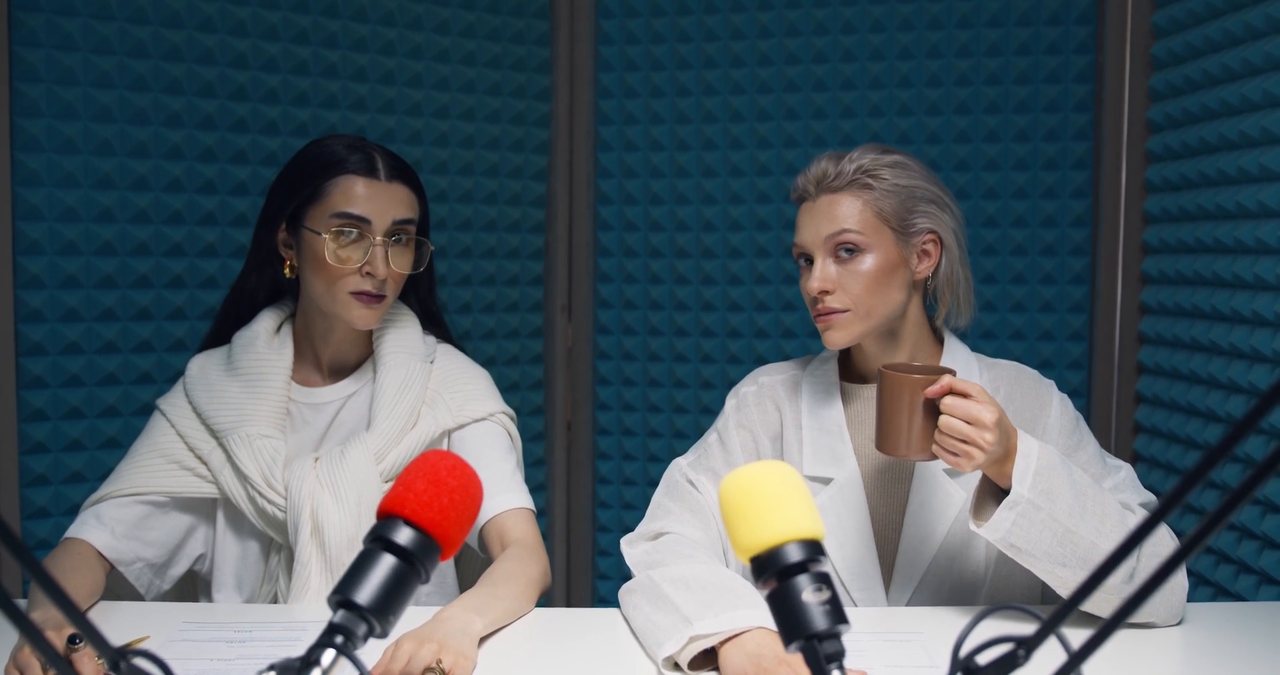
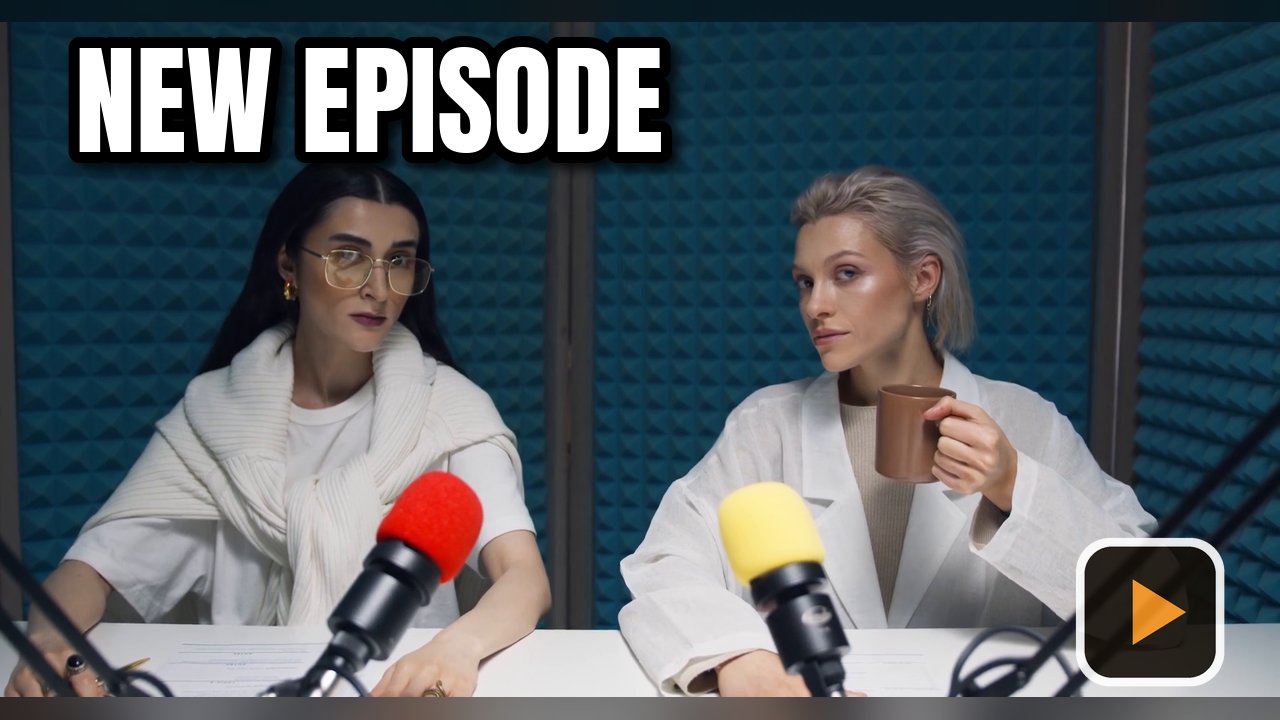
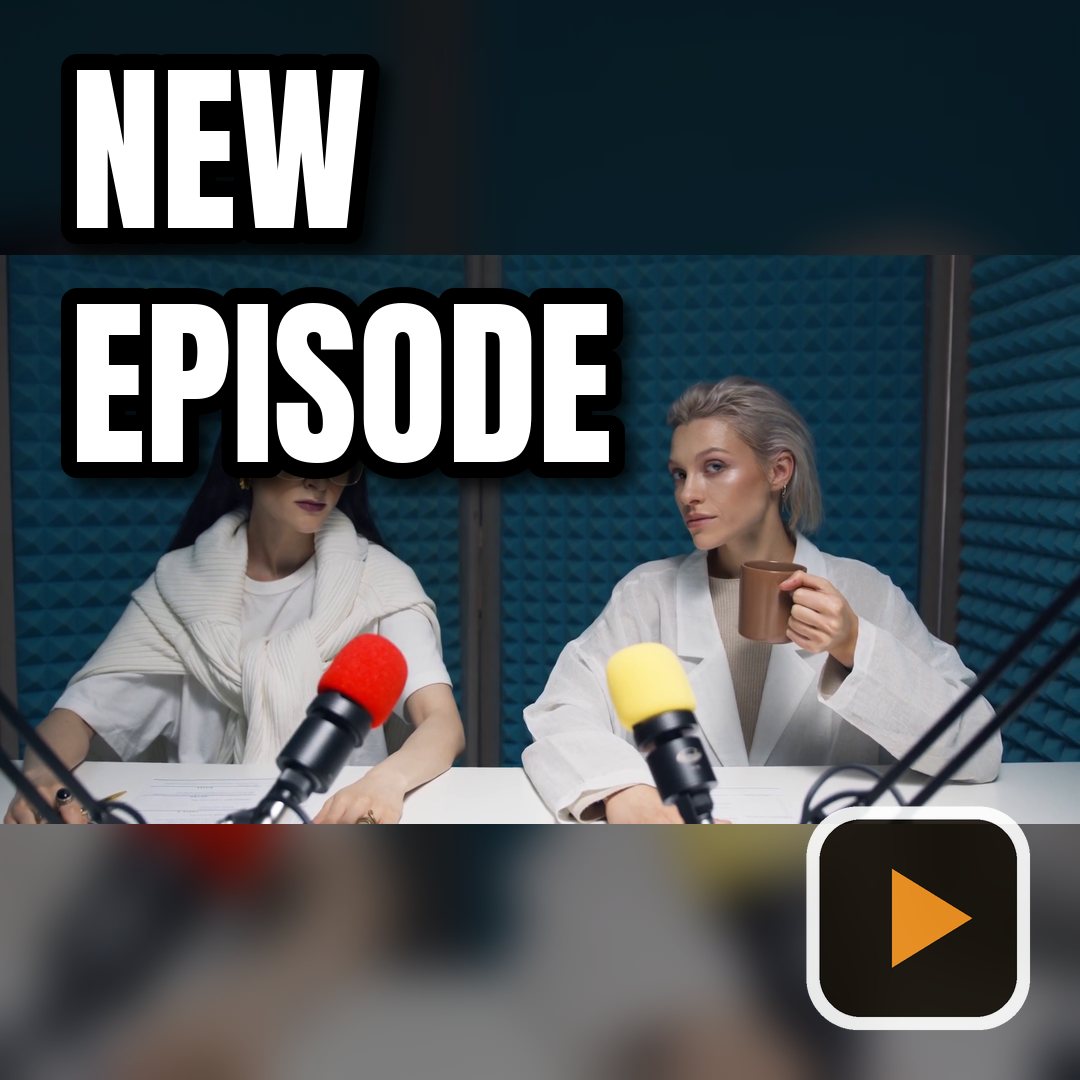
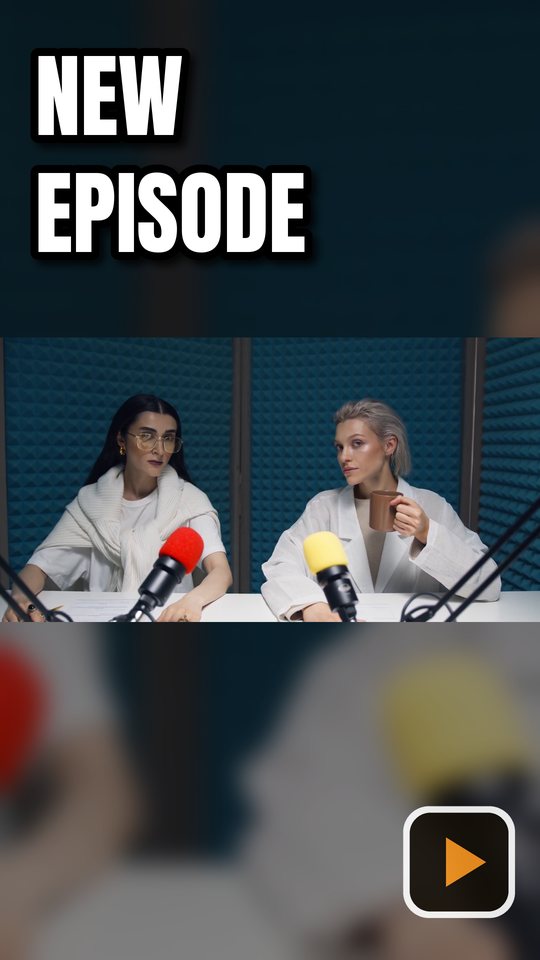
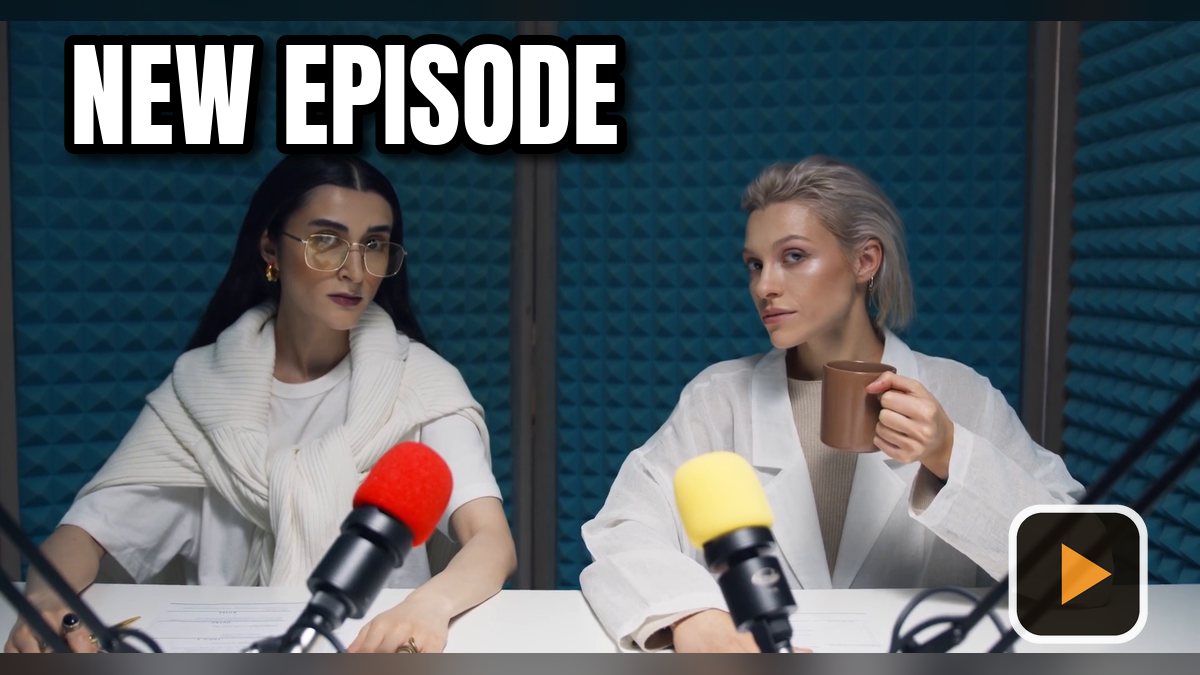
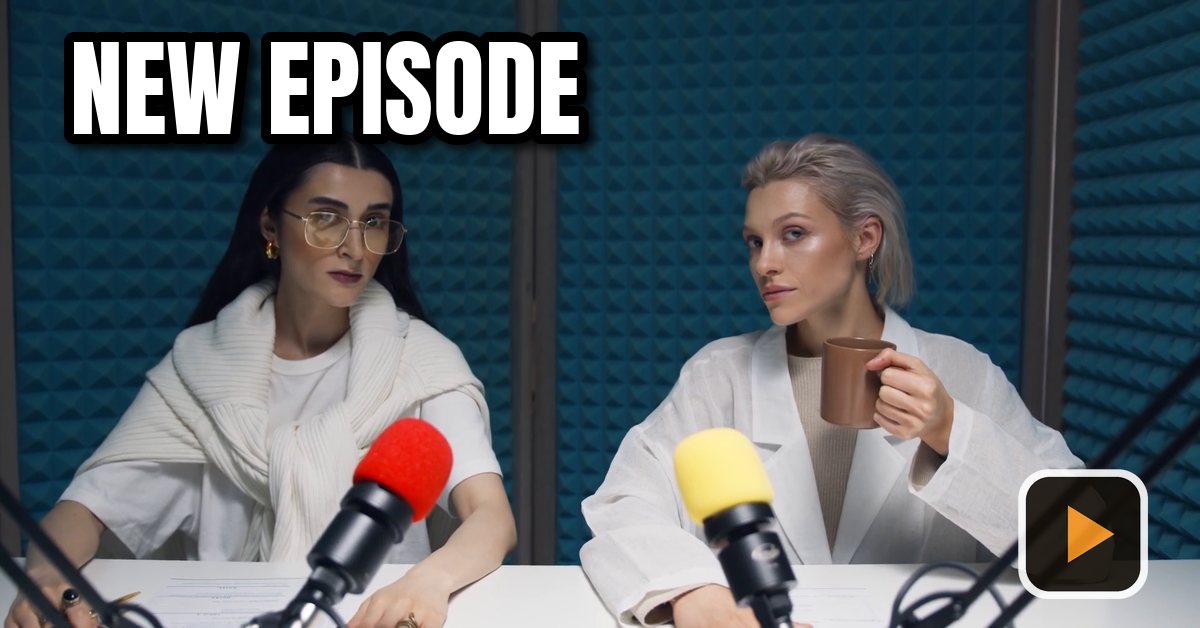
The same frame in six shapes
Landscape, square and vertical, each from one design.
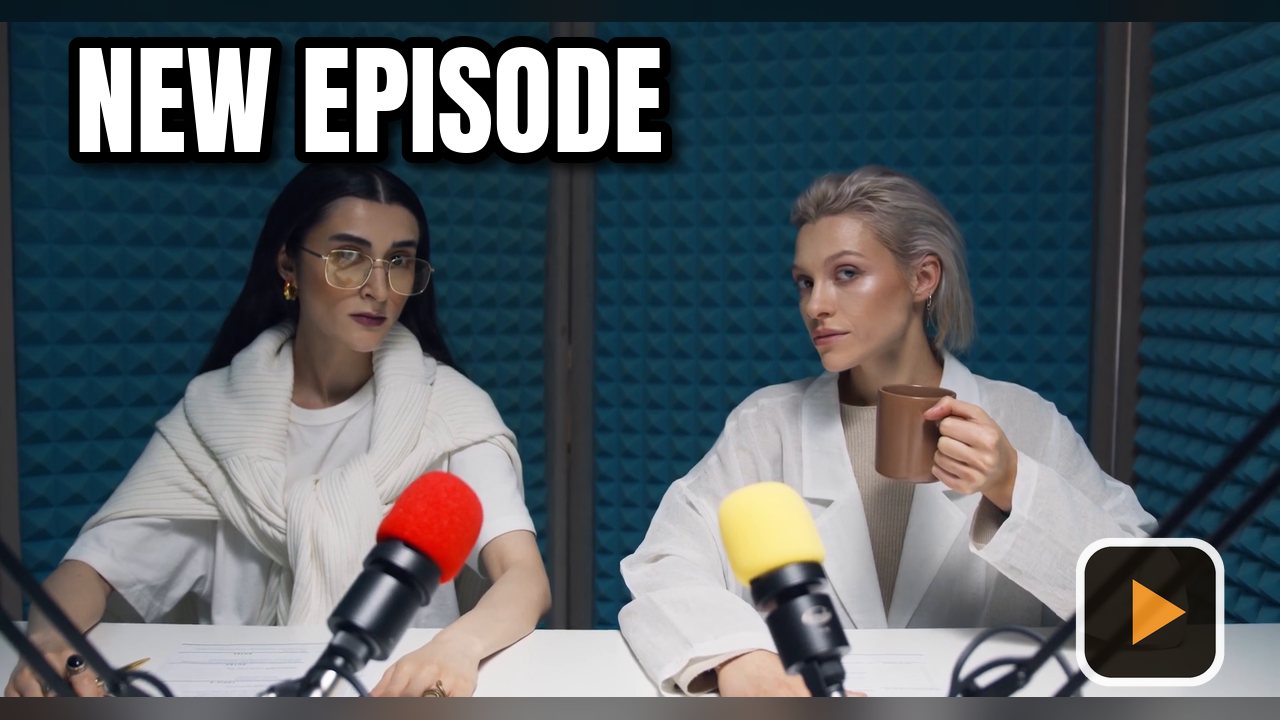
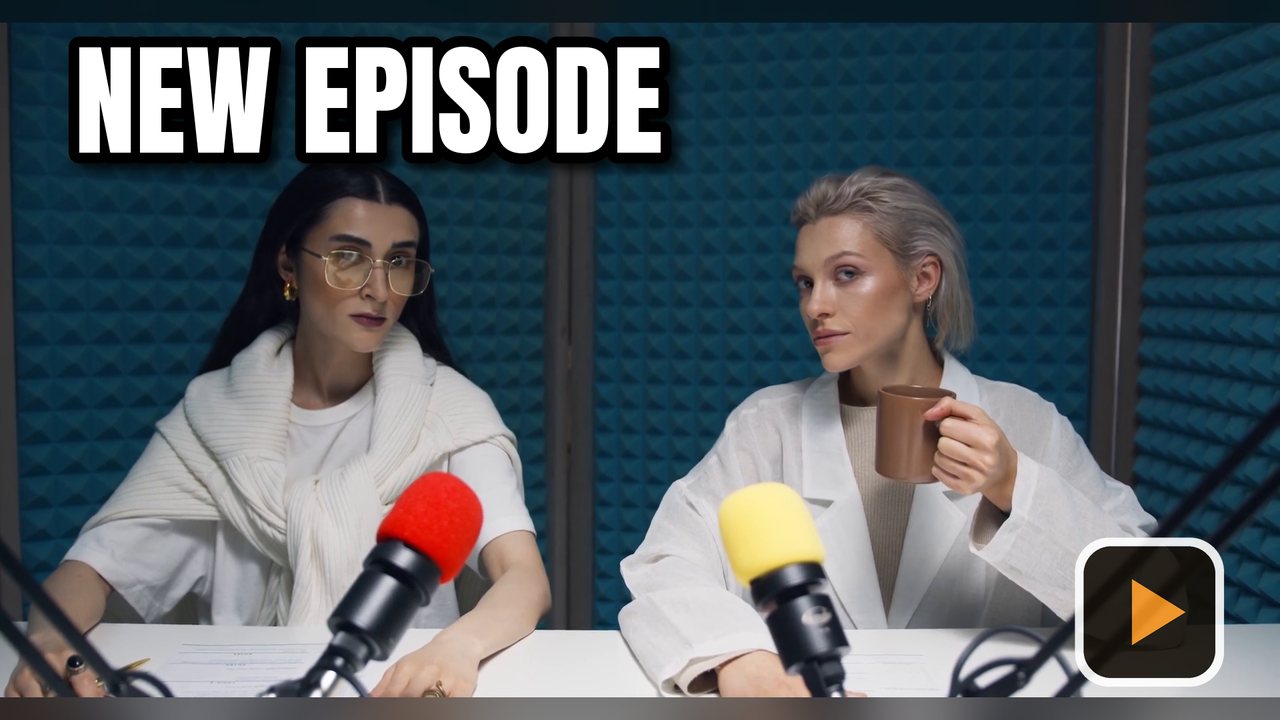
All 18 built-in sizes
Every preset in the app, ready to tick.
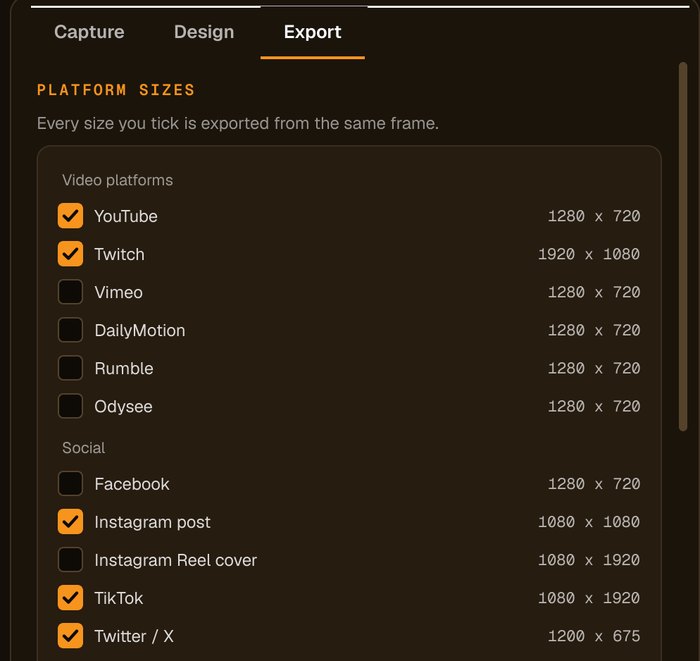
YouTube 1280 × 720, Twitch 1920 × 1080, Vimeo, DailyMotion, Rumble and Odysee 1280 × 720
Facebook 1280 × 720, Instagram post 1080 × 1080, Instagram Reel cover and TikTok 1080 × 1920, X 1200 × 675, LinkedIn 1200 × 628
Cover 1797 × 540, profile 1080 × 1080, post 1080 × 1350
16:9 1920 × 1080, 1:1 1080 × 1080, 9:16 1080 × 1920, plus any custom size
How to export every size at once
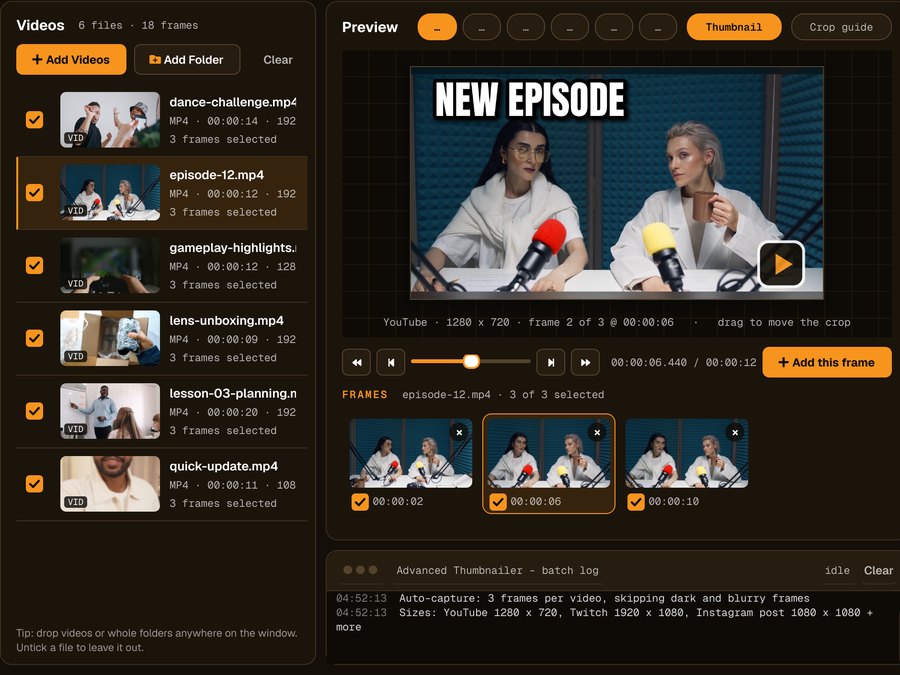
Add your videos
Click Add Videos or Add Folder, or drag files onto the window. If you turned it on when installing, you can also right-click a video in File Explorer and choose Make thumbnails with Advanced Thumbnailer.
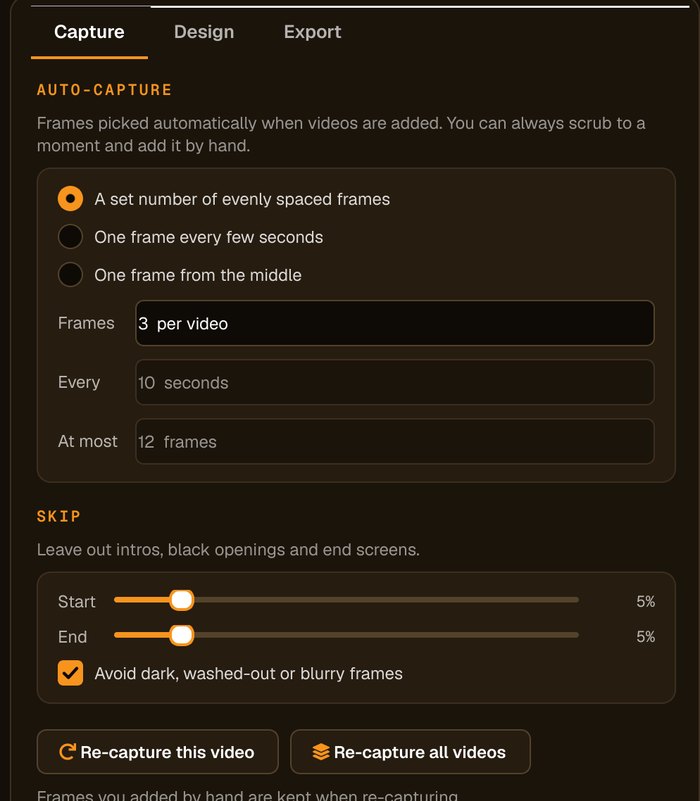
Pick the frame
Auto-capture picks frames for you and avoids dark, washed-out or blurry ones. Scrub to any other moment and click Add this frame.
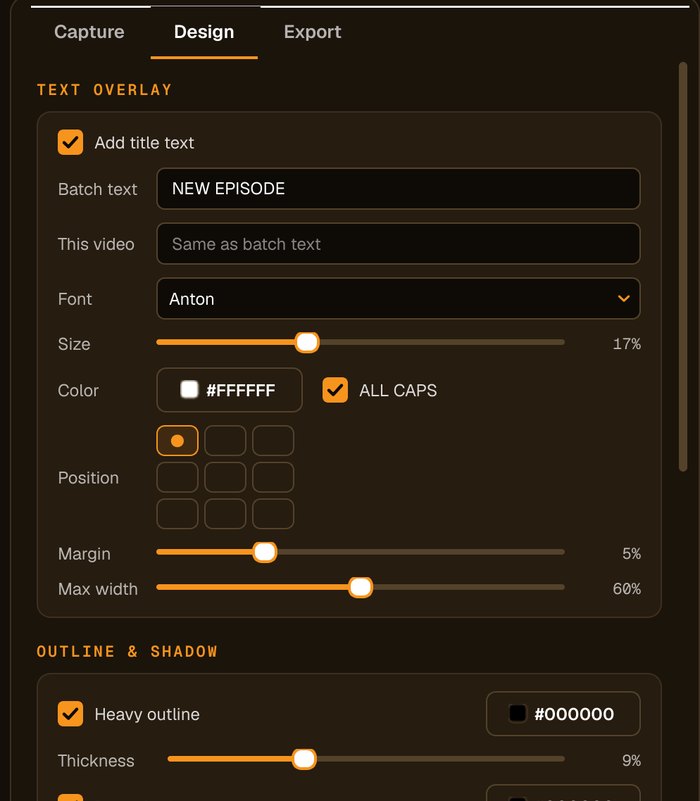
Add your title and logo
Type the title, choose the font, size and colour, add an outline, shadow or highlight box, and place your logo in any corner.
Tick every platform
Tick each platform you post to. For vertical shapes, set Crop to Full frame (no crop) and Other shapes to Blurred background on the Design tab so landscape frames fit without losing the action.
One design, everywhere
Matching thumbnails
Every size comes from the same frame and design, so your video is recognisable on every platform.
Blurred-background fill
Fit a landscape frame into a vertical or square shape without cropping out the subject.
Draggable crop
Drag the crop for each frame to keep faces in view; it applies to every size.
Sensible file names
Add the platform and size to each file name so uploads are easy to find.
Who it's not for: if each platform needs a completely different design, you'll still make those separately. Advanced Thumbnailer is fastest when one design works everywhere.
One license. Every preset. Yours to keep.
Get Advanced Thumbnailer
You'll go straight to your download page once payment is confirmed, and we'll email your download link and license key.
Buy now · $39.95Already purchased? Get your download link again
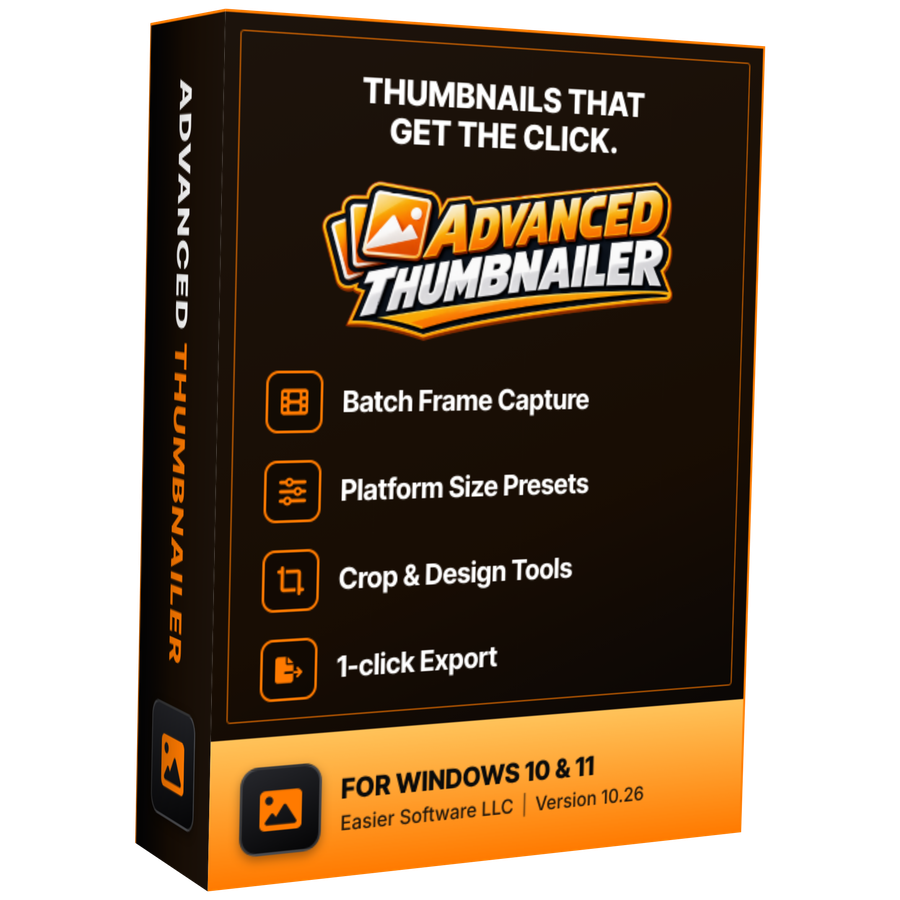
One-time payment · instant download
- InputVideo and image files
- Presets18 + custom sizes
- Works onWindows 10 & 11
- UpdatesFree
- Activations1 PC
- DeliveryDownload + key by email
Multi-platform questions
How many sizes can I export at once?
As many as you tick: all 18 built-in sizes plus any custom sizes.
What happens when the shape is different?
By default each size is cropped to its own shape. To fit the whole frame instead, set Crop to Full frame (no crop) and Other shapes to Blurred background on the Design tab; the frame then sits over a blurred copy of itself.
Can I add my own sizes?
Yes. Add custom sizes up to 8192 pixels on either side.
Will the files be named by platform?
Yes, if you like. File names can include the platform, size, frame number and date.
More from Advanced Thumbnailer
Every platform, one design
Tick the sizes, press Generate, upload everywhere.
Get Advanced Thumbnailer · $39.95