
Your logo on every thumbnail, automatically
Choose your logo file, pick the corner, size and opacity, and it's added to every thumbnail you make, across every platform size.


Set the logo once on the Design tab
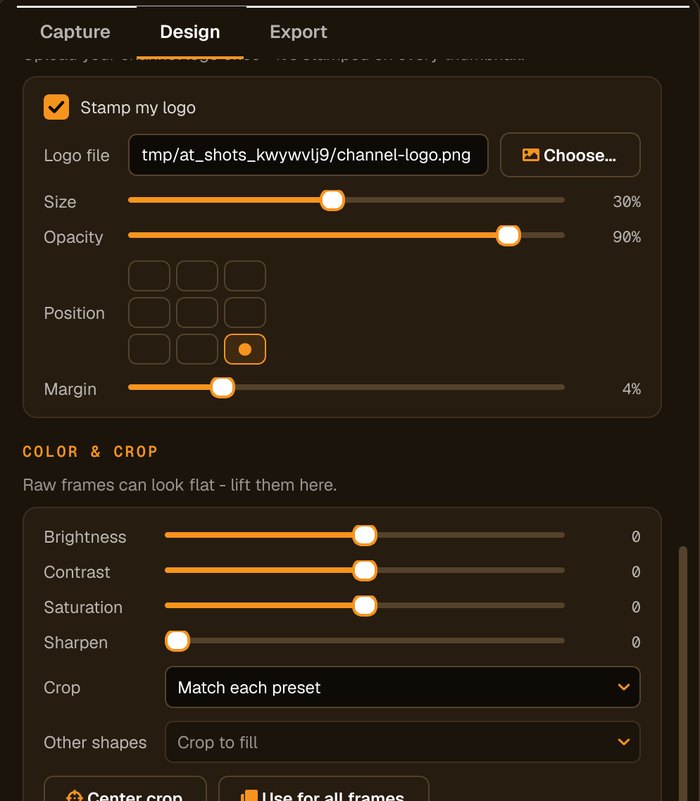
Choose the file, then set its size, position, opacity and margin. The preview updates as you go.
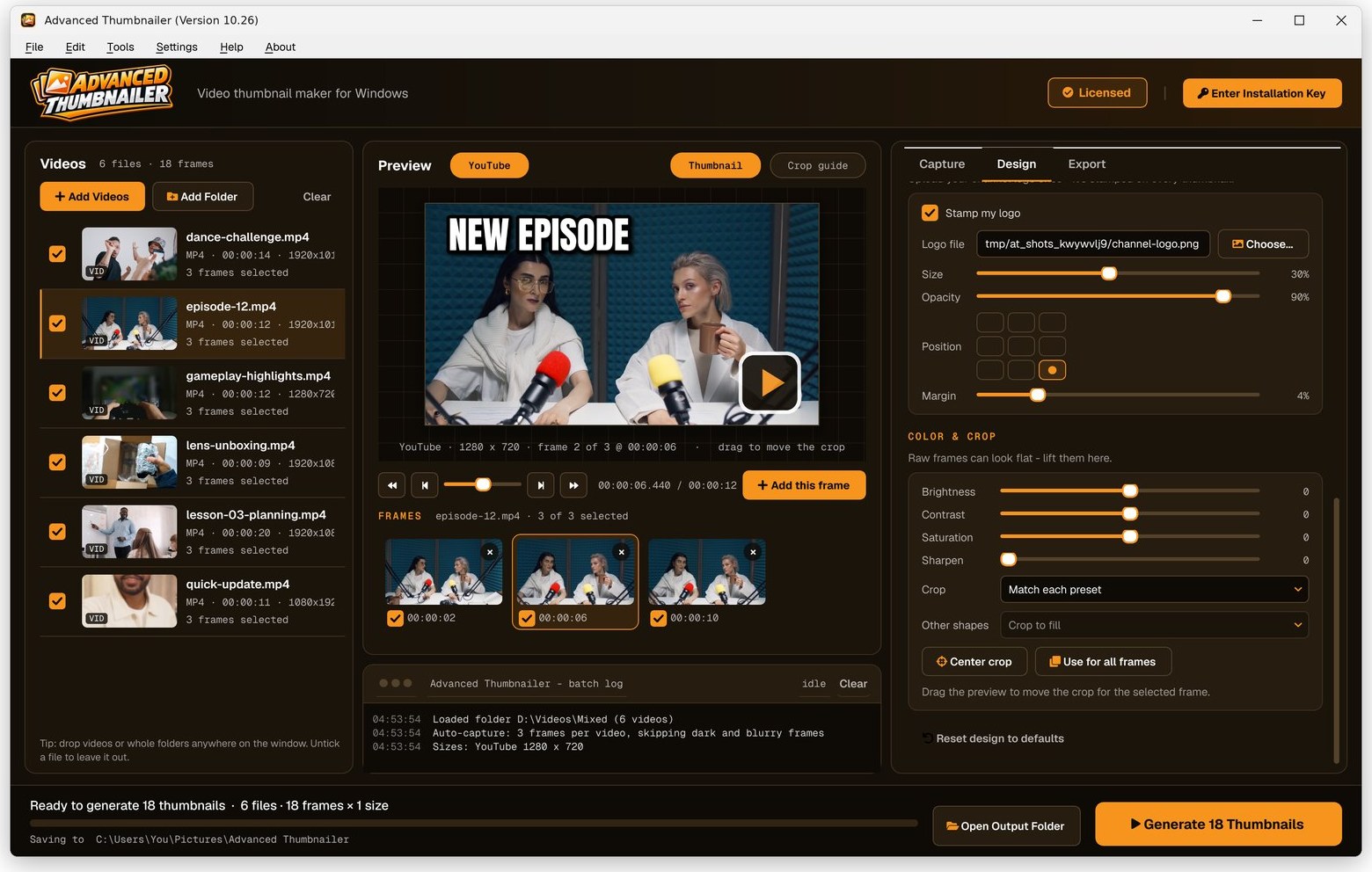
How to add a logo to all your thumbnails
Add your videos
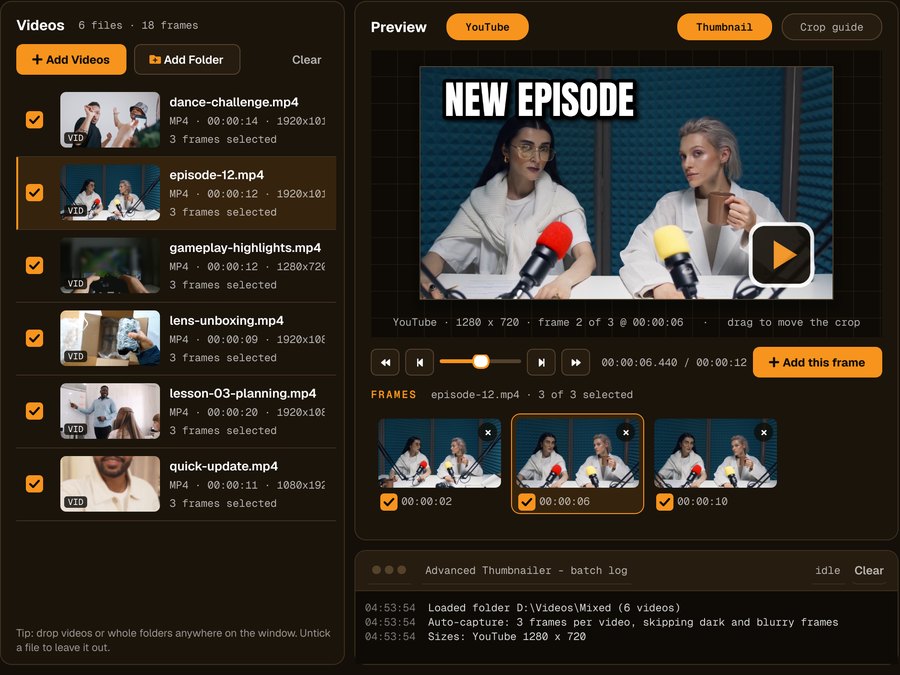
Click Add Videos or Add Folder, or drag files onto the window. If you turned it on when installing, you can also right-click a video in File Explorer and choose Make thumbnails with Advanced Thumbnailer.
Pick the frame
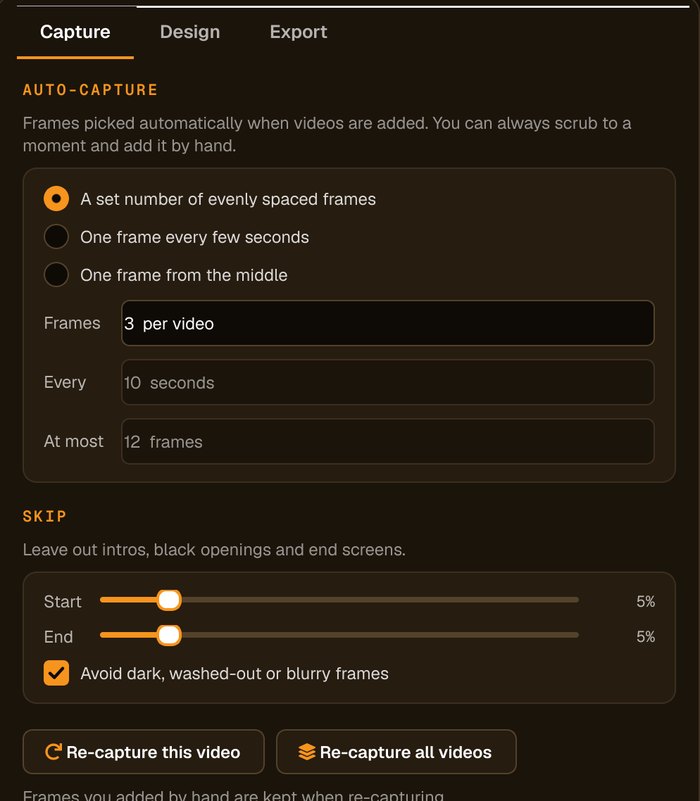
Auto-capture picks frames for you and avoids dark, washed-out or blurry ones. Scrub to any other moment and click Add this frame.
Add your logo
On the Design tab, choose your logo file, then set the position, size and opacity. A PNG with a transparent background looks cleanest.
Generate the batch
Tick your sizes and press Generate. The logo is placed on every thumbnail, scaled to each size.
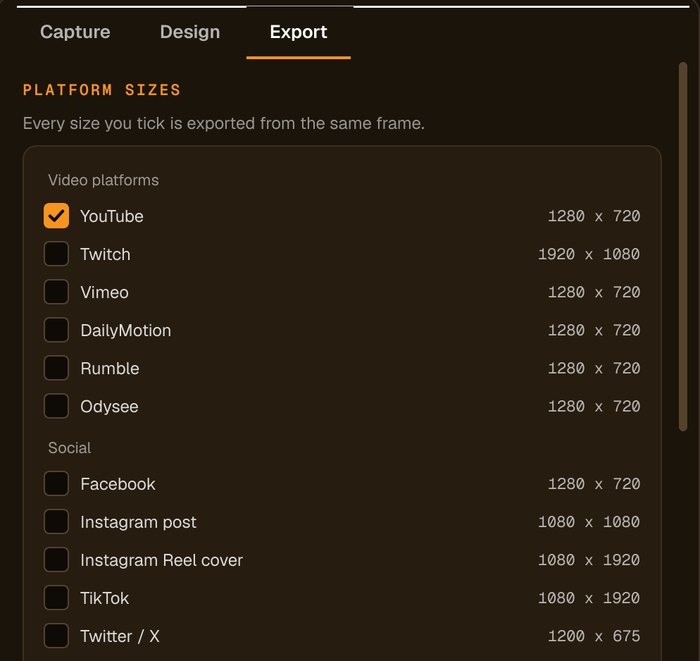
Branding without the busywork
Set once, used everywhere
Your logo settings apply to every video and every platform size.
Scales with each size
The logo is sized relative to each thumbnail, so it looks right on every shape.
Subtle or bold
Lower the opacity for a watermark or keep it solid for a badge.
Saved with your design
Your design, logo included, is remembered between sessions.
Who it's not for: if you need to design a logo, use a design tool first. Advanced Thumbnailer places an existing logo image.
One license. Every preset. Yours to keep.
Get Advanced Thumbnailer
You'll go straight to your download page once payment is confirmed, and we'll email your download link and license key.
Buy now · $39.95Already purchased? Get your download link again
One-time payment · instant download
- InputVideo and image files
- Presets18 + custom sizes
- Works onWindows 10 & 11
- UpdatesFree
- Activations1 PC
- DeliveryDownload + key by email
Logo questions
What logo file should I use?
A PNG with a transparent background looks cleanest, but any image works.
Can I make the logo see-through?
Yes. Set its opacity to use it as a subtle watermark.
Does the logo resize for different platforms?
Yes. It's sized relative to each thumbnail, so it suits square, wide and vertical images.
Can I add text as well?
Yes. The title and logo are set separately and both appear on every thumbnail.
More from Advanced Thumbnailer
Recognisable everywhere you post
Your logo on every thumbnail, every size, every time.
Get Advanced Thumbnailer · $39.95