
Thumbnail creator software that works from your own videos
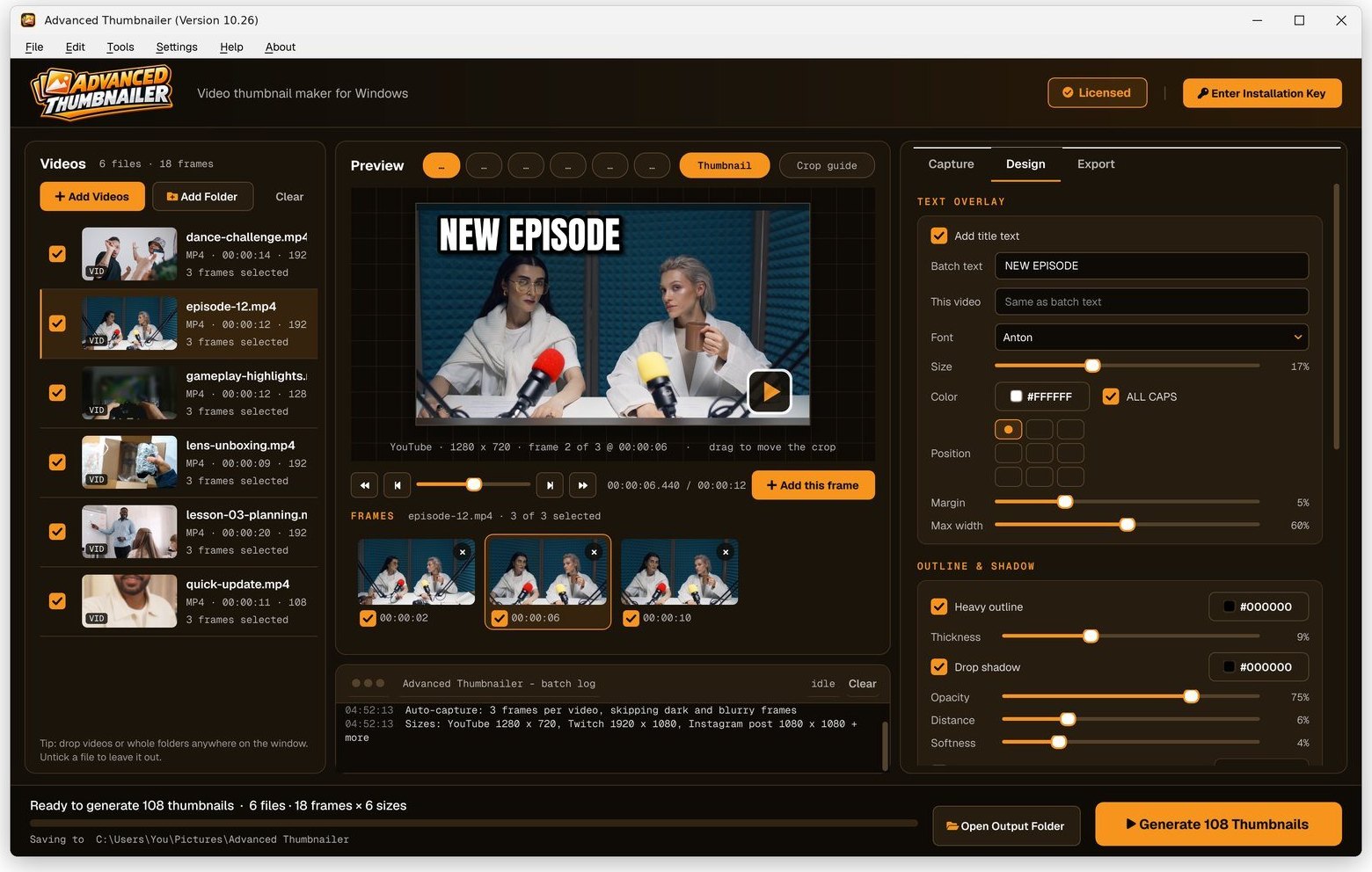
Advanced Thumbnailer is a Windows program for making thumbnails from video. Open your MP4, MOV or MKV files, pick the frame you like, add a title and your logo, and it saves a finished thumbnail in every size you tick – YouTube, TikTok, Instagram, Twitch and more – for one video or a whole folder at once.
What it does
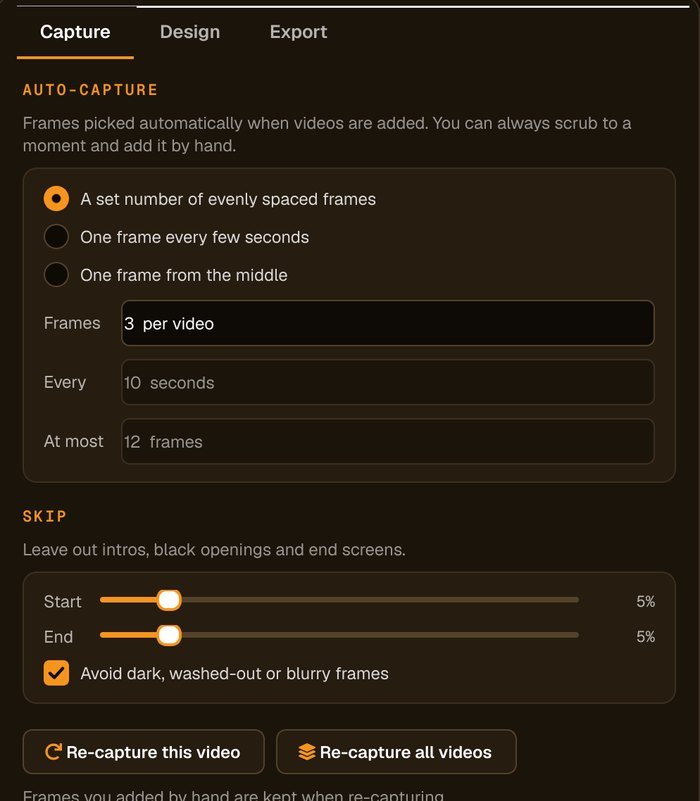
- Takes the picture from the video itself. Pause on any moment and keep it, or let the program pick a few good frames from each video for you.
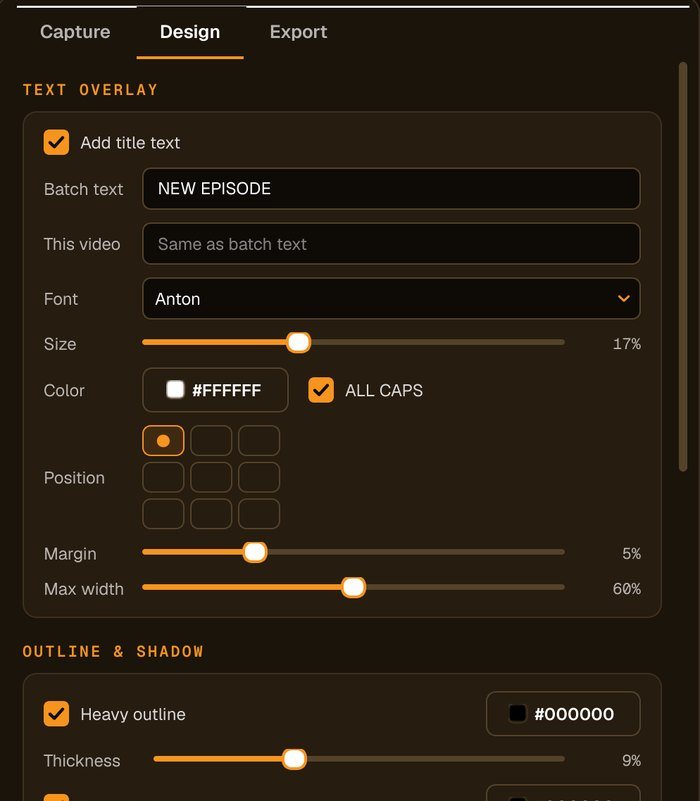
- Adds your title and logo. Big, outlined text that stays readable when the thumbnail is shown small, and your logo in the same place every time.
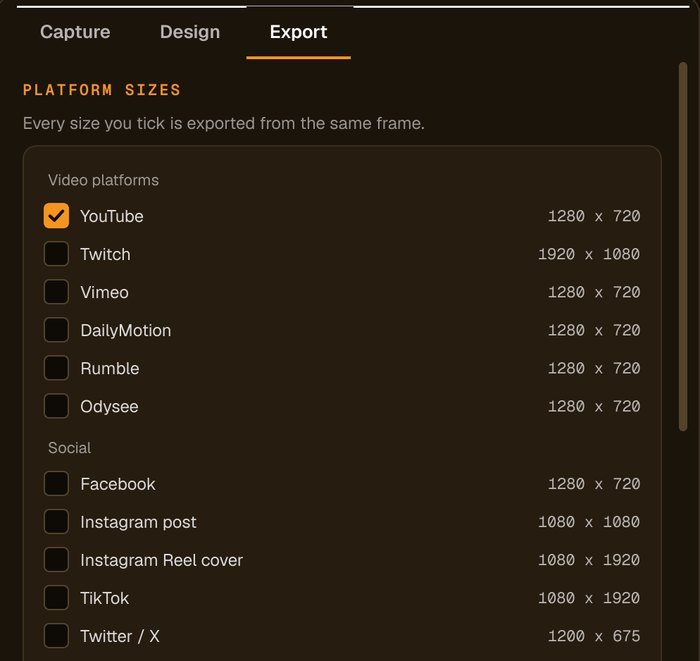
- Makes every size in one go. Tick YouTube, TikTok, Instagram or any of the 18 presets and each one is cut from the same frame at the right shape.
- Handles a whole series. Drop in a folder of episodes and get a matching set of custom thumbnails, named and ready to upload.
- Stays on your computer. Nothing is uploaded, there's no account to make, and your thumbnails carry no watermark.
Why make thumbnails from the video?
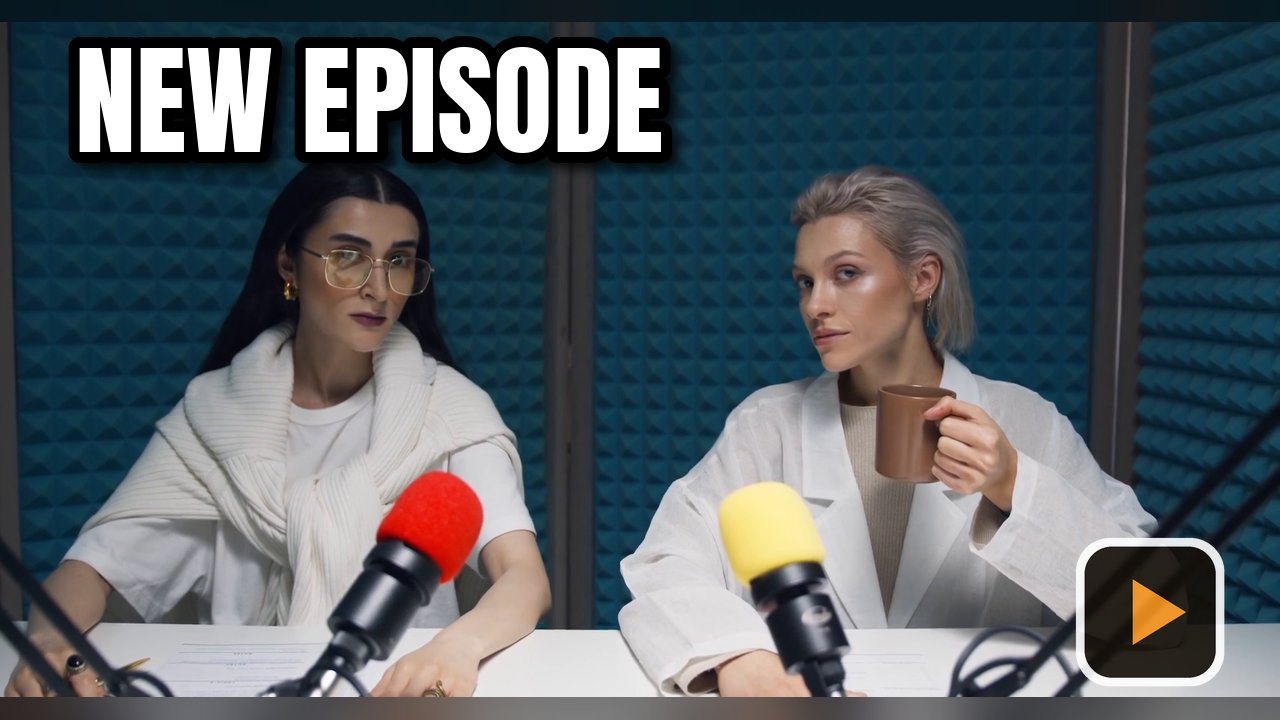
The frame that best sells a video is already in it: the reaction, the result, the moment that made you hit record. Taking it straight from the file gives you a sharp, full-resolution picture without fiddling with screenshots that come out small, blurred or black.
It also keeps a series consistent. When every episode uses the same font, outline, logo position and crop, viewers recognise your videos at a glance in a crowded list of search results.
Advanced Thumbnailer is built around that idea, so the work is choosing the moment rather than lining things up in a photo editor. See the full list of features, or read how it works in four steps.
Inside the program
Who uses it
| If you make… | Advanced Thumbnailer helps you… |
|---|---|
| YouTube videos | pull a strong frame from each upload and save it at 1280 × 720 with your title on it. |
| Streams and VODs | make Twitch and YouTube versions from the same frame of a long recording. |
| Shorts, Reels and TikToks | save vertical 1080 × 1920 covers alongside the widescreen ones. |
| Podcasts and courses | give every episode or lesson the same look, with numbered file names. |
| Product and brand videos | process a week of uploads with the same branding on every platform. |
$29.95 one-time payment · Windows 10 & 11 · free updates
Order Now »